


Sumo List Builder is now BDOW, and it is strongest as a simple free popup and form tool for small WordPress sites.
After testing the WordPress plugin install flow and reviewing the current BDOW app, pricing, examples, and help docs, I would shortlist it for bloggers, creators, and small ecommerce stores that want popups, scroll boxes, welcome mats, smart bars, email integrations, and basic analytics without paying upfront. I would not pick it first for advanced enterprise targeting, deep WordPress-native control, or teams that want every campaign managed inside wp-admin.
What is Sumo List Builder?
Sumo List Builder is the lead capture side of the old SumoMe plugin. In 2026, the product is branded as BDOW, formerly Sumo, but many WordPress users still search for it as Sumo, SumoMe, or Sumo List Builder.
The WordPress plugin works as a connector between your site and the hosted BDOW dashboard. You install and activate the plugin, connect or create a BDOW account, then build opt-in campaigns in the BDOW app. The campaigns can appear on your WordPress site as popups, scroll boxes, welcome mats, inline forms, click-triggered forms, and smart bars.
The product is not just a static popup plugin. It combines form design, visitor targeting, email integrations, A/B testing on paid plans, analytics, and ecommerce-focused options such as discount campaigns and cart abandonment offers. For current product details, check BDOW, formerly Sumo and the WordPress.org plugin listing.
Sumo List Builder makes the most sense for:
- Bloggers who want a free email list builder for WordPress.
- Creators who want welcome mats or scroll boxes without custom code.
- Small WooCommerce stores that want simple email capture and discount offers.
- Site owners who prefer a hosted campaign dashboard instead of a heavy WordPress-only builder.
- Agencies managing several small client sites from one external account.
It is a weaker fit for:
- Users who want every popup setting to live inside WordPress.
- Privacy-sensitive sites that want to minimize third-party scripts.
- Advanced marketers who need granular funnels, many campaign variants, onsite personalization, and revenue attribution.
- Teams that dislike account-based SaaS tools for basic WordPress functionality.
Hands-on setup and user experience
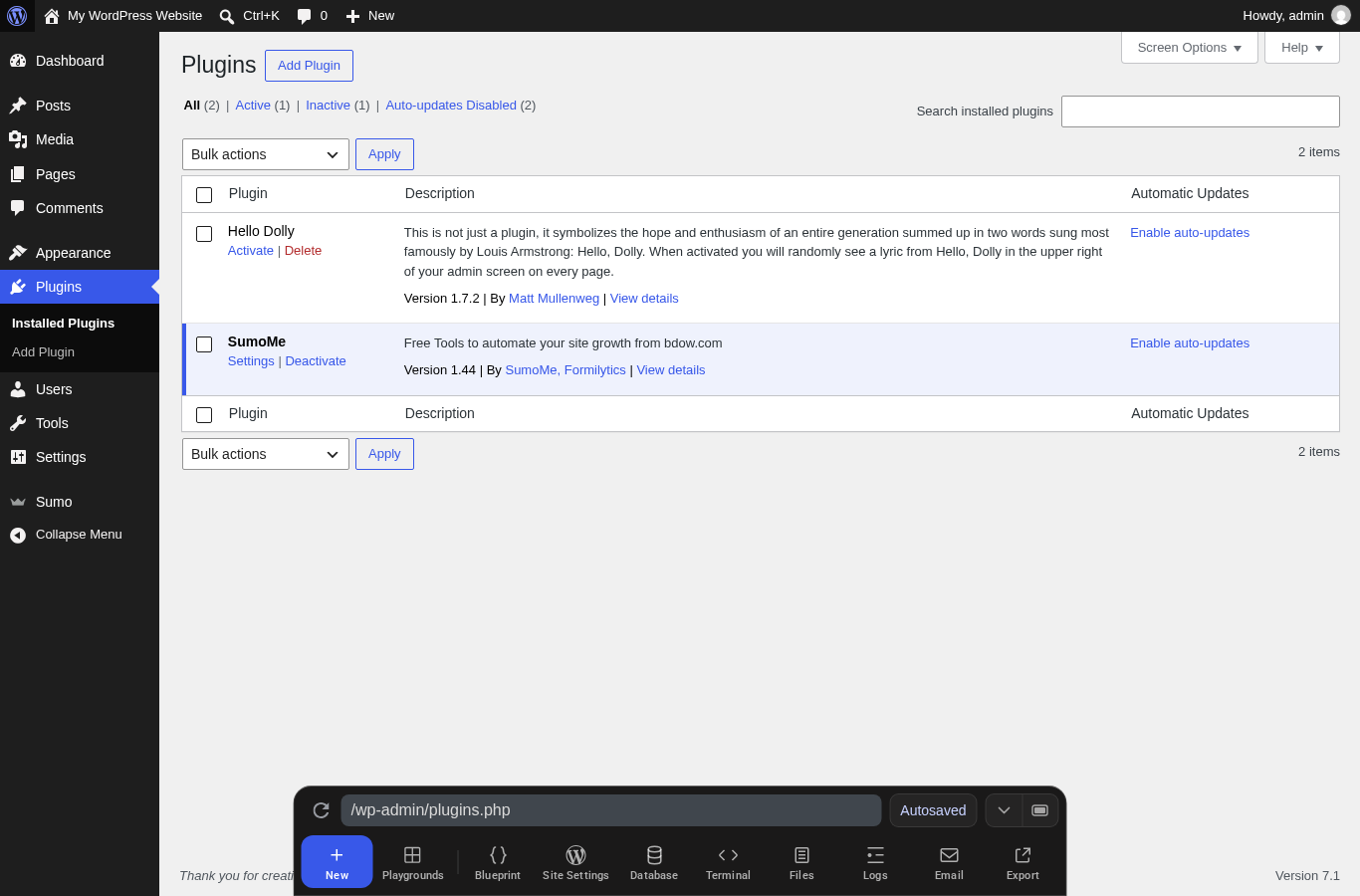
I tested the Sumo WordPress plugin in a clean WordPress Playground install. The plugin installed and activated normally, and it added a Sumo menu item in the WordPress admin area. The installed plugin screen identified it as SumoMe version 1.44 by SumoMe and Formilytics.
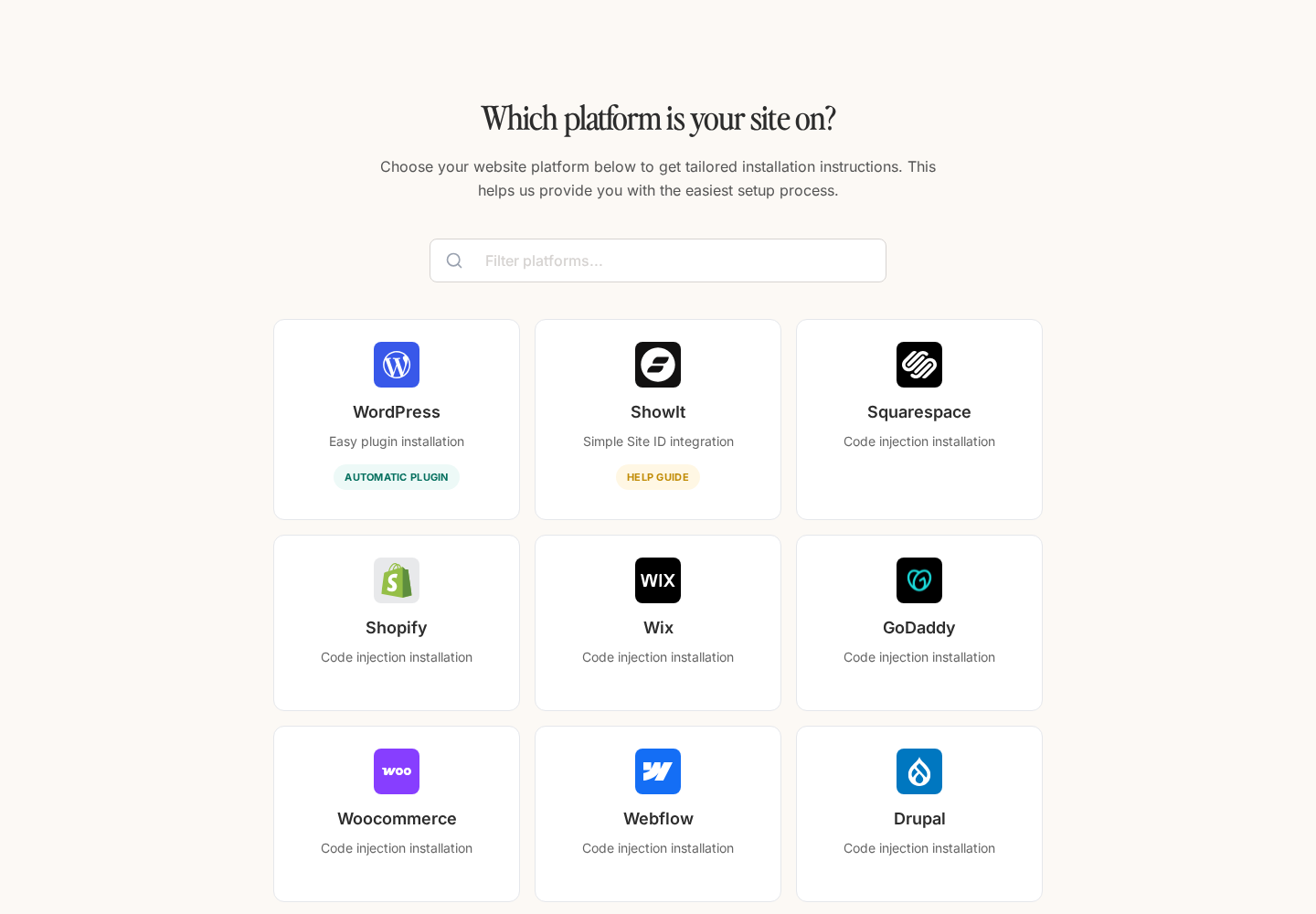
For WordPress, BDOW presents an installation path using the official WordPress plugin. The platform selection screen is useful because it also shows that BDOW supports other website builders and platforms, but WordPress users should understand that the campaign builder itself is hosted in BDOW rather than built as a traditional wp-admin editor.
Core features tested and reviewed
Popups and List Builder forms
The core List Builder format is the classic email opt-in popup. BDOW examples include a timed popup, embedded popup, exit-intent style smart mode, call-to-action popup, and click-triggered popup.
For a normal blog or landing page, this gives you the standard lead capture patterns: show a newsletter offer after a delay, open a form from a button, or capture visitors before they leave. The current BDOW site emphasizes customizable designs, templates, and no-code editing.
Scroll boxes
Scroll boxes are one of the better reasons to consider Sumo List Builder. A scroll box can appear after a visitor has moved down the page, which usually feels less aggressive than an instant popup. This is useful on blog posts where you want readers to engage with the content first.
The public Sumo examples show both email collection and call-to-action versions of the scroll box. For content-heavy WordPress sites, I would start with a scroll box before using a full-screen welcome mat.
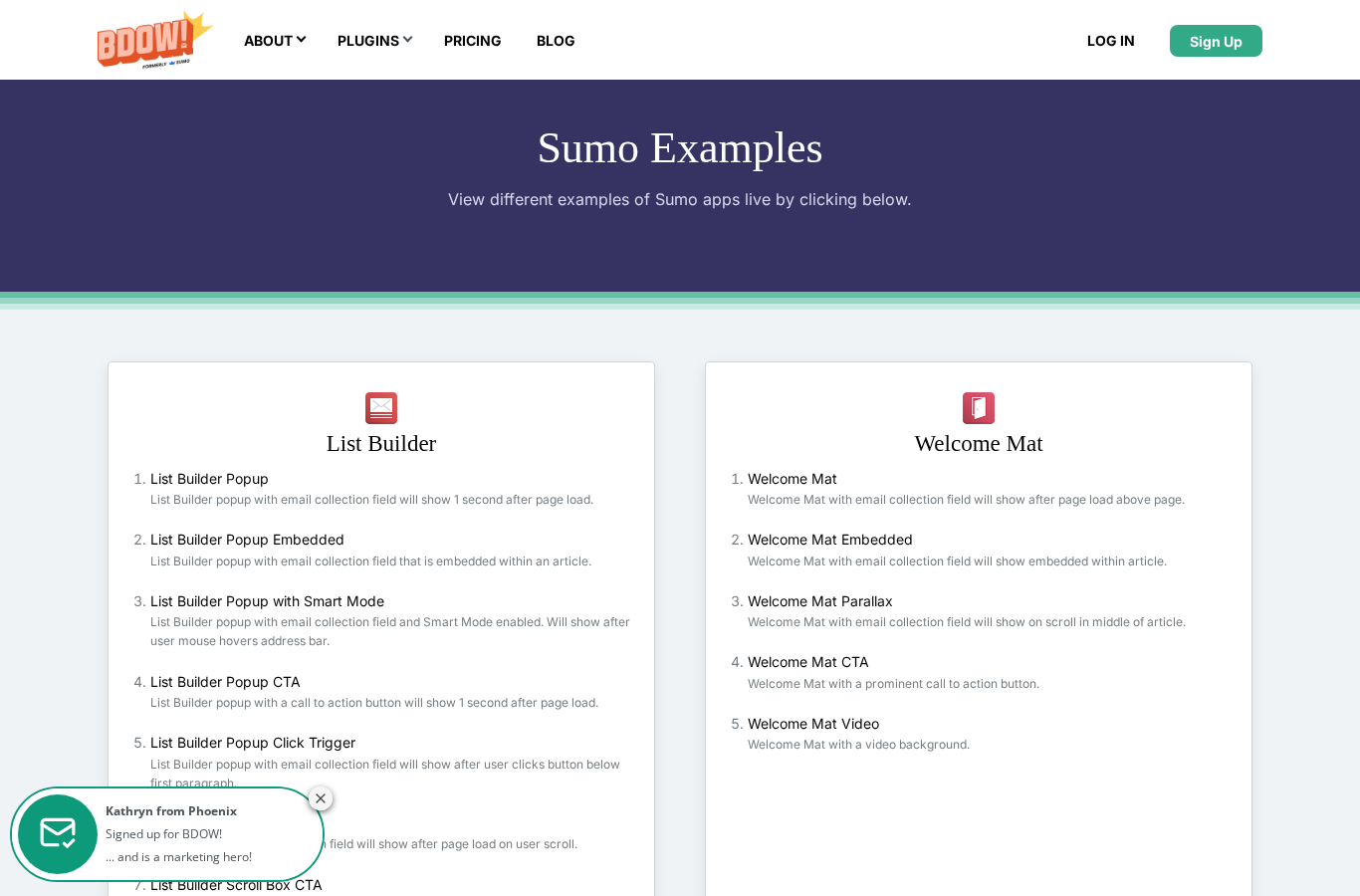
Welcome Mat is the more assertive format. It can appear above the page when someone lands, be embedded inside an article, appear with a parallax effect, use a call-to-action button, or include a video background.
This can convert well when the offer is strong, such as a lead magnet, discount, webinar, or product launch. It can also annoy visitors if used too broadly. I would reserve welcome mats for high-intent pages, seasonal campaigns, or specific offers rather than placing them across every page by default.
Smart bars
Smart Bar is a slim bar positioned at the top or bottom of the page. The examples include email collection and CTA versions. It is the least intrusive format in this review and is a good starting point if you want persistent promotion without interrupting reading.
For WordPress users, a smart bar is useful for newsletter signups, coupon announcements, webinar registration, or a limited-time lead magnet.
Inline forms and click triggers
BDOW also supports inline forms and click triggers. Inline forms fit naturally inside blog posts, resource pages, and landing pages. Click triggers are useful when you want a button or text link to open the form only after a visitor expresses interest.
These two formats matter because they reduce reliance on interruptive popups. A site can use a smart bar for broad visibility, inline forms for contextual capture, and click triggers for lead magnets.
Targeting and display rules
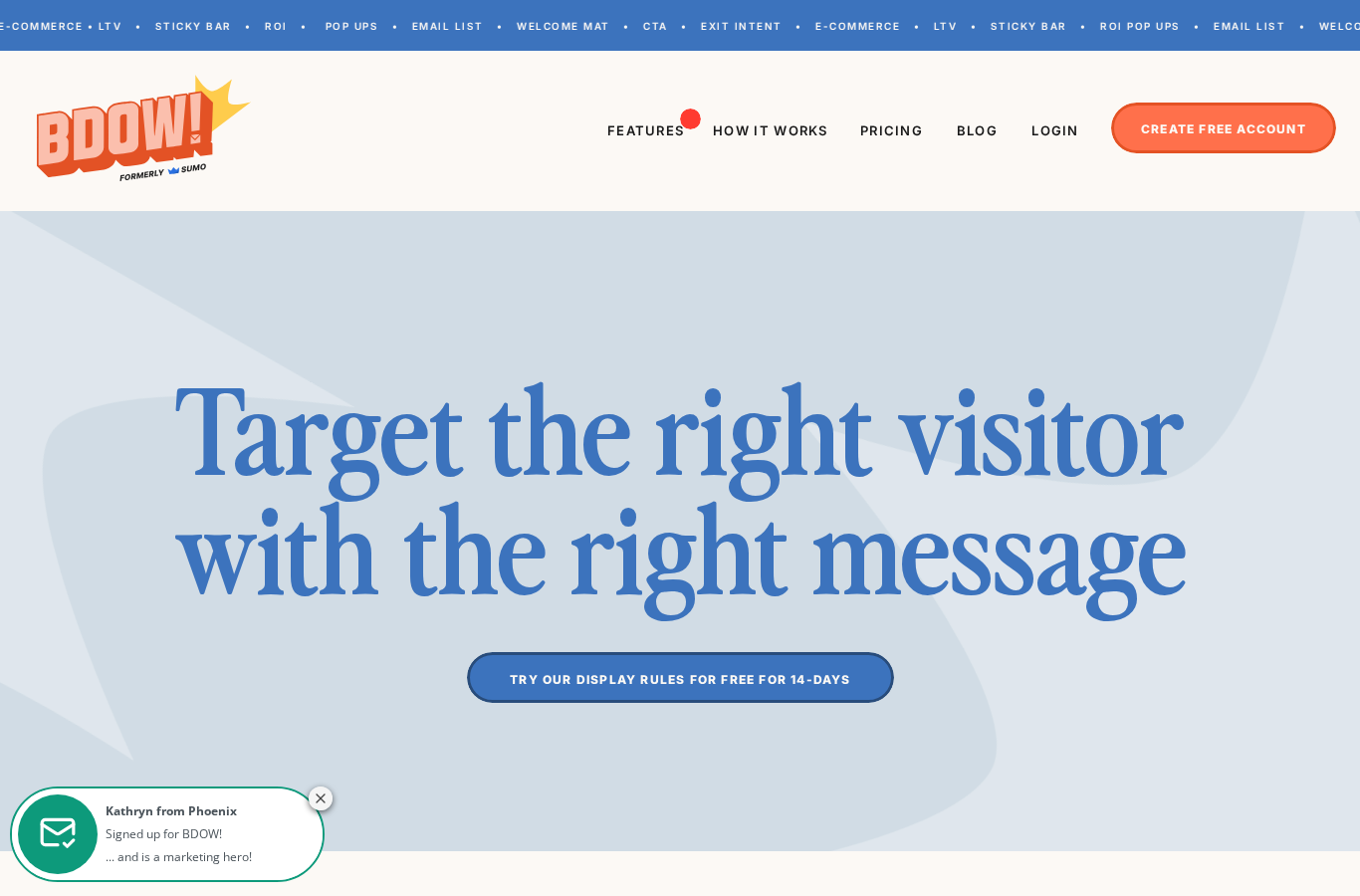
Targeting is where Sumo List Builder becomes more than a free popup widget. BDOW lists display rules for URLs, page types, devices, referrers, visitor behavior, exit intent, cookies, parameters, browser or operating system, location, date, IP address, and scroll depth.
- Show a coupon only on product or cart pages.
- Hide opt-ins from people who already subscribed.
- Show a lead magnet only on blog posts in a specific topic cluster.
- Use mobile-specific campaigns instead of shrinking a desktop popup.
- Trigger forms after scroll depth, clicks, timers, or exit intent.
The caveat is that advanced targeting belongs more to the hosted BDOW app and paid feature set. If you are comparing Sumo vs OptinMonster for deep conversion optimization, OptinMonster still has the stronger reputation for advanced campaigns and attribution. Sumo is more attractive when a useful free tier matters.
Email integrations
The current WordPress.org listing and BDOW pages list many integrations. Key names include Mailchimp, Kit, Flodesk, MailerLite, Klaviyo, ActiveCampaign, Constant Contact, Campaign Monitor, GetResponse, Drip, HubSpot, Zapier, and webhooks.
This is one of Sumo List Builder's biggest strengths. A popup tool is only useful if submissions land in the email platform you already use. BDOW covers the common creator, ecommerce, and SMB email platforms well.
A/B testing and analytics
BDOW supports analytics on the free plan and advanced analytics on paid plans. The WordPress.org listing also describes built-in A/B testing, including testing headlines, form fields, and messaging.
For a simple site, basic conversion visibility is enough to answer: which form collects subscribers, and which one should be changed? For serious optimization, A/B testing and longer historical stats become more important. According to the current pricing page, A/B tests are part of the paid tiers, not the free tier.
Pricing and value in 2026
| Plan | Monthly price shown | Best for | Notable limits and features |
|---|---|---|---|
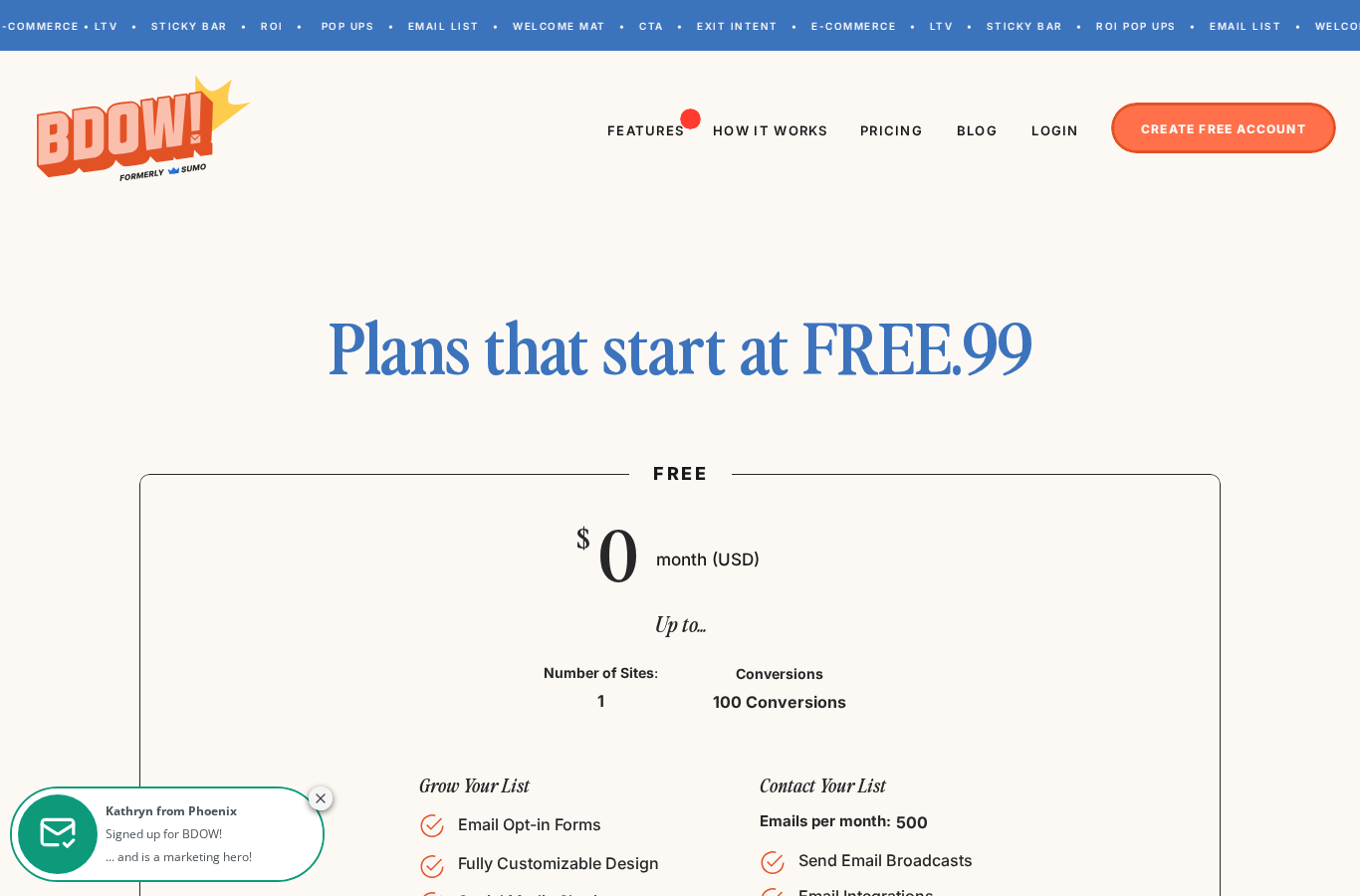
| Free | $0 per month | One small site testing email opt-ins | 1 site, 100 conversions, 500 emails per month, email opt-in forms, visitor targeting, analytics |
| Plus | $19 per month billed yearly, or $39 month to month | One site needing more serious list building | Removes BDOW branding, advanced visitor targeting, A/B tests, welcome emails, integrations, webhooks, 6,000 emails per month, ecommerce features, advanced analytics |
| Pro | $39 per month billed yearly, or $49 month to month | Multiple sites or heavier campaigns | 3 sites, 10,000 emails per month, paid feature set across more sites |
The free tier is genuinely useful for testing a Sumo list builder email opt-in on WordPress. The conversion and email limits mean it is not a forever plan for a growing shop, but it is enough to validate whether popups, scroll boxes, or smart bars fit your audience.
The paid pricing is reasonable if you actively use the email, targeting, A/B testing, and ecommerce features. If all you need is one simple local popup, a WordPress-native plugin such as Popup Maker may be better value.
Pros
- Useful free plan for testing email capture.
- Multiple opt-in formats, including popup, scroll box, welcome mat, inline form, click trigger, and smart bar.
- Good email integration coverage for creators and ecommerce stores.
- Targeting rules cover URLs, behavior, device, referrer, cookies, parameters, and more.
- Hosted dashboard can manage campaigns across more than WordPress.
- Paid tiers add A/B tests, branding removal, ecommerce features, and higher email limits.
Cons
- The product is now branded as BDOW, which can confuse users searching for Sumo or SumoMe.
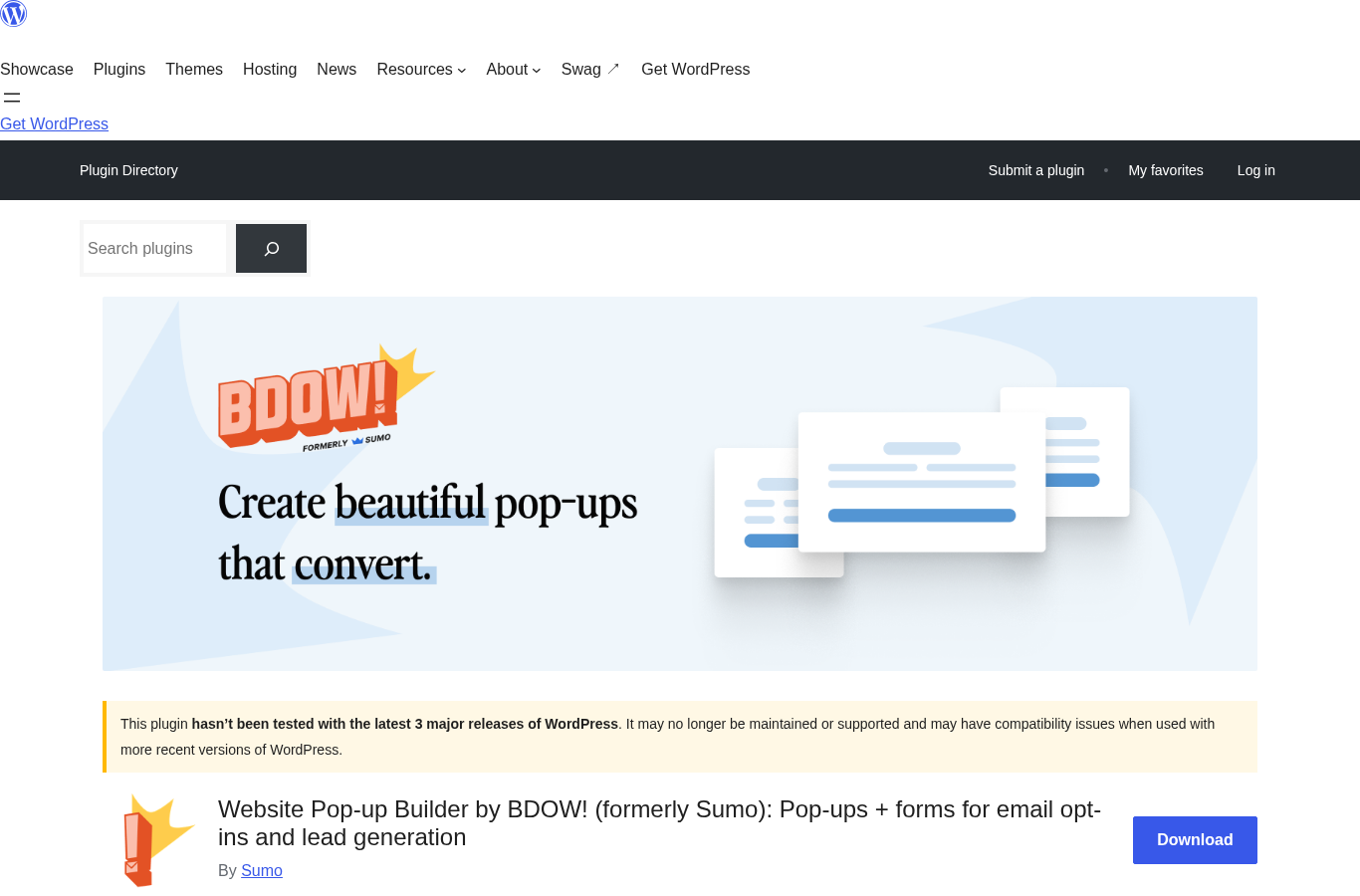
- The WordPress plugin has not been tested with the latest three major WordPress releases according to WordPress.org.
- The main builder is hosted outside WordPress.
- Free plan limits can be restrictive once campaigns begin converting.
- A/B testing and advanced targeting are paid-plan reasons to upgrade.
- Sites that avoid third-party scripts may prefer a self-contained WordPress popup plugin.
Sumo vs alternatives
Sumo vs OptinMonster
OptinMonster is the better fit for advanced marketers, agencies, and ecommerce teams that want deeper campaign rules, personalization, testing, and reporting. Sumo List Builder is more approachable if you want a free email list builder WordPress option and do not need the most advanced conversion toolkit on day one.
Sumo vs Popup Maker
Popup Maker is more WordPress-native. It is a good choice if you want to manage popup behavior from WordPress and extend it with WordPress-specific controls. Sumo is better if you like the hosted campaign dashboard, broad platform support, and built-in email marketing layer.
Sumo vs Convert Pro
Convert Pro is a polished WordPress conversion plugin with a strong visual builder and one-time or agency-style value. Sumo is easier to start for free, while Convert Pro can make more sense for users who prefer owning the WordPress plugin workflow without a hosted lead capture dashboard.
Sumo vs lightweight form plugins
If all you need is an embedded newsletter form, your email platform's own WordPress plugin may be enough. Choose Sumo when you specifically want behavior-based popups, scroll boxes, smart bars, welcome mats, and testing options.
Final verdict
Sumo List Builder, now BDOW, is still worth considering in 2026 if your main goal is simple WordPress email list building with a free entry point. It covers the important opt-in formats, connects to the email tools most small businesses use, and gives enough targeting to avoid showing the same generic popup to every visitor.
I would use it when speed, free testing, and cross-platform campaign management matter. I would compare it carefully against OptinMonster, Popup Maker, and Convert Pro if advanced targeting, WordPress-native control, or long-term ownership are bigger priorities.
My rating: 4.1 out of 5 for small WordPress sites that want a practical freemium list builder. For advanced conversion teams, it is more of a shortlist candidate than an automatic winner.