


Quick verdict
AffiliateWP is one of the strongest WordPress affiliate program plugins if you want to run the program inside WordPress instead of using a separate affiliate network. I found its biggest advantages in WooCommerce and Easy Digital Downloads compatibility, affiliate registration control, payout options, and advanced commission rules. The main drawback is that many growth features are locked behind the Pro plan, so the cheaper Personal plan is best treated as a starter tier, not the full AffiliateWP experience.
In this AffiliateWP review, I checked the current 2026 feature set, pricing, documentation, setup flow, tracking model, payout options, and add-on structure to see where the plugin fits best. I also reviewed the official setup and testing guidance rather than relying only on the sales page. That matters because an affiliate plugin is not just a dashboard. It has to handle registrations, links, coupons, commissions, referrals, approvals, fraud prevention, and payments without making store owners chase spreadsheets.
My short take: AffiliateWP is a serious option for WooCommerce stores, Easy Digital Downloads sellers, membership sites, online course businesses, and WordPress product companies that want a self-hosted affiliate program. It is not the cheapest path if you only need basic referral links, and it may feel like too much plugin for a tiny site that has not validated affiliate marketing yet.
AffiliateWP at a glance
| Plugin | AffiliateWP |
| Best for | WordPress businesses that want to run their own affiliate program |
| Main use cases | WooCommerce, Easy Digital Downloads, memberships, forms, LMS sites, digital products |
| Free version | No full free core plugin found for the main AffiliateWP product |
| Lowest current plan checked | Personal, listed at $149.50 per year during the current 50 percent promotional pricing |
| Best value tier for serious programs | Pro, because advanced tracking, recurring referrals, lifetime commissions, portal features, and automatic payouts matter for mature programs |
| Editorial rating | 4.4 out of 5 |
What is AffiliateWP?
AffiliateWP is a WordPress affiliate management plugin. It helps site owners recruit affiliates, approve or reject applications, create referral links, track visits and referrals, assign coupons, calculate commissions, view reports, and pay affiliates. The key idea is simple: instead of sending your partners to a third-party affiliate network, you manage the program from your own WordPress dashboard.
That self-hosted approach has a few benefits. You keep more control over the data, the affiliate area can match your site, and you do not pay a network fee on each transaction. It also means the responsibility stays with your WordPress stack. Your hosting, caching, checkout setup, email delivery, fraud controls, and plugin maintenance all matter.
AffiliateWP is especially relevant if your sales happen through WordPress. It supports major ecommerce, form, membership, and LMS plugins, including WooCommerce, Easy Digital Downloads, WP Simple Pay, MemberPress, Gravity Forms, WPForms, LearnDash, LifterLMS, Tutor LMS, Paid Memberships Pro, and more. For a WooCommerce affiliate plugin, that native integration depth is one of the biggest selling points.
How I evaluated AffiliateWP
AffiliateWP is a paid plugin, and I did not find a full free core version that could be installed from WordPress.org for a complete sandbox test. So I evaluated it the way a buyer without an active license would: I checked the official feature pages, current pricing table, setup documentation, registration and approval documentation, referral testing documentation, integrations, add-ons, and competing plugin positioning.
I treated the review as a practical buying audit. Where I could verify the workflow from official documentation, I describe the setup steps directly. Where a feature depends on a paid license or Pro add-on, I say so instead of pretending every screen was available in my own dashboard.
Setup experience: clear, but still a real affiliate program
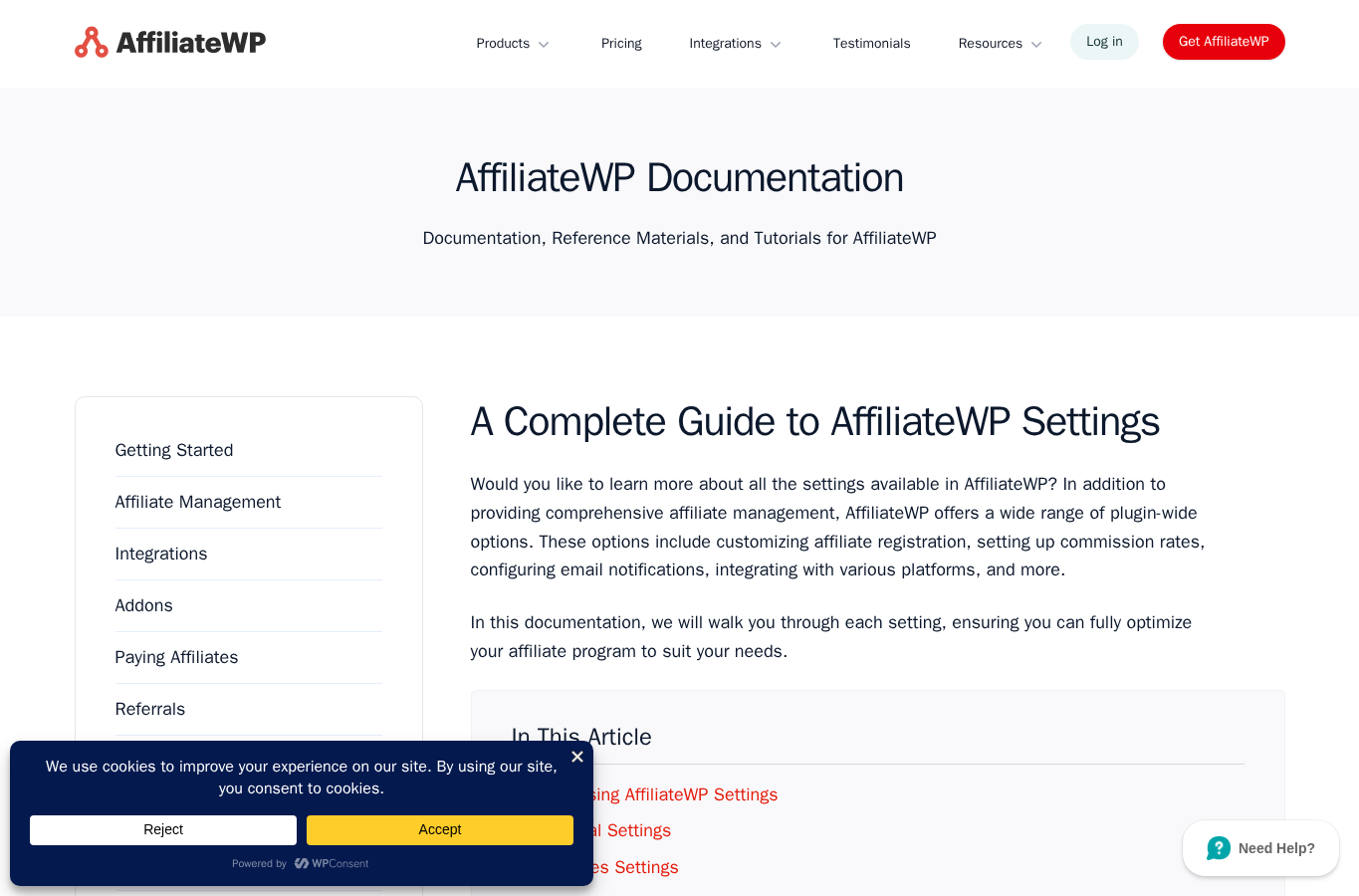
AffiliateWP is designed to live inside the WordPress admin, so the basic mental model is familiar if you already manage WooCommerce or membership plugins. The setup documentation points users to AffiliateWP settings, where you handle the license, setup wizard, affiliate pages, registration settings, commission rules, payouts, integrations, emails, and advanced controls.
I like that the setup flow is not only about turning tracking on. A real affiliate program also needs application rules, affiliate account pages, login pages, registration pages, terms of use, approval settings, payout rules, and email templates. AffiliateWP surfaces those areas clearly enough that a store owner can work through them without hiring a developer for the first pass.
The setup still requires business decisions. You need to choose your referral rate, cookie duration, approval process, payout schedule, affiliate terms, fraud policy, and what counts as a commissionable action. AffiliateWP gives you the controls, but it does not magically create a healthy affiliate program. If you have not decided how you will approve partners or pay commissions, you will still feel that complexity.
Affiliate registration and approval
AffiliateWP lets you collect affiliate registrations and choose whether new affiliates require manual approval. I prefer manual approval for most serious stores because affiliate fraud, coupon abuse, low-quality promotions, and brand safety issues are real. Automatic approval is faster, but it can also let weak or risky partners into the program without review.
The approval workflow is one of the better parts of AffiliateWP. Pending applicants can be reviewed from the WordPress dashboard, and the documentation describes accept, reject, skip, and AI-assisted review options. The AI review feature should not replace human judgment, but it can help teams process a large number of applications more consistently.
Tracking: links, coupons, and referrals
AffiliateWP tracks visits and referrals through affiliate links, and it also supports affiliate-tracked coupons for integrations that allow coupon attribution. That combination is important for WooCommerce stores because many affiliates prefer to promote a coupon code instead of only a referral URL.
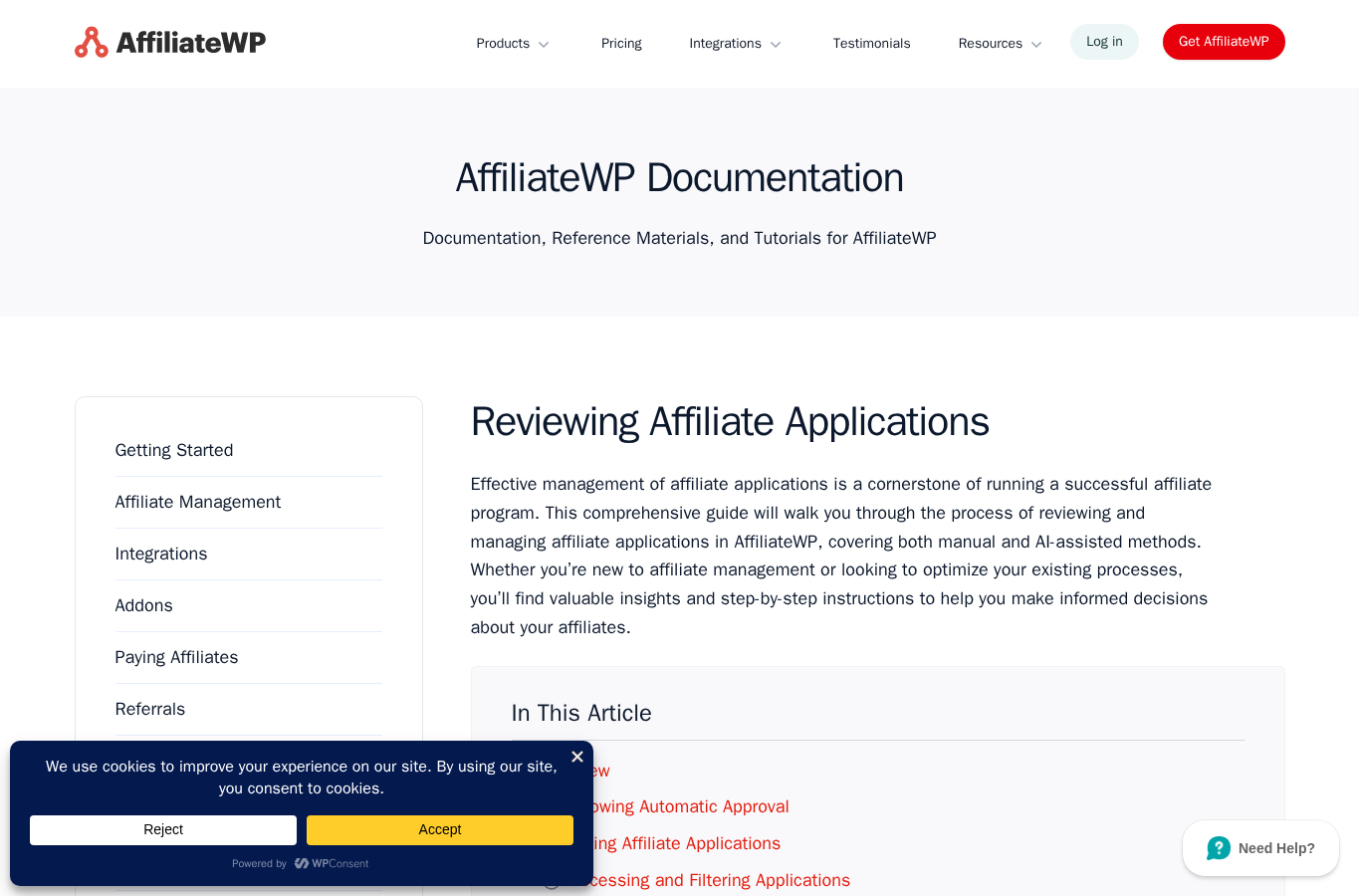
The official testing workflow is sensible. Create a test affiliate, visit the site with a referral parameter, complete a purchase or form submission through the enabled integration, then check visits and referrals in the WordPress admin. AffiliateWP also notes that affiliates should not use their own email address for test purchases, since self-referrals are blocked by default unless a specific add-on allows them.
For more advanced attribution, AffiliateWP promotes direct link tracking, custom landing pages, coupon tracking, custom cookie expiration, cross-domain promotions, and adblock-resistant tracking. The catch is that not all of these features sit in the lowest plan. If your program depends on advanced attribution, read the plan comparison closely before buying Personal.
WooCommerce and integration support
AffiliateWP is strongest when paired with WordPress-native commerce tools. For WooCommerce, the value is obvious: you can connect affiliate tracking to actual orders, use coupons for attribution, and manage affiliate activity from the same WordPress environment as the store.
The integration list also makes AffiliateWP useful beyond classic ecommerce. Digital product sellers can use Easy Digital Downloads. Course creators can use LMS integrations. Membership businesses can connect MemberPress, MemberMouse, Restrict Content Pro, or Paid Memberships Pro. Lead generation sites can connect supported form plugins. That breadth makes AffiliateWP more flexible than a narrow WooCommerce-only referral plugin.
My caution is simple: integration support is only useful if your exact checkout flow is supported and tested. Before launch, run test visits, test purchases, test coupon referrals, refund scenarios, and recurring billing scenarios if they apply to your business.
Commission rules and payouts
AffiliateWP can handle percentage and flat-rate commissions, product-specific rates, restricted commissionable products, pending referrals, and more advanced models on higher plans. The higher tiers add features such as recurring referrals, lifetime commissions, tiered affiliate rates, multi-tier commissions, and multi-currency commissions.
This is where plan choice matters. A small shop that only pays 20 percent on one-time purchases may be fine with a simpler setup. A SaaS-like membership site, course business, or subscription store will likely care about recurring referrals and lifetime commissions. Those are not small extras. They directly affect how attractive your program is to serious affiliates.
For payments, AffiliateWP lists Stripe and PayPal payouts, store credit, payout logs, CSV export, international payouts, and no transaction fees from the plugin itself. Automatic payouts appear as a higher-tier feature. I like the payout direction because affiliate managers do not want to export spreadsheets every month, but I would still test payment flows carefully before promising affiliates a fixed payout schedule.
Affiliate dashboard and creative tools
Affiliates need more than a link. They need to know their referral URL, visits, commissions, payouts, creatives, coupons, and program rules. AffiliateWP includes a self-service affiliate dashboard, customizable tabs, registration and login forms, affiliate creatives, QR codes, link sharing, and creative categories.
The more polished Affiliate Portal, affiliate landing pages, vanity coupon codes, auto-discounts on affiliate links, personalized referral URLs, and customer-to-affiliate conversion tools are positioned as growth features. These can improve the partner experience, but they are another reason I see Pro as the realistic tier for businesses that want a serious long-term program.

AffiliateWP pricing in 2026
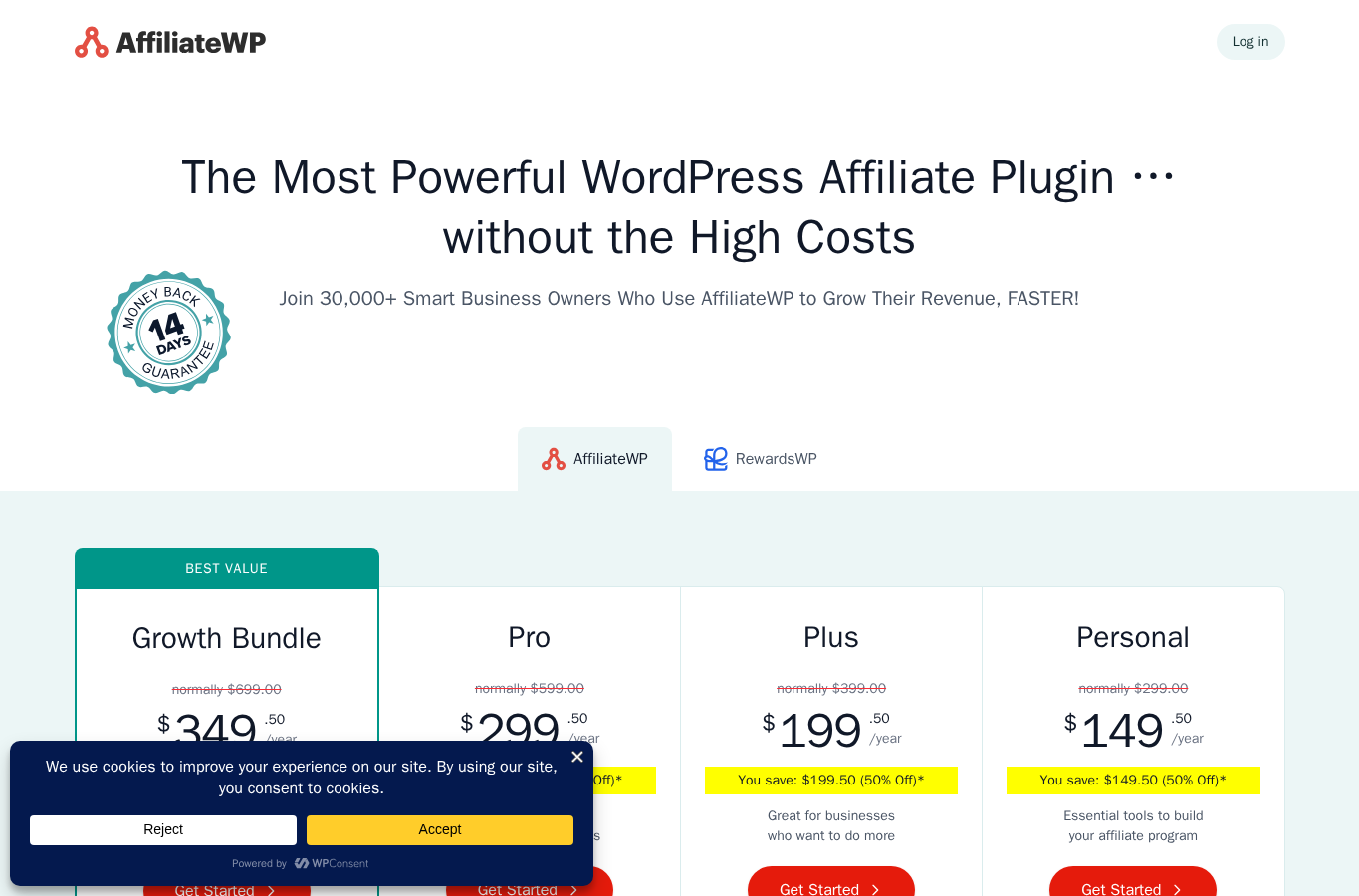
AffiliateWP pricing changes with promotions, so check the live pricing page before buying. At the time I checked, the public pricing table showed these discounted annual prices:
- Personal: normally $299, listed at $149.50 per year during the current promotion. Supports 1 site.
- Plus: normally $399, listed at $199.50 per year during the current promotion. Supports 2 sites.
- Pro: normally $599, listed at $299.50 per year during the current promotion. Supports 5 sites.
- Best Value Growth Bundle: normally $699, listed at $349.50 per year during the current promotion. Includes AffiliateWP Pro and RewardsWP Pro, with 5 plus 5 supported sites.
Personal includes the core foundation: unlimited affiliates and commissions, zero platform fees, affiliate dashboard, registration and login forms, reporting, payout logs, manual and automatic approval, emails, many integrations, WordPress blocks, shortcodes, and basic commission controls. It is enough to launch a simple affiliate program.
Plus adds more room for multiple sites and some additional capabilities, but the feature table still keeps several important growth features out of Plus. Pro is where AffiliateWP starts to look like the full product: direct link tracking, fraud prevention, tiered rates, recurring referrals, lifetime commissions, multi-tier commissions, automatic payouts, Affiliate Portal, affiliate landing pages, vanity coupons, personalized referral URLs, and more.
My pricing verdict: Personal is the entry point, Plus is useful if you need two sites, and Pro is the most realistic choice for stores that already know affiliate marketing is a growth channel. If you also want a loyalty or rewards program, the bundle may make sense, but I would not buy it unless you have a plan for both products.
AffiliateWP pros and cons
Pros
- Strong WordPress-native affiliate management.
- Good fit for WooCommerce, Easy Digital Downloads, membership, form, and LMS sites.
- Manual affiliate approval and application review controls.
- Supports both referral links and affiliate coupons.
- Advanced commission models available on higher plans.
- Payout options include Stripe, PayPal, store credit, logs, and CSV export.
- Self-hosted model means no affiliate network transaction fee from the plugin.
- Customizable affiliate dashboard and portal options.
Cons
- No full free core version for proper no-cost testing.
- Many of the most attractive growth features require Pro.
- Self-hosted affiliate tracking depends on your WordPress stack, checkout setup, caching, and maintenance.
- Not ideal for non-WordPress sites.
- Beginners still need to define terms, commission rules, payout policy, and fraud controls.
- Pricing can look affordable during promotions, but renewals and plan limits deserve careful checking.
AffiliateWP vs YITH WooCommerce Affiliates
AffiliateWP and YITH WooCommerce Affiliates overlap, but they are not identical products. YITH is more tightly focused around WooCommerce. That can be enough if your whole affiliate program is only for WooCommerce orders and you already use other YITH tools.
AffiliateWP is broader. It supports WooCommerce, but also Easy Digital Downloads, forms, memberships, LMS plugins, WP Simple Pay, and developer workflows. If you sell across several WordPress systems, AffiliateWP is the more flexible platform. If you run a simple WooCommerce-only store and want a more narrowly scoped affiliate tool, YITH may be worth comparing on price and feature needs.
Other AffiliateWP alternatives
AffiliateWP is not the only WordPress affiliate program plugin worth considering. I would compare it with:
- SliceWP: a cleaner option for many small WordPress sites that want affiliate tracking without the same enterprise-style feature depth.
- Solid Affiliate: a WooCommerce-focused affiliate plugin with a different pricing and setup philosophy.
- YITH WooCommerce Affiliates: best considered when WooCommerce is the only commerce layer you need.
- Tapfiliate, Rewardful, or FirstPromoter: hosted platforms that may fit SaaS or multi-platform businesses better than a WordPress-only plugin.
The right comparison depends on your stack. If you want everything inside WordPress, AffiliateWP is one of the most complete choices. If you want a hosted affiliate platform that works outside WordPress too, it may not be the best fit.
Who should use AffiliateWP?
AffiliateWP is best for businesses that already have a product worth promoting and want to recruit partners in a controlled way. I would shortlist it for WooCommerce stores, digital download sellers, WordPress plugin companies, course creators, membership sites, and client projects where the owner wants to avoid affiliate network fees.
I would not start here if you have no affiliate strategy, no terms, no margin for commissions, no payment process, and no time to review partners. In that case, the plugin may work fine, but the program will still struggle.
Final verdict
AffiliateWP is a mature and capable WordPress affiliate program plugin. Its best qualities are control, integration depth, commission flexibility, and the ability to manage affiliates from WordPress. It feels especially compelling for WooCommerce and Easy Digital Downloads businesses that want to own the affiliate relationship instead of sending everything through a network.
The drawbacks are mostly about access and complexity. There is no full free core plugin for deep no-cost testing, advanced features are concentrated in Pro, and self-hosting means you are responsible for the quality of your WordPress setup. Still, if affiliate marketing is already part of your growth plan, AffiliateWP deserves a serious look.
My recommendation is to choose Personal only for a simple launch, choose Plus only if the two-site limit is the main reason, and choose Pro if you need advanced tracking, better affiliate experience, recurring or lifetime commissions, fraud prevention, and automatic payouts.