

Moving a WordPress site to a new host, a new domain, or from staging to live is one of those jobs where the wrong plugin pick costs you an evening. The right plugin pick is usually a 20-minute task. The gap between those two outcomes is bigger on WordPress than on any other CMS, because the database, the wp-content folder, serialized options, and host upload limits all need to land cleanly on the other side.
For this guide, I focused on plugins that are built around migration as a primary job. I compared every plugin against its WordPress.org listing on 2026-06-04, reviewed active installs, ratings, update freshness, vendor documentation, and the migration path each plugin supports: full-site export, server-to-server push, database push/pull, staging clone and merge, or incremental cloud sync.
Quick answer: Duplicator is the safest default for normal host changes. Migrate Guru is the best free pick for very large sites. WPvivid is the best fit when you want migration and staging in one plugin.
How I chose these WordPress migration plugins
I focused on plugins that solve at least one migration path well, not tools where migration is only a backup-product footnote. The shortlist favors usable free versions, URL and serialized data rewriting, large-site handling, current maintenance, and enough install and review volume to trust on a production site.
Quick comparison table
| Plugin | Best migration scope | Free version | Standout feature | Main limitation |
|---|---|---|---|---|
| Duplicator | Full-site host change and dev to live | Yes | Archive plus installer wizard | Scheduled and cloud destinations are paid |
| All-in-One WP Migration and Backup | One-click full-site export and import | Yes | Drag-and-drop import | Free import is size-limited |
| Migrate Guru | Large-site server-to-server migration | Yes | Free server-side rebuild | No native multisite |
| WPvivid Backup, Migration and Staging | Full-site plus staging-to-live push | Yes | Auto-Migration token | Push-to-live and multisite are Pro |
| UpdraftPlus | Backup-to-restore migration | Yes, Migrator is paid | Site-to-site clone add-on | Migrator add-on is paid |
| WP Migrate Lite | Database-only push and pull | Yes | Serialized-safe SQL export | Push and pull are Pro |
| WP Staging | Staging clone and Pro push-to-live | Yes | Clone-in-place staging | Cross-host migration is Pro |
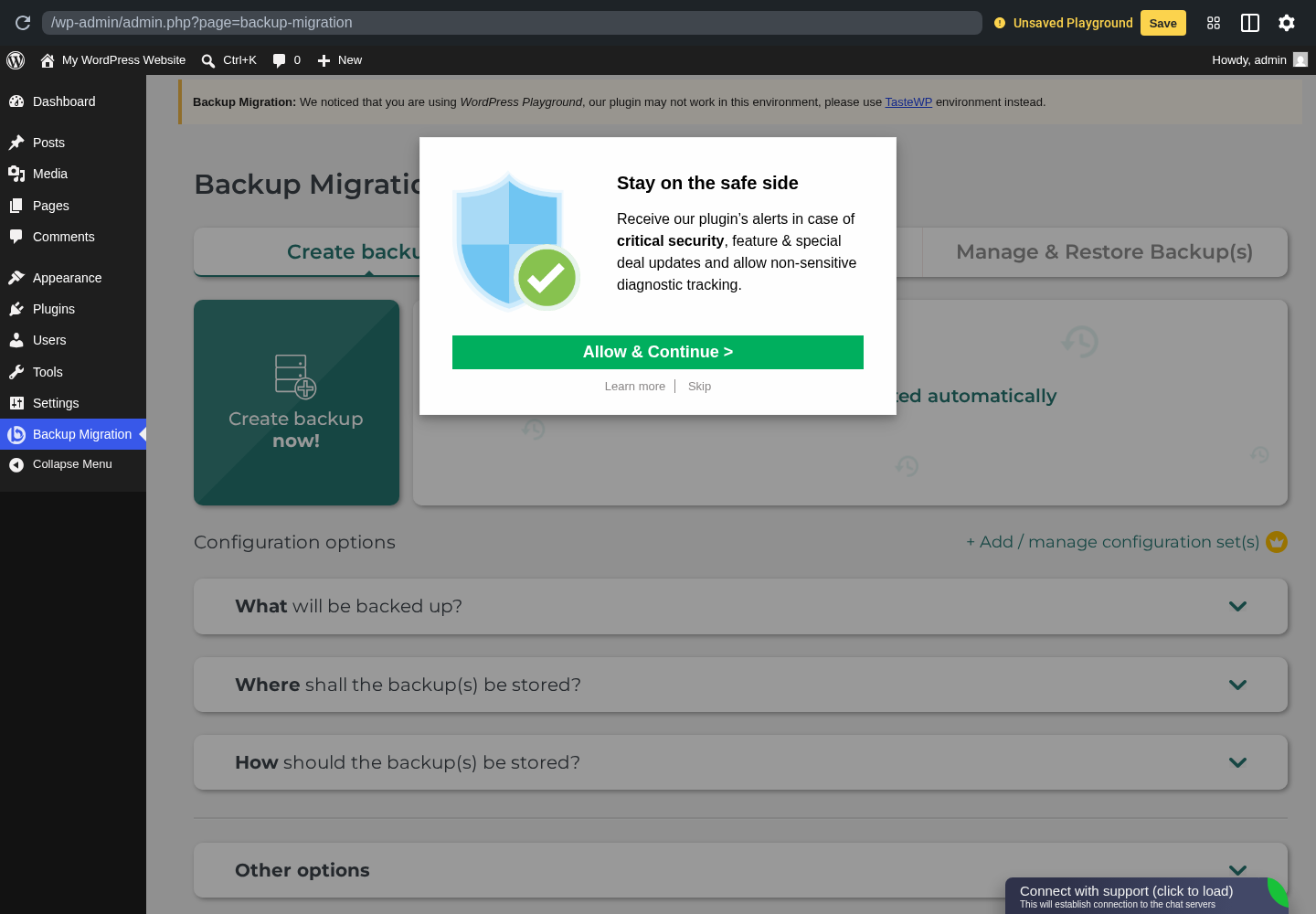
| Backup Migration by BackupBliss | Free full-site migration for small sites | Yes | Restore link flow | Cloud and multisite are Pro |
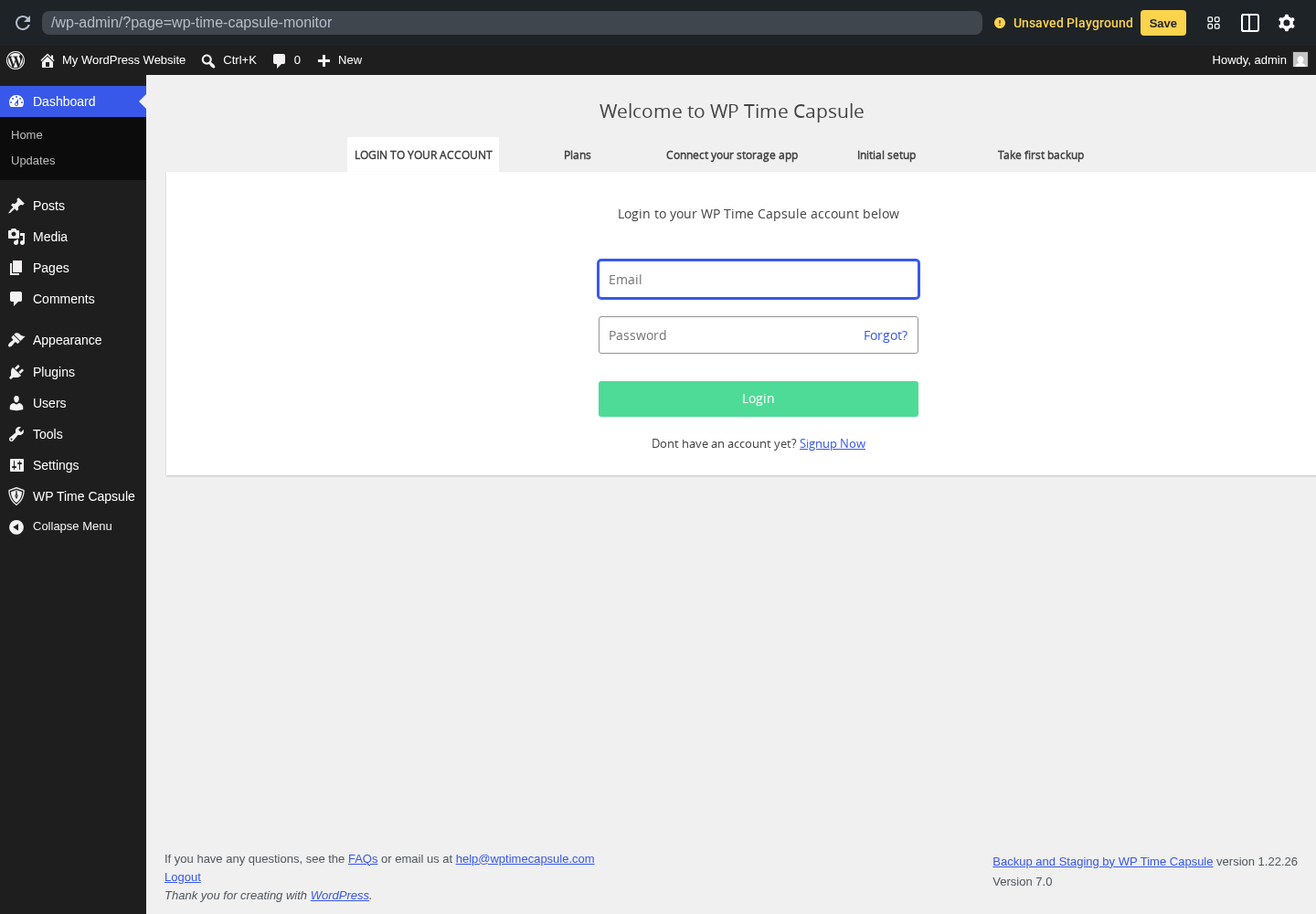
| WP Time Capsule | Incremental cloud-backed migration | Starter | Point-in-time restore | Requires cloud storage |
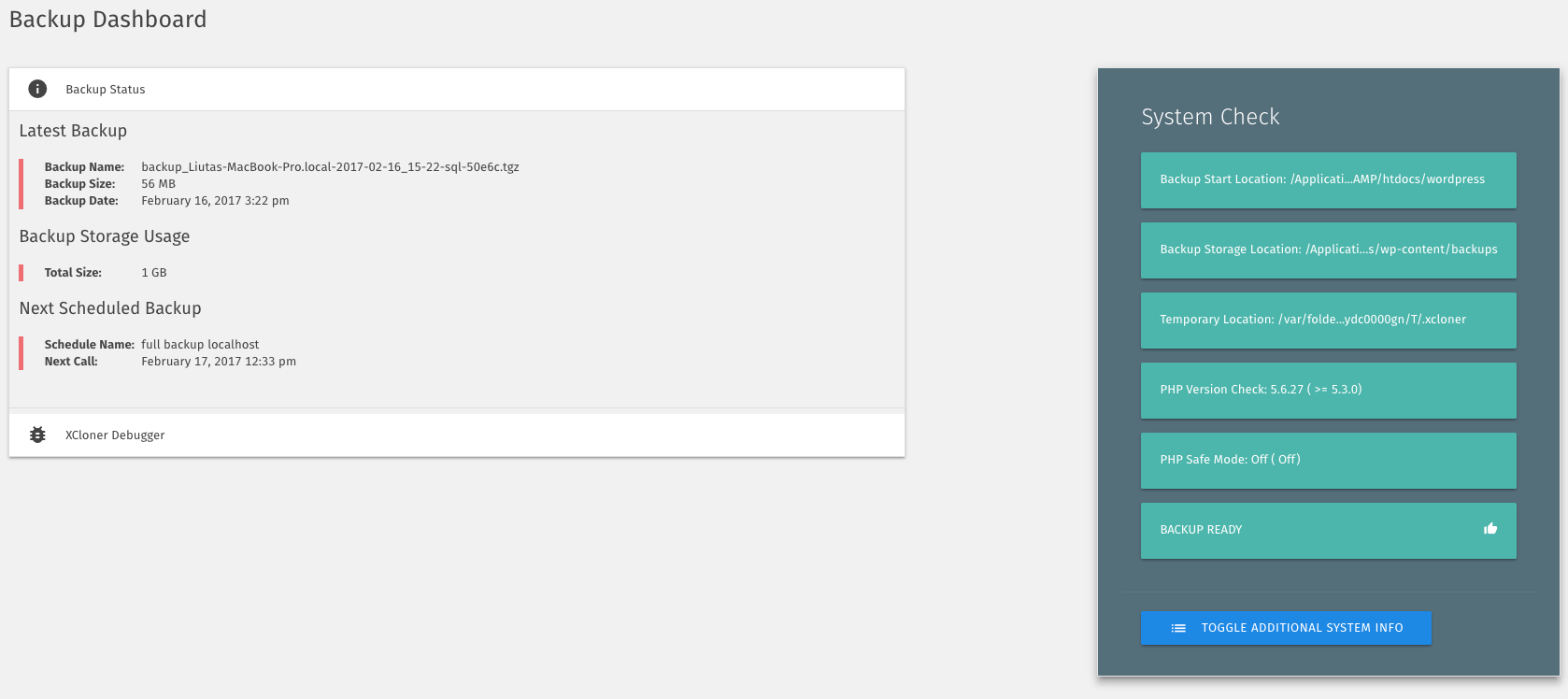
| XCloner | Open-source self-hosted migration | Yes | GPL restore script | Smaller install base |
1. Duplicator: best WordPress migration plugin overall
Duplicator is the plugin many agencies and freelancers reach for when they need a deterministic full-site migration. It bundles the database, uploads, themes, and plugins into one archive, ships an installer script, and handles serialized data rewrites during import.
Best for: agencies and freelancers moving a site between hosts
Free/pro: freemium
Standout: archive plus installer wizard with serialized data rewrite
Main limitation: scheduled and cloud-destination features are paid
Best for: agencies and freelancers moving a site between hosts.
Key features
- Full-site archive with database and files
- Installer script with guided wizard
- URL and path search-and-replace
- Backup retention rules
- Cloud destinations and scheduled backups in Pro
- Multisite and recovery points in Pro
How it works
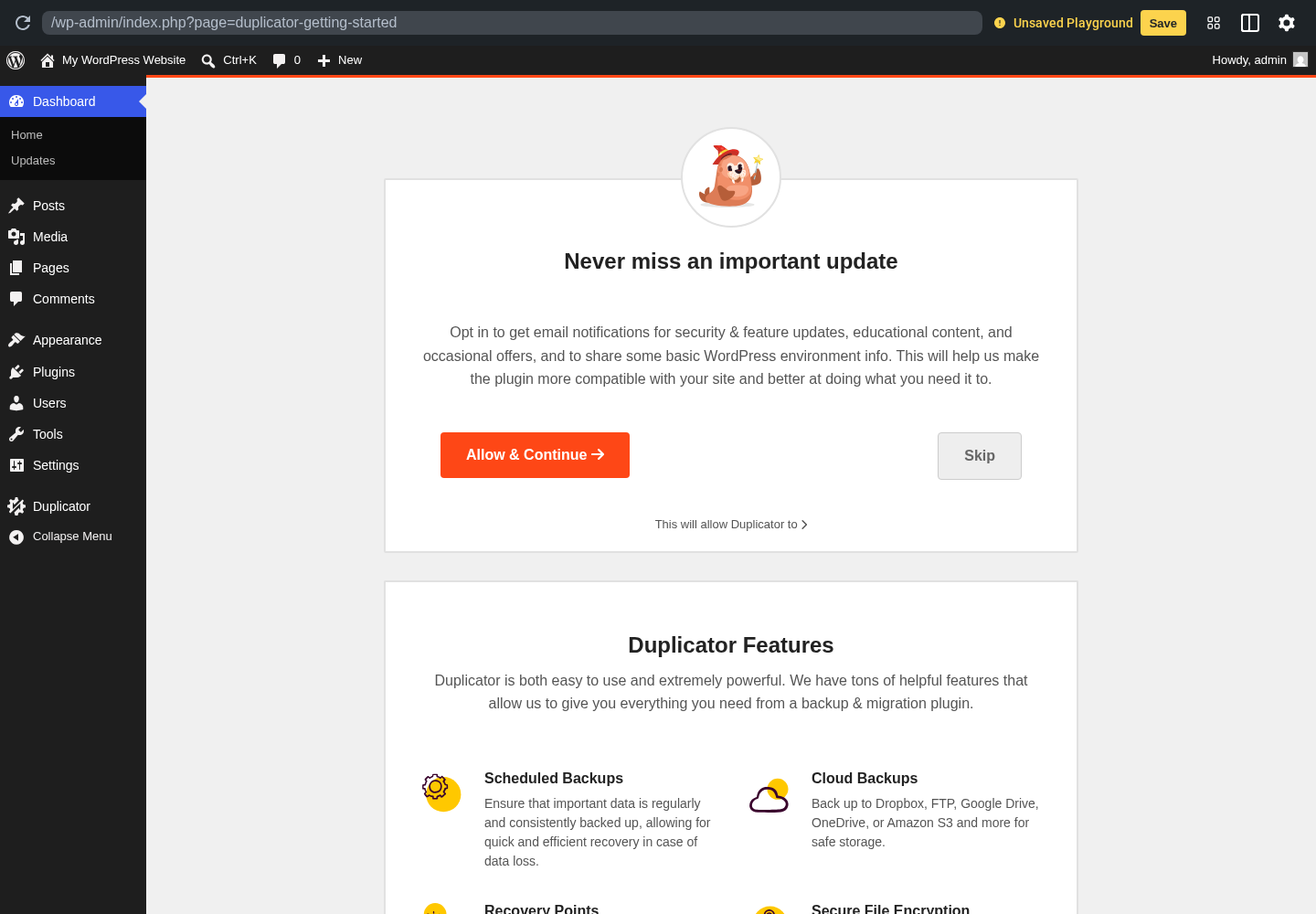
The free Packages screen walks through setup, scan, and build. The build produces an archive and installer.php for the destination. The installer wizard surfaces common issues before import and rewrites URLs and serialized data.
Pricing / free-plan note: Duplicator is free for unlimited manual migrations. Pro unlocks cloud destinations, scheduled backups, multisite, Quick Move, and support.
Pros
- Deterministic archive plus installer model
- Strong serialized data handling
- High rating from a deep review base
- Active maintenance
- Easy to hand off to clients or support
Cons
- Cloud destinations and multisite are paid
- Large sites can hit shared-host timeouts
- Not a continuous sync tool
2. All-in-One WP Migration and Backup: best one-click WordPress migration plugin
All-in-One WP Migration and Backup by ServMask is the easiest migration plugin to explain to a non-technical owner. Export the site to a single file, then drag that file onto the destination import screen.
Best for: small-to-mid business sites and one-time host migrations
Free/pro: freemium
Standout: drag-and-drop import on the destination
Main limitation: free import size limit and paid multisite
Best for: small-to-mid business sites and one-time host migrations.
Key features
- Full-site export to one .wpress file
- Drag-and-drop import
- Automatic URL replacement
- Selective export filters
- Paid cloud extensions
- Paid Unlimited and Multisite extensions
How it works
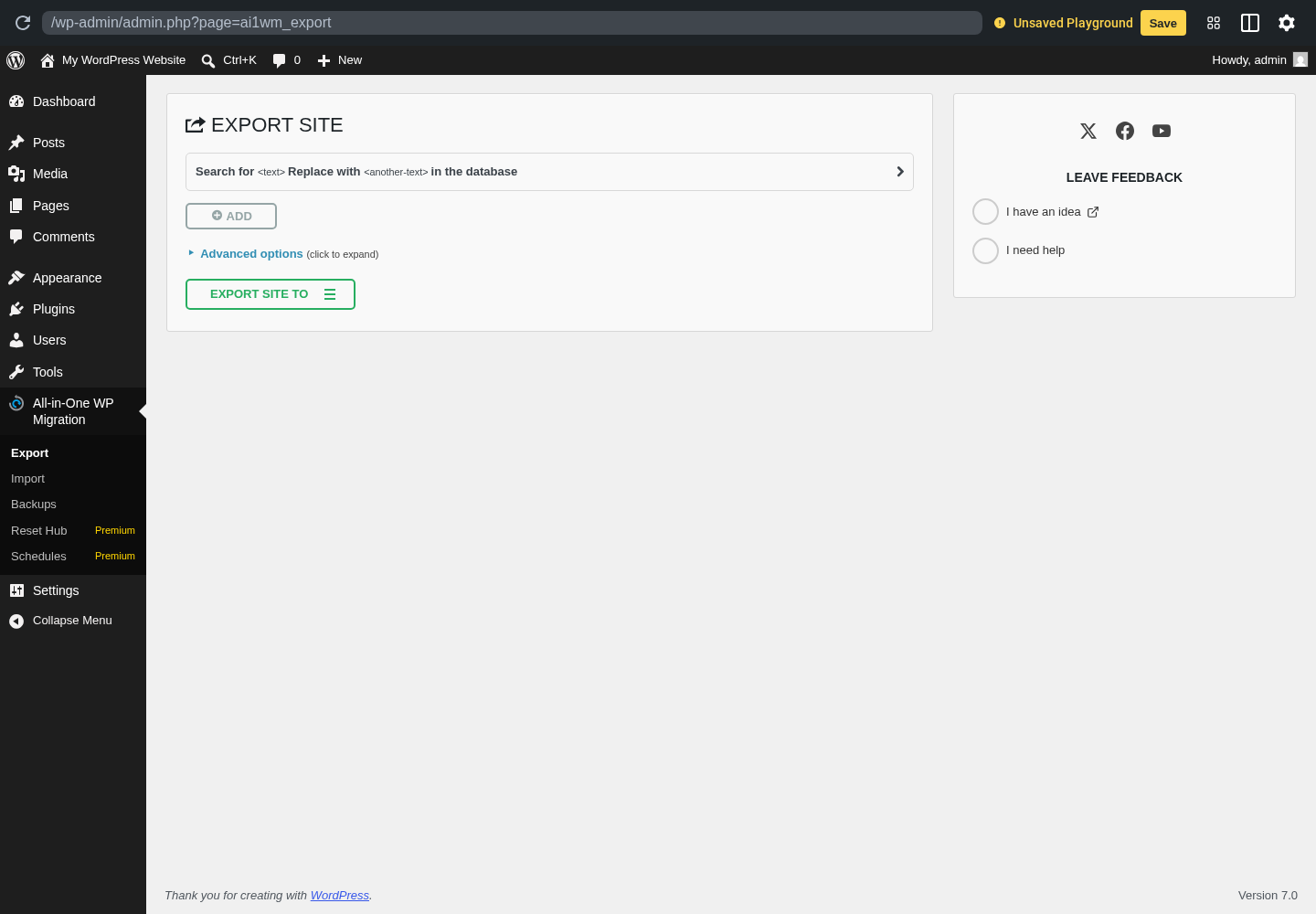
Export is one button, then import is one screen on the destination. The predictable friction point is the free import size limit, which the Unlimited extension removes.
Pricing / free-plan note: The core plugin is free with a default import size limit. Unlimited, Multisite, and cloud destination extensions are paid.
Pros
- Simplest two-screen migration UX
- Massive install base
- Strong URL handling
- Clean filters
- Mature extensions
Cons
- Free import cap is real
- Multisite is paid
- Plugin-specific archive format
3. Migrate Guru: best free WordPress migration plugin for large sites
Migrate Guru, built by the BlogVault team, is often recommended for sites too large to export cleanly on shared hosting. It pulls a temporary copy onto BlogVault-hosted infrastructure, rebuilds the site there, and writes the result to the destination host.
Best for: sites over 1 GB and shared-host migrations that time out
Free/pro: free
Standout: server-side rebuild on a managed cloud
Main limitation: requires destination host credentials
Best for: sites over 1 GB and shared-host migrations that time out.
Key features
- Server-side migration on managed cloud
- Managed and shared host support
- Automatic search-and-replace
- Email completion notification
- Free migration workflow
How it works
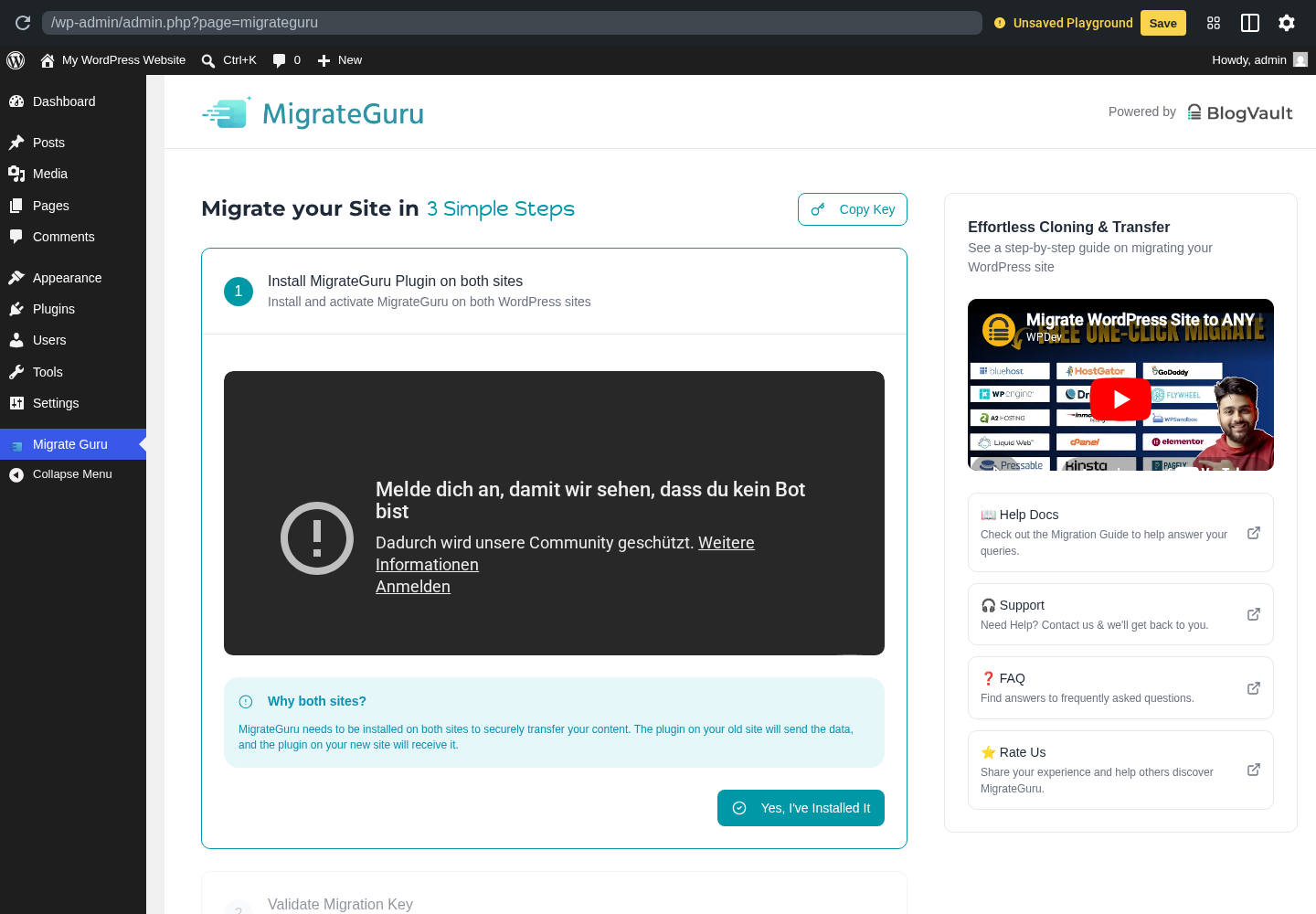
The plugin asks for email, destination host details, and destination URL. The heavy work happens off the origin server, which helps avoid PHP timeouts and upload caps.
Pricing / free-plan note: Migrate Guru is free. BlogVault is a paid parent product, but Migrate Guru does not gate the migration behind a paid tier.
Pros
- Truly free
- Strong for very large sites
- Offloads CPU and memory
- Broad host support
- Clear completion notifications
Cons
- Requires FTP, SFTP, cPanel, or host access
- No native multisite migration
- Not ideal if you only have WP admin access
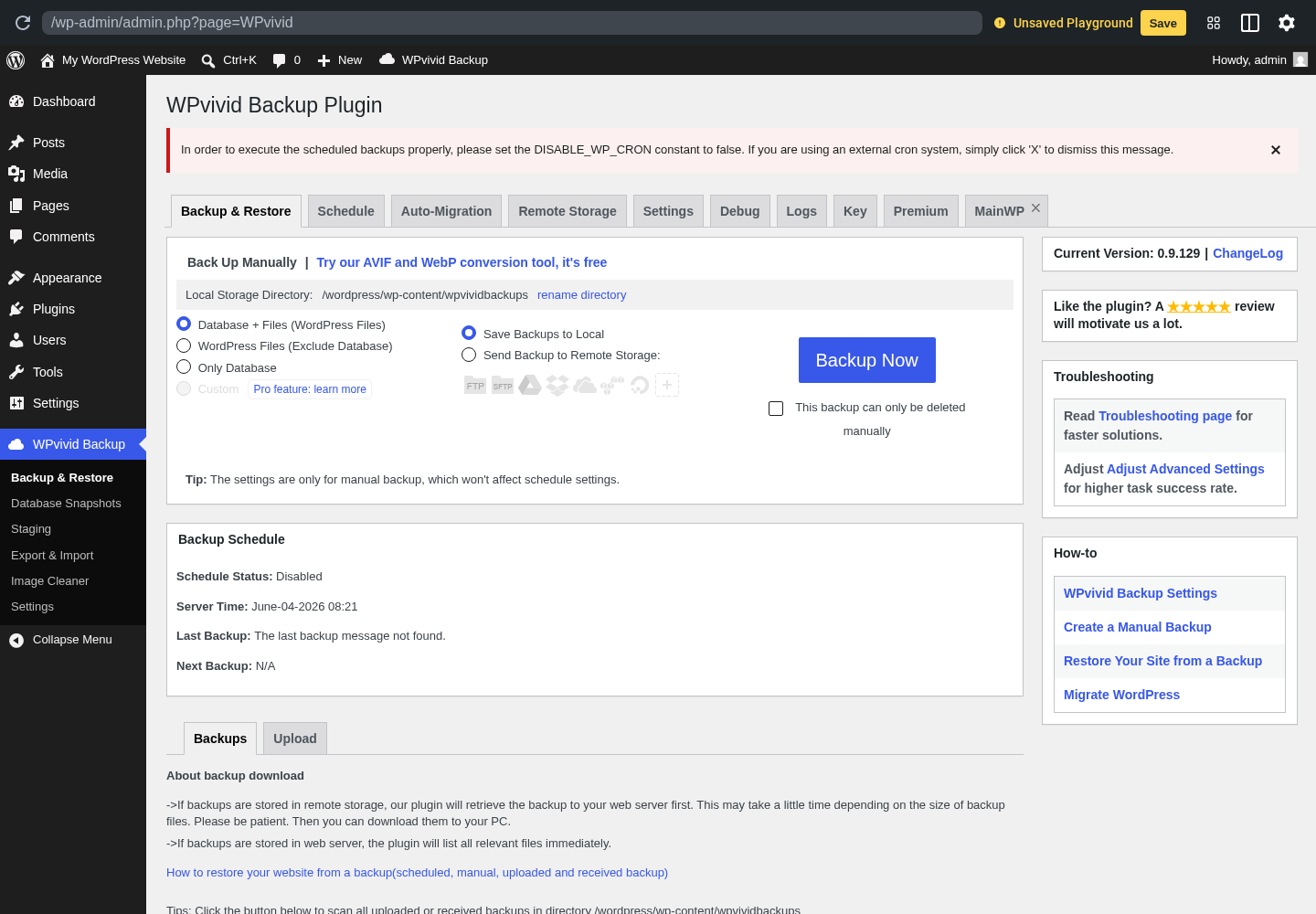
4. WPvivid Backup, Migration and Staging: best WordPress migration plugin with built-in staging
WPvivid Backup, Migration and Staging puts migration, backup, and staging in one workflow. Its Auto-Migration feature uses a token pair between two installs to push an entire site directly from source to destination.
Best for: site owners who want migration and staging in one plugin
Free/pro: freemium
Standout: token-based Auto-Migration in the free tier
Main limitation: advanced staging, roles, and multisite are Pro
Best for: site owners who want migration and staging in one plugin.
Key features
- Auto-Migration token between installs
- Full-site backup with selective restore
- Staging and push-to-live in Pro
- Remote storage destinations
- Multisite in Pro
How it works
Generate a key on the destination, paste it on the source, choose what to move, and start the transfer. Chunked transfer is friendlier to PHP timeouts than one large archive.
Pricing / free-plan note: The free version includes Auto-Migration, backup, and major remote storage. Pro adds staging, scheduled migrations, roles, multisite, and white-label.
Pros
- Auto-Migration in the free version
- Migration and staging share one UX
- Generous free remote storage
- High rating
- Can replace separate backup and migration plugins
Cons
- Push-to-live is Pro
- Multisite is Pro
- Dense UI for first-time users
5. UpdraftPlus: best backup-to-restore migration plugin
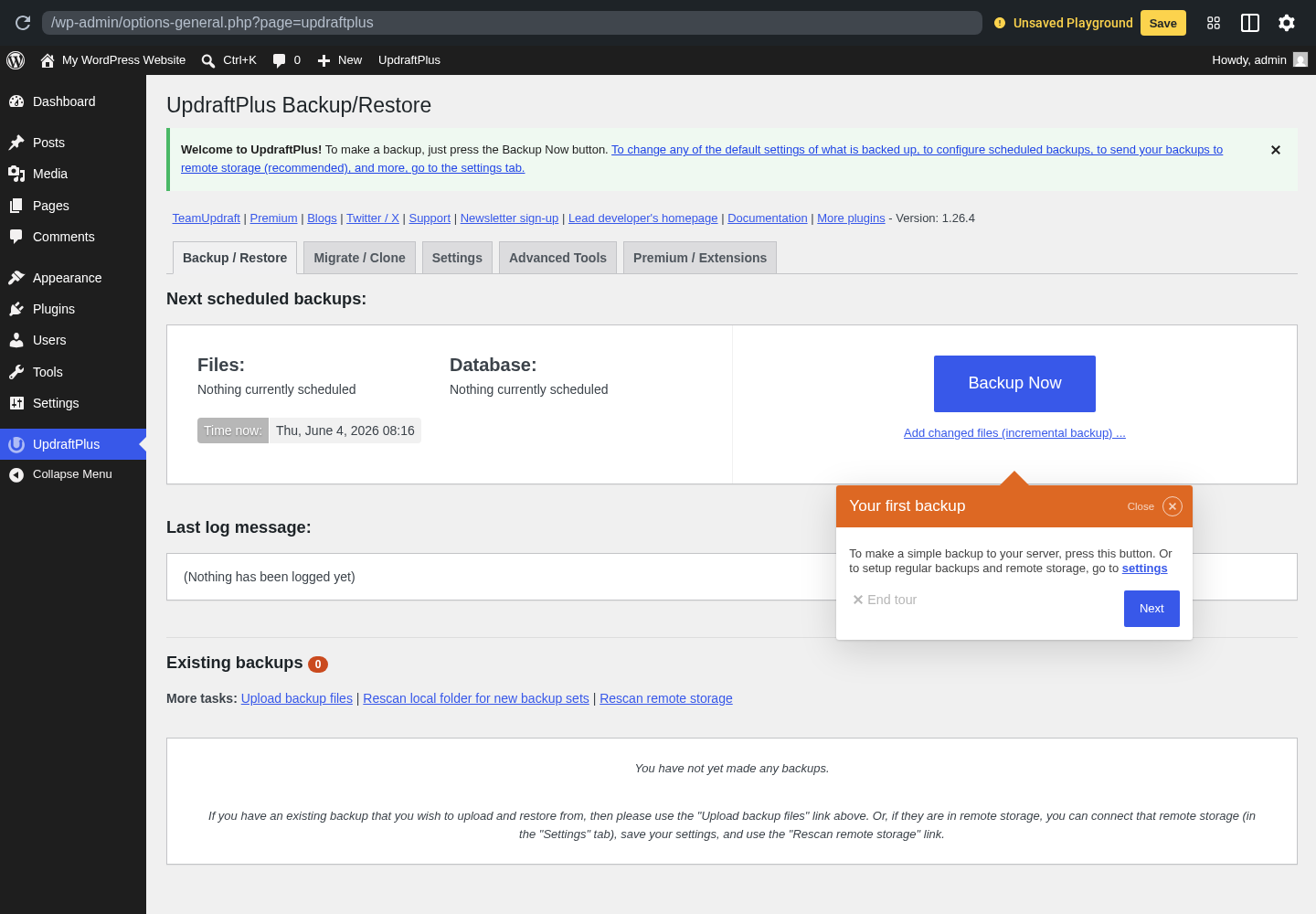
UpdraftPlus is the dominant backup plugin and earns a migration slot because the same backup format becomes a clean restore-to-new-site path with the Migrator add-on or Premium tier.
Best for: sites already using UpdraftPlus backups
Free/pro: free backup, paid migration add-on
Standout: direct site-to-site clone over Migrator
Main limitation: the Migrator add-on or Premium tier is paid
Best for: sites already using UpdraftPlus backups.
Key features
- Scheduled cloud backups
- Restore-to-different-site path
- Migrator add-on for URL rewrite
- Incremental backups in Premium
- Multisite in Premium
How it works
The free path is backup, copy archives to the destination, install UpdraftPlus, and restore. The paid Migrator path uses a site key to clone directly with URL rewrite.
Pricing / free-plan note: UpdraftPlus is free for backup and restore. Migrator is sold separately and bundled with Premium.
Pros
- Familiar to many support teams
- Strong cloud backup story
- Clean restore path
- Migrator handles URL rewrites
- Long maintenance history
Cons
- Migrator is paid
- Free migration is a restore workflow
- UI is backup-heavy
6. WP Migrate Lite: best WordPress database migration plugin
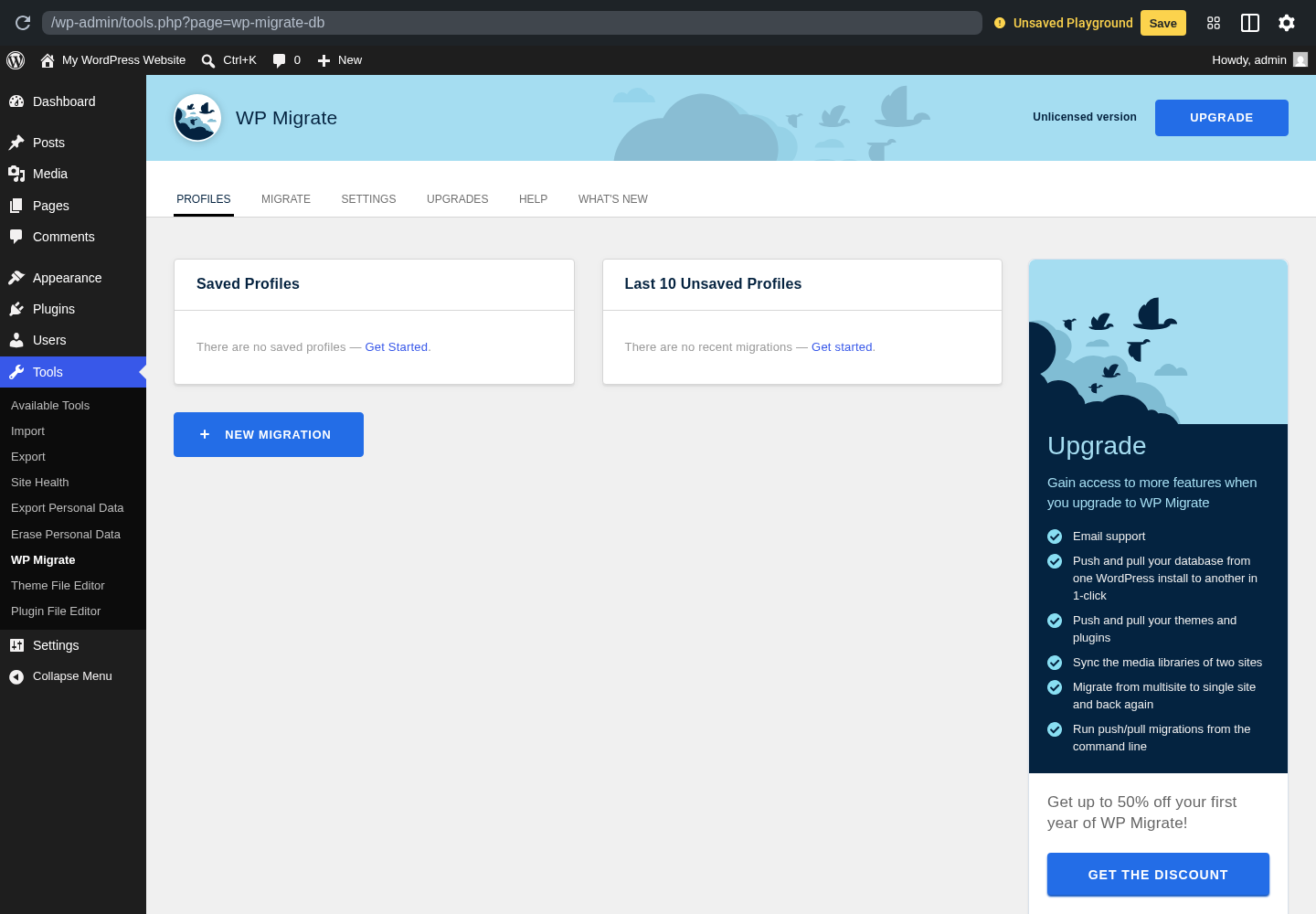
WP Migrate Lite is the database-first migration plugin many developers reach for. The free plugin exports a .sql file with URL and path search-and-replace baked in.
Best for: developers who treat the database as the migration unit
Free/pro: freemium
Standout: serialized-safe SQL export
Main limitation: site-to-site push and pull are Pro
Best for: developers who treat the database as the migration unit.
Key features
- Database export with URL/path replacement
- Serialized PHP data handling
- Push and pull in Pro
- Media and file sync in Pro
- CLI support
How it works
The Lite plugin exports a database with find-and-replace pairs. Pro turns the workflow into push/pull between two installs using a secret key.
Pricing / free-plan note: WP Migrate Lite is free for database exports. Pro adds push/pull, media sync, theme and plugin sync, multisite, and CLI.
Pros
- Safest DB export for serialized data
- Clean find-and-replace UX
- Pro is a standard dev workflow tool
- CLI support
- Backed by WP Engine family
Cons
- Free plugin is database-only
- Push and pull are Pro
- Less useful for non-developers
7. WP Staging: best staging-to-live WordPress migration plugin
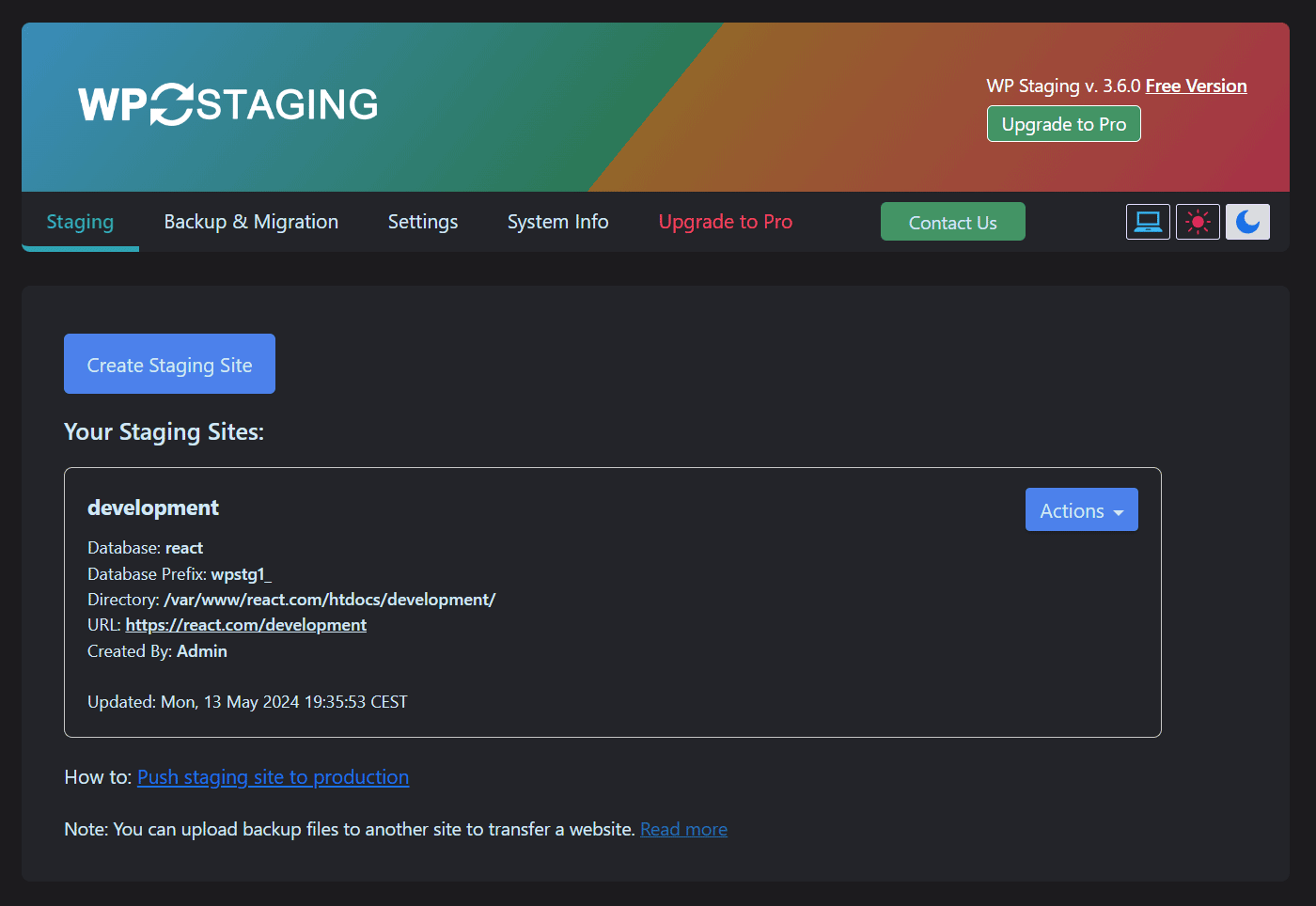
WP Staging is the plugin to install when the job is staging copy to live rather than old host to new host. The free plugin clones a live site into a staging subdirectory, while Pro adds push-to-live and external-host migration.
Best for: developers and agencies maintaining staging environments
Free/pro: freemium
Standout: clone-in-place staging
Main limitation: cross-host migration and push-to-live are Pro
Best for: developers and agencies maintaining staging environments.
Key features
- One-click staging clone
- Selective copy of tables and files
- Push staging to live in Pro
- External-host migration in Pro
- Multisite staging in Pro
How it works
The free clone creates a staging copy on the same install. Pro adds a structured push-to-live merge with table-level handling and an external host migration path.
Pricing / free-plan note: WP Staging is free for clone-in-place staging. Pro adds push-to-live, cross-host migration, multisite staging, and support.
Pros
- Best clone-in-place staging flow
- Clean Pro merge story
- Useful logs
- Active development
- Good pre-migration dry run tool
Cons
- Cross-host migration is Pro
- Multisite staging is Pro
- Free tier is staging, not full migration
8. Backup Migration by BackupBliss: best free WordPress migration plugin for small sites
Backup Migration by BackupBliss generates a full-site archive, exposes a restore link, and includes a paste-and-restore flow on the destination. The free tier is generous for small business sites and starter blogs.
Best for: small business sites and free one-package moves
Free/pro: freemium
Standout: full backup plus restore link
Main limitation: cloud, multisite, and scheduling are Pro
Best for: small business sites and free one-package moves.
Key features
- Full-site backup
- Restore link for destination pull
- Selective inclusion
- Optional encryption
- Cloud destinations in Pro
How it works
Create a backup, copy the restore link, and let the destination plugin pull the package over HTTP. That restore-link flow removes a manual file upload step.
Pricing / free-plan note: The free plugin includes backup, restore, and restore-link migration. Pro adds cloud destinations, schedules, multisite, and incremental backups.
Pros
- Free full-site migration
- Restore-link flow
- Strong rating
- Focused dashboard
- Active maintenance
Cons
- Smaller install base than leaders
- Cloud destinations are Pro
- Multisite is Pro
9. WP Time Capsule: best incremental WordPress migration plugin
WP Time Capsule keeps an incremental copy of the site on cloud storage and lets you restore or migrate from a point in time. It is lighter for active sites than rebuilding a full archive every time.
Best for: active editorial sites and WooCommerce stores
Free/pro: starter/free plus paid plans
Standout: incremental sync model
Main limitation: requires configured cloud storage
Best for: active editorial sites and WooCommerce stores.
Key features
- Incremental cloud backups
- Point-in-time restore
- Staging from restore points
- Migration from a snapshot
- Granular restore controls
How it works
The plugin starts with cloud storage. After it has a trusted snapshot, migration restores that snapshot to a destination URL with URL rewrites and search-and-replace.
Pricing / free-plan note: The plugin has a free starter path. Paid plans extend retention, storage, staging, and support.
Pros
- Incremental model fits active sites
- Point-in-time restore
- Good cloud coverage
- Update guard snapshots
- Long maintenance history
Cons
- Smaller install base
- Requires cloud storage
- Ongoing use is paid
10. XCloner Backup, Restore and Migrate: best open-source WordPress migration plugin
XCloner Backup, Restore and Migrate is the open-source, self-hosted option on this list. It is built for site owners who want control over backup format, destination, and restore script.
Best for: technical site owners who want open-source migration tooling
Free/pro: free/open source
Standout: GPL plugin with restore script
Main limitation: less polished UI and smaller install base
Best for: technical site owners who want open-source migration tooling.
Key features
- Full-site backup
- Restore script independent of WordPress
- FTP, SFTP, S3, Backblaze, Dropbox, Google Drive, and Azure destinations
- PGP encryption
- GPL licensed
How it works
XCloner assumes a technical operator. Its flexible restore script can run without WordPress already installed on the destination, which is useful on a fresh empty host.
Pricing / free-plan note: XCloner is free and open source. Paid support exists, but the plugin is not paywalled.
Pros
- Open source and GPL
- Restore script runs outside WordPress
- Good destination coverage
- No heavy upsell surface
- Encryption available
Cons
- Smaller install base
- Less polished UI
- Not one-click
Niche options to watch
Better Search Replace
Better Search Replace is not a migration plugin on its own. It is a serialized-safe search-and-replace utility for cleaning up URLs after a manual database import or a migration where a rewrite step was missed.
MainWP and ManageWP
MainWP and ManageWP are multi-site management dashboards rather than migration plugins. For agencies moving many sites in a short period, they can sit on top of the migration plugins above and make the operational workflow cleaner.
How to choose the best WordPress migration plugin
If you want the safest default for a normal host change, install Duplicator. If you want the simplest owner-friendly two-screen flow, use All-in-One WP Migration and Backup. If your site is large or times out on shared hosting, use Migrate Guru. If you want migration and staging together, use WPvivid. If you already rely on UpdraftPlus backups, use the restore plus Migrator path. Developers moving only a database should use WP Migrate Lite. Staging-first teams should use WP Staging. Smaller sites that need a free restore-link flow can use Backup Migration. Active sites that benefit from incremental cloud snapshots can use WP Time Capsule. Technical operators who want a GPL restore script can use XCloner.
- Check the full install size, including uploads and database.
- Confirm the destination host access method before you start.
- Plan URL and serialized data rewrites if the domain or path changes.
- Confirm multisite requirements because most plugins gate multisite behind paid tiers.
FAQ
Do I really need a WordPress migration plugin?
In most cases, yes. A manual migration includes database export, file copy, URL replacement, serialized data rewrite, and permissions cleanup. A plugin wraps those steps in a tested workflow.
What is the best free WordPress migration plugin?
For a normal host change, Duplicator and All-in-One WP Migration and Backup are the safest free picks. For large sites, Migrate Guru is the strongest free option. For database-only moves, WP Migrate Lite is the cleanest free tool.
How do I migrate a large WordPress site without timeouts?
Use a plugin that avoids building the archive on the origin server. Migrate Guru is the typical recommendation because the migration happens on managed infrastructure rather than your shared host.
Can I migrate a WordPress multisite network with these plugins?
Yes, but multisite is usually paid. Duplicator, WPvivid, WP Staging, UpdraftPlus, All-in-One WP Migration, and WP Migrate Pro handle multisite in paid tiers or extensions. Migrate Guru does not natively migrate an entire multisite network.
Will my SEO break when I migrate WordPress?
A correctly executed migration should not hurt SEO. The real risks are leaving the destination set to discourage indexing and missing URL rewrites. After migration, check Settings > Reading, crawl key URLs, and confirm internal links resolve.
Do I need to take the site offline during a WordPress migration?
Usually no, but you should freeze content changes while the migration runs. For active stores or editorial sites, migrate, point DNS, and re-sync new orders or posts before switching the old source off.
Conclusion
For most WordPress sites, install Duplicator. If you want the simplest two-screen experience, install All-in-One WP Migration and Backup. If origin-server build steps fail, install Migrate Guru. The best WordPress migration plugin is the one whose migration shape matches the move you actually need to make.