


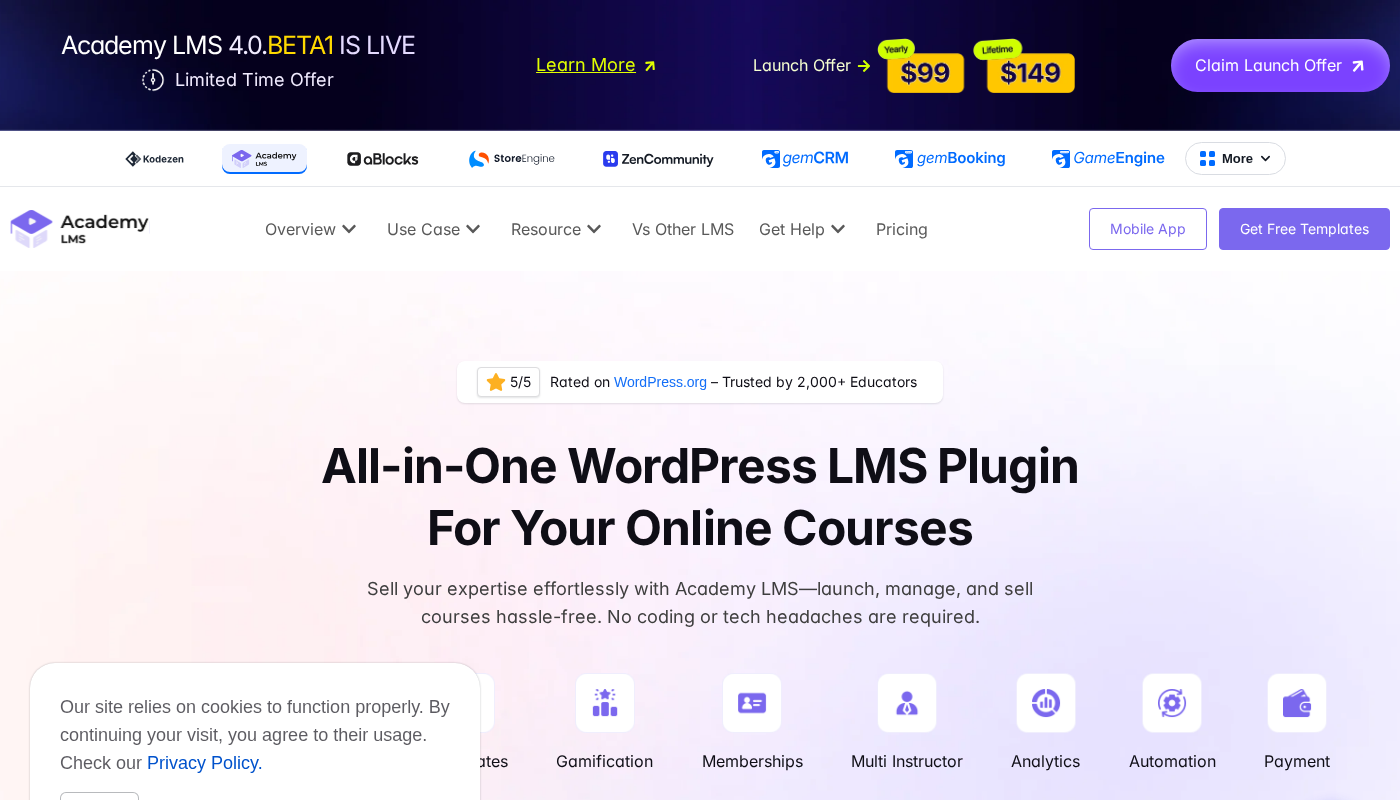
Academy LMS launched quietly on WordPress.org a few years ago, but 2026 has been a turning point. The plugin crossed 2,000 active installs, earned a 4.9-star rating across 120 reviews, and on August 13, 2026, shipped version 4.0: a ground-up rebuild of the entire admin interface, quiz engine, and certificate system. That kind of release momentum deserves a close look, especially from anyone shopping for a WordPress LMS plugin against better-known names like LearnDash or Tutor LMS.
This Academy LMS review covers what the free version actually gives you, where the Pro upgrade earns its price, what the 4.0 release changes, and who should consider an alternative. I researched the plugin from the official academylms.net feature pages, pricing page, the 4.0 release post, and the WordPress.org listing and review section.
At a glance
- Developer: Kodezen LLC (Delaware, USA)
- Latest stable version: 3.8.5 on WordPress.org (PHP 7.4+, WP 6.8+); version 4.0 released August 13, 2026
- Active installs: 2,000+
- Rating: 4.9/5 stars (120 reviews)
- Free tier: available on WordPress.org, includes course builder, quiz builder, certificates, and multi-instructor revenue sharing
- Pro pricing: from $99/year for one site (verify current price at academylms.net/pricing)
- Lifetime: from $149 for one site
- Money-back: 14-day guarantee on all paid plans
- Bottom line: a genuinely capable LMS with a strong free tier, competitive pricing, and a newly rebuilt interface in 4.0; the relatively modest active install count compared to category leaders is the one thing to weigh before committing for a large production course site.
Quick verdict
Academy LMS is a strong choice for individual educators, coaching professionals, and small course businesses who want a full-featured LMS at a significantly lower price than LearnDash and a more polished interface than LearnPress. The free version is genuinely useful rather than a stripped teaser: you get a working course builder, quizzes, certificates, and even multi-instructor revenue sharing at no cost.
The 4.0 release is a meaningful step forward. The admin interface is now React-based with Tailwind CSS theming, the quiz engine supports dynamic question banks and audio questions, and certificates can now be issued retrospectively to past students. It is a more competitive plugin in August 2026 than it was twelve months ago.
The honest caution: with 2,000+ active installs, Academy LMS is still building the scale of community and public troubleshooting content that LearnDash and Tutor LMS have accumulated over years. If you run into a niche configuration issue, you may need to rely on the Academy LMS support team rather than a community forum answer. For most users, the team’s reported responsiveness makes that acceptable.
- Best for: individual course creators, coaching businesses, educators building their first online school, and agencies that want a capable LMS without LearnDash-level pricing.
- Best free plan: course and lesson creation, basic quizzes, certificates, and multi-instructor splitting with no license fee.
- Best paid plan for a solo creator: Individual at $99/year (1 site) or $149 lifetime.
- Best paid plan for agencies: Agency at $199/year for 100 sites, or the $349 lifetime equivalent.
- Standout: the 4.0 rebuild, particularly the dynamic question bank and QR-verified certificates, puts this plugin ahead of some longer-established competitors on assessment quality.
- Watch out for: smaller install base means a thinner community knowledge base than LearnDash or Tutor LMS; AI course generation requires your own ChatGPT API key.
What Academy LMS is
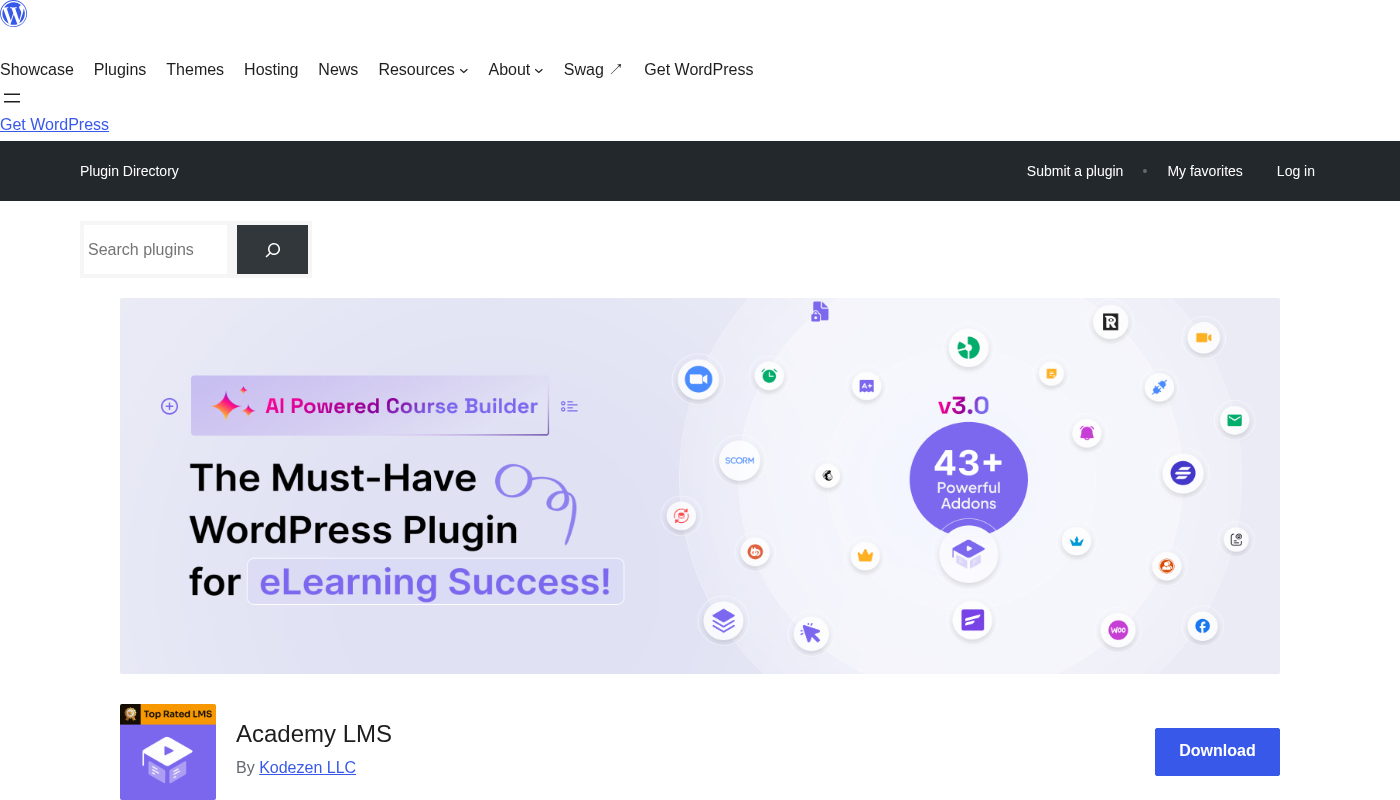
Academy LMS is a WordPress plugin built by Kodezen LLC for creating, managing, and selling online courses from a self-hosted WordPress site. The plugin installs from WordPress.org or from the Academy LMS account dashboard for Pro users.
The core design philosophy behind Academy LMS separates it from many older LMS plugins: instead of storing course data in standard WordPress post types, it uses a custom database architecture. The vendor claims this produces up to 60% faster backend load times compared to traditional LMS approaches. The admin interface is built as a React.js Single Page Application, which means navigation through the course builder happens without full-page reloads.
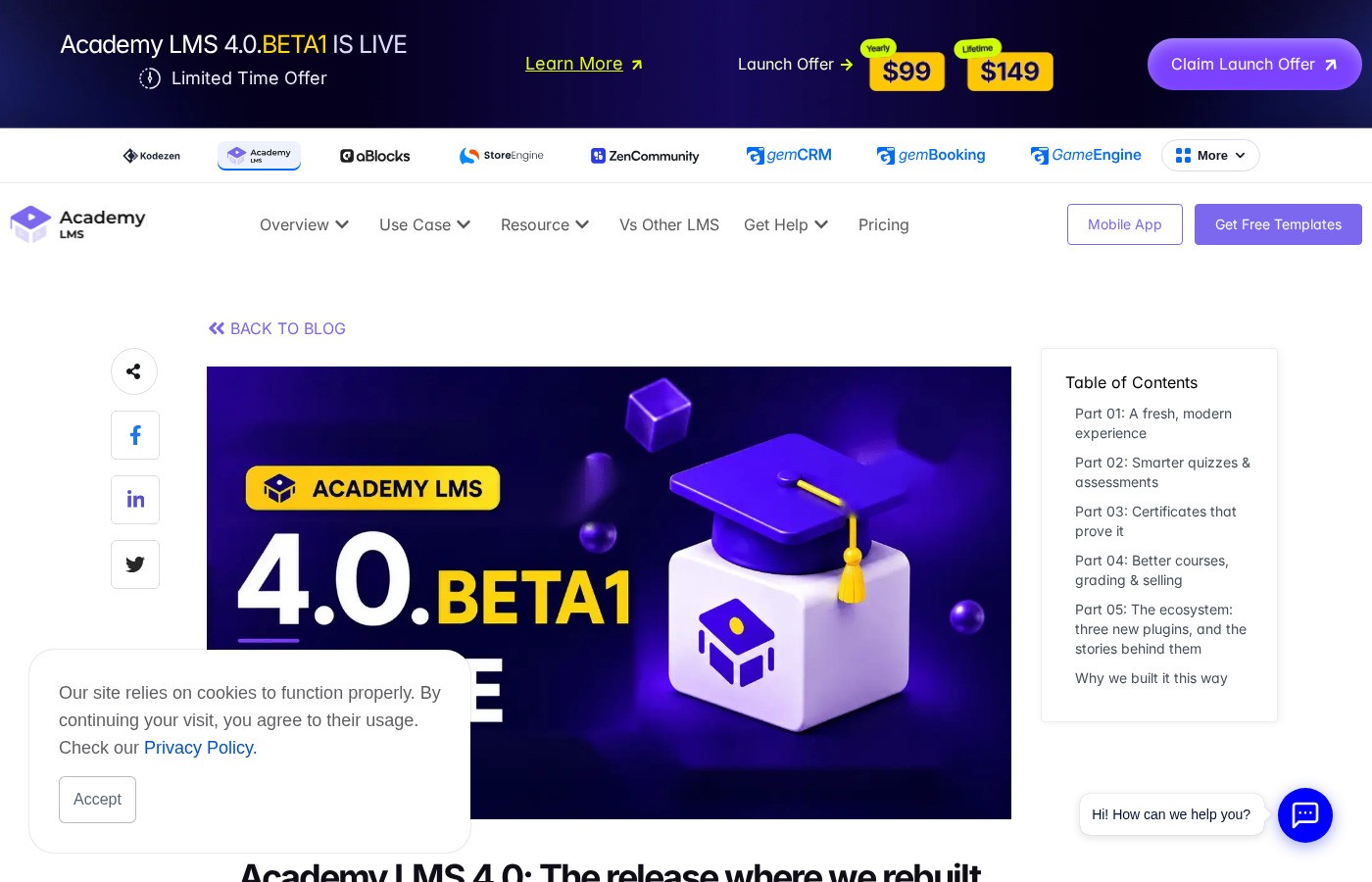
Version 4.0, released August 13, 2026, represents what the team describes as a ground-up redesign rather than a feature bump. The backend was rebuilt with Tailwind CSS and now supports dark mode, light mode, and auto detection. Every editor function got its own dedicated URL instead of opening in a modal, which improves bookmarking, browser history navigation, and deep-linking for team workflows.
Kodezen also publishes related products that integrate with Academy LMS: aBlocks (a Gutenberg block library), StoreEngine (an alternative to WooCommerce for selling courses), and ZenAppBuilder (a no-code mobile app builder for converting course sites into iOS/Android apps). These are sold separately but can be bundled with Agency-level plans.
Who Academy LMS is best for
Strong fit:
- Solo educators and course creators building their first WordPress-based course site. The free version covers the full creation-to-delivery loop without a paid license.
- Coaching and tutoring businesses that need multi-instructor support, live class hosting, and revenue sharing built in from the start.
- Schools or training organizations wanting to move offline instruction online, particularly with the 4.0 companion plugin Academy Digital Campus, which adds admissions, timetables, attendance, and fee management.
- Agencies managing multiple client course sites. The Agency plan at $199/year covers up to 100 sites.
- Creators who sell courses through WooCommerce or Easy Digital Downloads and want tight integration without a separate bridge plugin.
- Budget-conscious buyers comparing against LearnDash: Academy LMS’s Individual plan at $99/year is roughly half the price of LearnDash’s single-site plan.
Weak fit:
- Large established course platforms with tens of thousands of students and a stack of existing LMS add-ons already in place. Migrating at scale introduces real risk, and the Academy LMS ecosystem of third-party add-ons is smaller.
- Buyers who need a plugin with extensive community-contributed troubleshooting resources and theme compatibility tested across hundreds of configurations. With 2,000 active installs, that depth of community knowledge does not yet exist.
- Sites that need advanced SCORM content from corporate e-learning authoring tools as a core daily workflow. SCORM is supported, but for a SCORM-first workflow, purpose-built SCORM-centric LMS plugins may offer more mature tracking.
- Sites requiring native H5P integration inside the lesson editor. H5P is not mentioned in the current integration list.
Setting up Academy LMS
Installing Academy LMS follows the standard WordPress plugin process: Plugins > Add New, search for “Academy LMS,” and install the Kodezen result. After activation, a new Academy menu item appears in the WordPress left navigation. First-run setup includes a basic configuration wizard covering site name, currency, instructor options, and payment gateway connections.
The course builder uses the React-based interface. Creating a course involves setting a title, description, difficulty level, requirements, and then building the curriculum in a structured section-and-lesson hierarchy. Each lesson supports multiple content formats: video (YouTube, Vimeo, Bunny.net, Gumlet, or self-hosted), text, and attachments. The vendor describes the lesson creation flow as drag-and-drop for reordering, with no page reloads between steps.
From the WordPress.org user reviews, the setup experience consistently comes up as a strength. One reviewer described building “lessons, quizzes, and even certificates without having to touch a single line of code.” Another praised the interface as running “very smoothly, without those endless reloads” common in competing tools. The React SPA approach delivers on the responsiveness promise in practice, based on what users report.
Course creation and curriculum builder
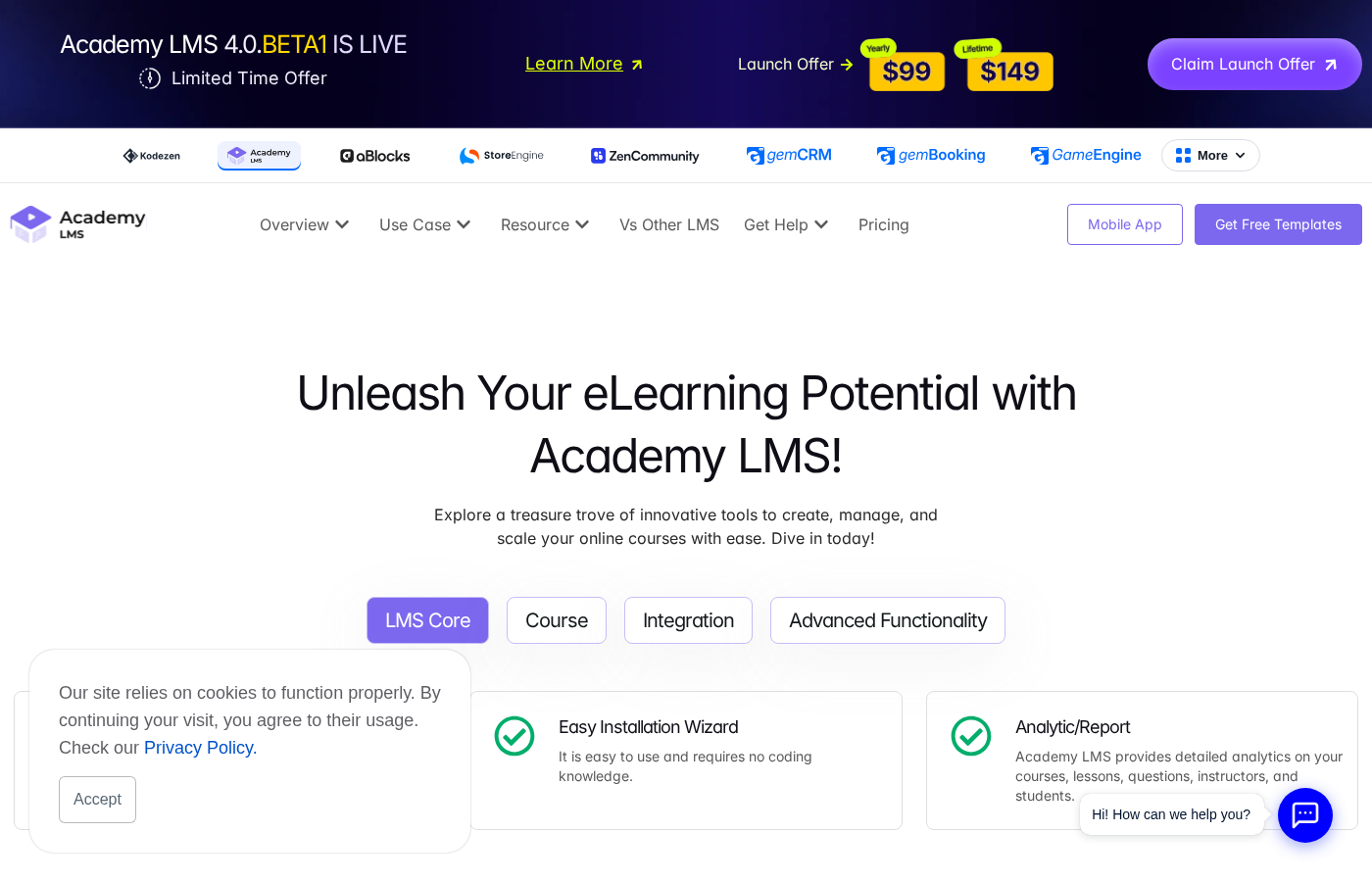
The curriculum builder organises courses into sections and topics. Each topic can be a lesson, quiz, or assignment. The builder supports:
- Unlimited courses, sections, and lessons with no artificial caps in the free version
- Video lessons with a built-in resumable player that picks up where a student left off
- Content drip: releasing lessons on a schedule rather than all at once (Pro feature)
- Prerequisites: requiring completion of earlier lessons or quizzes before unlocking the next
- Auto-advance: moving automatically to the next topic after a lesson completes
- Lesson notes: students can take and organize notes inside the lesson view
- Downloadable attachments (PDFs, slides, worksheets) attached to individual lessons
- Course preview: selected free lessons visible to non-enrolled visitors
- Password-protected courses for private cohort delivery
In version 4.0, the Learn page received a complete redesign. The new layout is video-first with collapsible side drawers for notes and Q&A, which reduces visual clutter while keeping those tools accessible. Mobile responsiveness was also addressed in the 4.0 redesign.
A notable feature available in the free version: the YouTube Playlist Import. Educators who already have a YouTube channel can import an entire playlist and convert it into a structured course with lessons automatically created from the playlist videos. This significantly lowers the barrier for existing YouTube creators to build a proper course structure.
Quiz and assessment engine
The quiz builder is one of the areas where Academy LMS has invested most heavily, and the 4.0 release made the biggest jumps here.
Question types available:
- Multiple choice
- True/false
- Short answer
- Image select (choose the correct image from options)
- Audio questions (new in 4.0)
- Fill in the blank
Assessment structure options (4.0):
- Dynamic question bank: questions are drawn randomly from a shared library per quiz attempt, preventing students from memorizing a fixed sequence
- Chapter exams tied to specific curriculum sections
- Final exams at course completion
- Required vs. optional quiz designation
- Quiz import and export via CSV for bulk management
Scoring and reporting:
- Color-coded score analytics showing average, highest, and lowest performance across student cohorts
- Quiz attempt limits and time limits
- Pass/fail thresholds with configurable minimum scores
- Answer explanations for post-quiz review
- Gradebook for managing per-student scores
The dynamic question bank is a meaningful differentiator. Most entry-level LMS plugins use static question sets where the same questions appear in the same order for every student. Randomized draws from a shared bank make repeat attempts genuinely different and reduce the likelihood of question-sharing between students, which matters for any course with a serious assessment component.
Certificates
Academy LMS includes a certificate builder in the free version, with automatic issuance on course completion. What the 4.0 release added to certificates is substantial:
- QR code verification: each certificate includes a scannable QR code that anyone can scan to verify the credential links to the issuing course. This matters for professional development contexts where employers want to check certificates.
- Free-form designer: elements can be placed anywhere on the canvas without being constrained to a template grid. Earlier versions required working within a fixed layout.
- Retrospective issuance: certificates can now be generated and sent to students who completed a course before the certificate feature was configured. Previously, the certificate had to be set up before completion to be issued.
- Certificate duplication: for quickly templating a consistent design across multiple courses.
QR-verified certificates are not standard in the LMS plugin category, and having them available (including what appears to be the free tier) is a genuine selling point for educators whose students need verifiable credentials for professional portfolios or employer submissions.
Multi-instructor and monetization
Multi-instructor support is confirmed available in the free version on WordPress.org, which is notable: competing plugins typically reserve instructor management for paid tiers. What multi-instructor covers:
- Unlimited instructor accounts
- Public instructor profile pages showing reviews and course history
- Revenue sharing: configurable commission percentages per course or globally
- Instructor dashboard with course management, analytics, and withdrawal requests
- Earning management and payout tracking through admin
Monetization connects to several payment gateways and membership systems:
- WooCommerce (sell courses as products, supports WooCommerce Subscriptions for recurring access)
- Easy Digital Downloads
- SureCart
- Paid Memberships Pro, MemberPress, WishList Member, SureMembers, Restrict Content Pro
Course bundles and free course groupings are also supported, allowing educators to package multiple courses together at a discounted combined price. For businesses that prefer a dedicated course commerce layer, Kodezen’s own StoreEngine is a WooCommerce alternative that integrates natively with Academy LMS.
Live classes, community, and engagement
Live class hosting via Zoom and Google Meet integration allows instructors to schedule and run live sessions directly from the LMS. Engagement features include:
- Q&A forums inside each course for student-instructor discussion
- Course wishlist for students to save courses for later enrollment
- Announcements and global notifications for instructors to message all enrolled students
- Assignment management with per-topic submission and review
- Attendance tracking with report generation
- BuddyBoss, BuddyPress, and FluentCommunity integration for building a full social learning community
- GamiPress integration for points, badges, and achievement gamification
Academy LMS 4.0: what changed
The 4.0 release, published August 13, 2026, is described by the Kodezen team as “not a feature bump; it is a ground-up redesign of the entire product.” The major changes fall into three areas:
Interface overhaul: The backend was rebuilt with Tailwind CSS, adding dark mode, light mode, and system-auto color modes. Every course editor function now has its own dedicated URL and page, replacing the modal pop-ups of 3.x. This means instructors can bookmark specific configuration views, use browser navigation naturally, and share deep links with team members.
Assessment improvements: Dynamic question bank with random draws, new quiz types (audio questions, chapter exams, final exams, required vs. optional designation), and color-coded performance analytics across students.
Certificate improvements: QR code verification on every certificate, free-form element placement in the certificate designer, and retrospective issuance for past completions.
Three new companion plugins introduced with 4.0:
- TruePlayer: an advanced video player with watch verification (ensuring students actually watch, not just load the page), quiz gating, and completion tracking
- GemSecurity: a security dashboard covering firewall, login protection, site scanning, and backups
- Academy Digital Campus: a school management system for offline-to-online transitions, covering admissions, attendance, timetables, and fee management
One practical note for existing users: the 4.0 release is very recent. Major version rebuilds sometimes introduce regressions or compatibility issues that take a few point releases to resolve. Test on a staging site before upgrading a production installation.
Integrations and ecosystem
| Category | Integrations |
|---|---|
| Email / Marketing | MailChimp, FluentCRM, SendFox, Pabbly Connect |
| Video | YouTube API, Bunny.net, Gumlet Video |
| Conferencing | Zoom, Google Meet |
| Payment | WooCommerce, Easy Digital Downloads, SureCart |
| Membership | Paid Memberships Pro, MemberPress, WishList Member, SureMembers, Restrict Content Pro |
| Community | BuddyBoss, BuddyPress, FluentCommunity |
| Page Builders | Elementor, Divi, Bricks Builder, aBlocks, FSE themes |
| Gamification | GamiPress |
| Automation | SureTriggers, Pabbly Connect, Bitapps, Webhooks |
| Security | Google reCAPTCHA |
| Translation | WPML, Loco Translate |
| Mobile | ZenAppBuilder |
| Other | Google Classroom, ChatGPT (AI Studio) |
RTL language support is confirmed, making the plugin usable for Arabic, Hebrew, and other RTL languages. The integration list is broad for a 2,000-install plugin. The honest caveat: with a smaller user base, edge-case integration conflicts with specific theme or plugin combinations may be less documented in public forums than with LearnDash or Tutor LMS.
Pricing and license value
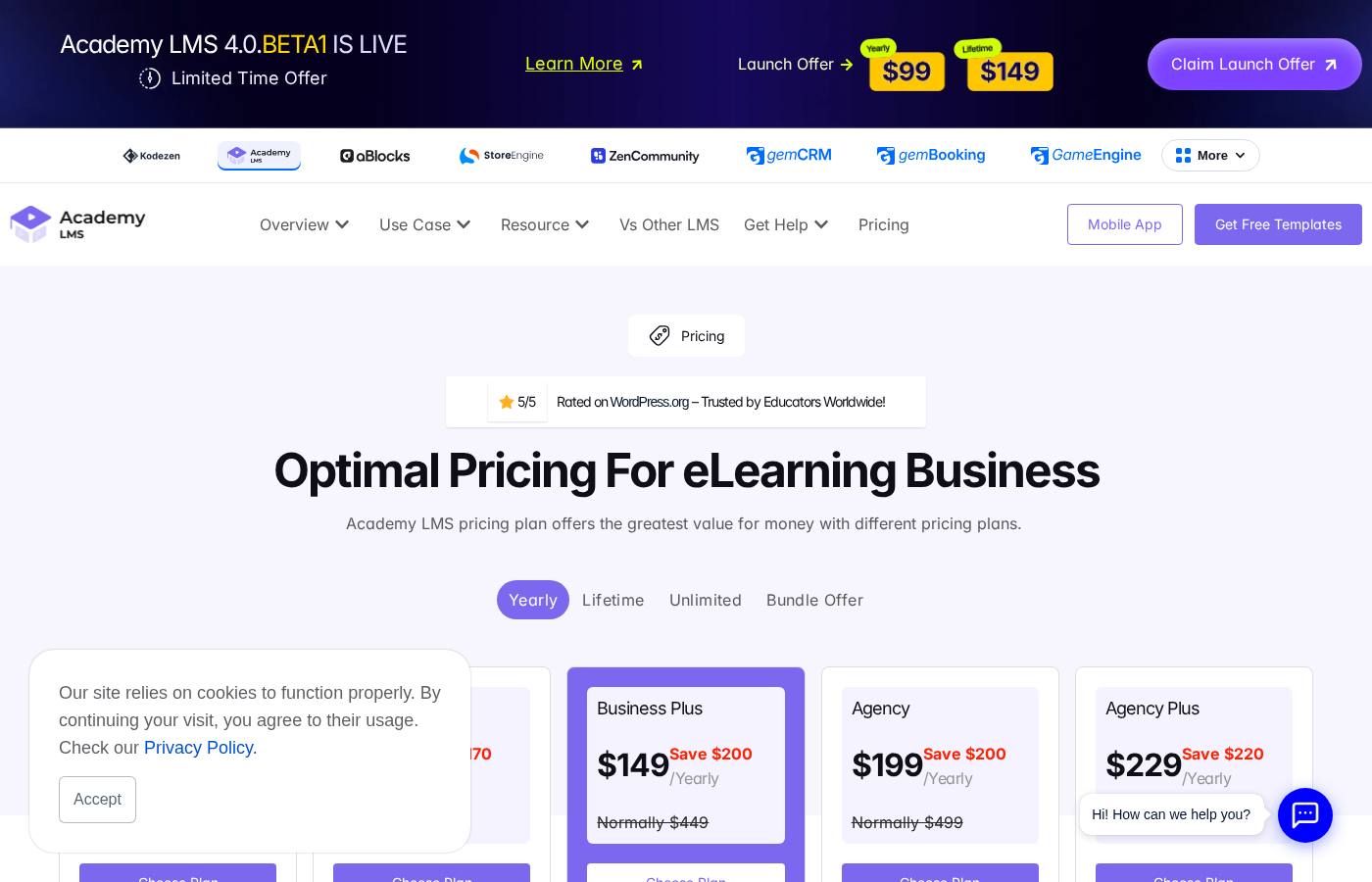
Academy LMS Pro is sold as an annual subscription or a one-time lifetime purchase from academylms.net/pricing. The pricing page shows promotional discounts that reduce prices significantly from the listed regular rates. Verify the current price directly on the pricing page before purchasing, as promotional pricing can change.
Yearly plans (promotional prices as of August 2026):
| Plan | Price/year | Sites |
|---|---|---|
| Individual | $99 | 1 |
| Business | $129 | 10 |
| Business Plus | $149 | 25 |
| Agency | $199 | 100 |
| Agency Plus | $229 | 200 |
| Unlimited | $699 | Unlimited |
Lifetime plans (promotional prices as of August 2026):
| Plan | Price | Sites |
|---|---|---|
| Individual | $149 | 1 |
| Business | $199 | 10 |
| Business Plus | $229 | 25 |
| Agency | $349 | 100 |
| Agency Plus | $449 | 200 |
| Unlimited | $839 | Unlimited |
All plans include: 112+ features, 34+ integrations, 46+ add-ons, AI-powered course creation, and a 14-day money-back guarantee. There is no free trial for Pro; the free WordPress.org plugin is the trial.
The lifetime pricing deserves attention for solo creators: $149 for a lifetime Individual license is one of the more aggressive lifetime price points in the LMS category. For a LearnDash comparison, LearnDash charges $199/year for a single site with no lifetime option, and its closest multi-site plan (10 sites) runs $399/year versus Academy LMS Business at $129/year.
Pros and cons
Pros
- Strong free tier: course creation, quizzes, certificates, and multi-instructor revenue sharing are all available at no cost
- Competitive pricing: the Individual plan at $99/year and $149 lifetime undercuts LearnDash significantly for single-site use
- React SPA admin interface is noticeably faster than traditional WordPress page-refresh LMS backends; users consistently cite this in reviews
- The 4.0 rebuild is substantive: dynamic question banks, QR-verified certificates, and a redesigned Learn page are real improvements, not marketing rebranding
- Broad integration list covering major payment, membership, community, and marketing platforms
- AI-assisted course generation via ChatGPT integration for creators who want to draft course outlines or lesson content quickly
- Multi-instructor revenue sharing in the free tier is rare in this category; most competitors gate this behind a paid plan
- RTL support makes the plugin viable for markets that other LMS plugins overlook
- ZenAppBuilder integration allows converting a course site into a mobile app without a separate mobile development project
- 4.9/5 rating on WordPress.org with consistently positive user reviews around support responsiveness and plugin stability
- 14-day money-back guarantee on all paid plans
Cons
- 2,000+ active installs is modest compared to Tutor LMS (80,000+) or LearnDash; community-contributed tutorials, compatibility notes, and troubleshooting threads are proportionally thinner
- The “up to 60% faster” performance claim is vendor-made without independent third-party benchmark data cited
- AI course generation requires users to connect their own ChatGPT API key; it is not a hosted service included in the plan price
- Some advanced features (SCORM, live classes, content drip, advanced analytics) appear to require Pro add-ons or the full Pro tier; the exact free-vs-pro boundary is not fully transparent on the public site
- The 4.0 release is very recent (August 13, 2026); major version rebuilds sometimes introduce regressions or compatibility issues that take a few point releases to resolve
- Companion products (aBlocks, StoreEngine, ZenAppBuilder) add ecosystem depth but also add purchasing decisions and potential compatibility variables
Alternatives to Academy LMS
LearnDash. The category leader for serious online course businesses. More expensive ($199/year for one site), no free version on WordPress.org, but a vastly larger ecosystem of compatible add-ons, themes, and third-party developers. Choose LearnDash if budget is not a constraint and you need the widest possible compatibility and community knowledge base.
Tutor LMS. The closest competitor in positioning: free version available, Pro from $149/year, 80,000+ active installs. Tutor LMS has a larger install base and more community troubleshooting content than Academy LMS. Its quiz engine and course builder are comparable. Choose Tutor LMS if install-base scale and community depth matter more than Academy LMS’s pricing edge.
LearnPress. The most-installed free LMS plugin on WordPress.org (80,000+ installs). Free tier is broad but the interface can feel clunky compared to Academy LMS’s React frontend. Pro add-ons are sold individually rather than as a bundled plan. Choose LearnPress if you need the maximum free feature set and are comfortable with a more traditional interface.
LifterLMS. A mature LMS plugin with a different commercial model: the core plugin is free, but individual add-ons are sold separately or in bundles. Strong reputation for content-drip and membership integration. Choose LifterLMS if you want to pay only for specific add-ons rather than a full Pro tier.
Masterstudy LMS. A newer entrant positioning itself as a full-stack course platform with included payment processing, mobile app support, and a Udemy-like marketplace mode. Similar install scale to Academy LMS. Choose Masterstudy LMS if you want an integrated marketplace for multiple instructors selling independently on your platform.
MemberPress with CoachKit. If membership access control is the primary driver and courses are a secondary feature, MemberPress’s approach of treating courses as membership-gated content may be more appropriate than a dedicated LMS plugin. Choose MemberPress when you need tight membership billing control alongside course delivery.
For most first-time course builders, the honest comparison is between Academy LMS and Tutor LMS. Both offer free tiers, comparable feature depth, and WordPress-native architectures. Academy LMS edges ahead on pricing and the React interface; Tutor LMS edges ahead on install scale and community knowledge base. Either is a reasonable choice.
Final verdict
Academy LMS in August 2026 is a more capable plugin than its install count suggests. The free tier is genuinely useful, not a marketing stub. The pricing undercuts LearnDash meaningfully while covering a comparable feature set. The 4.0 rebuild demonstrates that Kodezen is investing seriously in the product rather than coasting on early momentum.
The honest position: if you are building your first online course site on WordPress and do not have a specific reason to pay LearnDash prices, Academy LMS is worth installing and testing before committing to anything. The free version will handle most solo-creator workflows. The Individual plan at $99/year or $149 lifetime is a low-risk upgrade if you need Pro features.
The caution worth stating clearly: a 2,000-install plugin is not a 200,000-install plugin. Some compatibility issues with niche themes or server configurations will be less publicly documented. The support team is reported to be responsive, and that responsiveness matters more when the community knowledge base is thin. If your course business depends on a specific third-party integration working flawlessly and you cannot find evidence of others using it successfully with Academy LMS, test it before committing.
For agencies, the Agency plan at $199/year for 100 sites is genuinely competitive against anything in the category. The lifetime equivalent at $349 is the kind of price that makes budget justification straightforward.
Academy LMS is a solid plugin. The 4.0 release moves it from “interesting option” to “strong contender” in the WordPress LMS category. It still needs a few more years and many more installs before it reaches the robustness and community depth of LearnDash. But for the price, and especially with a 14-day refund window, it is worth the test.
FAQ
Is Academy LMS free?
Yes, in part. A free version is available on WordPress.org as “Academy LMS” and includes course creation, quizzes, certificates, and multi-instructor revenue sharing. Pro features including AI course generation, SCORM, content drip, advanced analytics, live classes, and certain integrations require a paid plan starting at $99/year for one site.
Who makes Academy LMS?
Academy LMS is developed by Kodezen LLC, a Delaware-registered company. Kodezen also makes related products including aBlocks (a Gutenberg block library), StoreEngine (a course commerce platform), and ZenAppBuilder (a no-code mobile app builder).
How does Academy LMS compare to LearnDash?
Both are capable WordPress LMS plugins. LearnDash has a much larger install base, a wider ecosystem of compatible themes and add-ons, and a longer track record on production sites. Academy LMS is significantly less expensive: $99/year versus $199/year for a single site. Academy LMS includes a free WordPress.org version; LearnDash does not. Academy LMS’s React-based admin interface is faster and more modern. For most new course builders on a budget, Academy LMS offers comparable functionality at a lower entry price. For large established sites with existing LearnDash add-on stacks, migration is rarely worth the risk.
Does Academy LMS support SCORM?
Yes, SCORM support is listed as a feature. SCORM-compliant courses from authoring tools like Articulate Storyline or Adobe Captivate can be imported. For organizations whose entire course library is SCORM-based, verify the specific SCORM version (1.2, 2004) and tracking compatibility with the Academy LMS team before committing.
What changed in Academy LMS 4.0?
Version 4.0, released August 13, 2026, is a ground-up rebuild of the admin interface (Tailwind CSS, dark/light/auto modes, dedicated pages per editor function replacing modal pop-ups), quiz engine (dynamic question bank, audio questions, chapter and final exam types, color-coded analytics), and certificate system (QR verification, free-form designer, retrospective issuance). Three companion plugins were also released: TruePlayer (video verification), GemSecurity (security dashboard), and Academy Digital Campus (school management). For existing users on 3.x, review the 4.0 changelog and test on a staging site before upgrading a production installation.
Does Academy LMS have a lifetime license?
Yes. Lifetime licenses are available from $149 for one site, $199 for 10 sites, $349 for 100 sites, and $839 for unlimited sites. These are one-time purchases with no annual renewal. Verify current prices at academylms.net/pricing, as promotional pricing applies and rates may differ from those listed here.
Is there a money-back guarantee?
Yes. Academy LMS offers a 14-day money-back guarantee on all paid plans.
Can I sell courses with the free version?
Yes, with a condition. The free version integrates with WooCommerce for selling courses. You need WooCommerce installed and a compatible payment gateway to process transactions. Advanced monetization options like SureCart and certain membership plugin integrations may require Pro.
How many sites can I use Academy LMS on?
The free version can be activated on any number of sites. Pro licenses are sold per site tier: 1 site (Individual), 10 sites (Business), 25 sites (Business Plus), 100 sites (Agency), 200 sites (Agency Plus), or Unlimited. Verify current plan-site mappings on the pricing page, as plan structure can change.