

At a glance
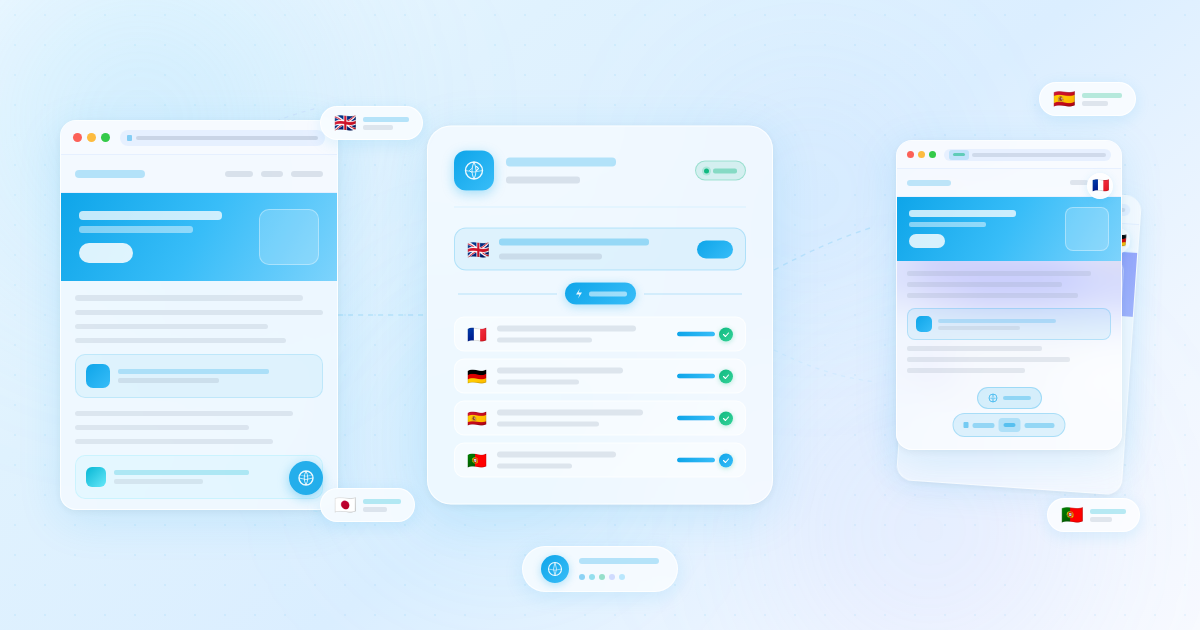
Weglot is a cloud based WordPress automatic translation plugin that detects site content, creates translated language versions, adds a language switcher, and gives teams a dashboard for machine, manual, and professional translation workflows.
- Best for: WordPress owners who want the fastest multilingual launch with minimal site configuration
- Free version: yes, up to 2,000 translated words and 1 translated language after the trial
- Paid pricing: Starter €15/month, Business €29/month, Pro €79/month, Advanced €299/month, Extended €699/month, Enterprise by quote
- SEO: language URLs, hreflang, translated metadata, SEO tag translation, and translated URLs on eligible plans
- WordPress.org profile: 50,000+ active installs, 4.8 average rating, and version 6.2 tested with WordPress 7.0.4 as of August 21, 2026
Quick verdict
Weglot is the easiest multilingual WordPress plugin to recommend when speed, automatic translation, SEO infrastructure, and centralized translation management matter more than local database ownership. The main drawback is pricing: word count, language count, and traffic scale can push growing sites into higher monthly plans quickly.
Weglot is built for a specific buyer: a WordPress site owner who wants multilingual pages live quickly, wants automatic translation as the first draft, and does not want to rebuild the site around separate translated posts. In that use case, it is one of the smoothest WordPress translation plugins available in 2026.
Our verdict in this Weglot review: Weglot is excellent for speed, compatibility, and multilingual SEO basics, especially for marketing sites, SaaS websites, content publishers, and WooCommerce stores entering a small number of new markets. It is less ideal for owners who want a one time license, unlimited translations without recurring word limits, or full translation storage inside WordPress.
What is Weglot?
Weglot is a website translation platform with a dedicated WordPress plugin. Instead of asking you to create each translated post manually, Weglot connects your site to its cloud translation layer, detects visible content, generates machine translations, and lets you manage those translations in the Weglot dashboard.
The WordPress plugin is mostly the connector. You install it, add your API key, select your original language and destination languages, then Weglot handles content detection, language switcher output, translated language URLs, and translation synchronization. The translated text is managed from Weglot rather than from native WordPress post copies.
That design is the reason Weglot feels faster than many traditional multilingual WordPress plugins. It can work across posts, pages, menus, widgets, theme strings, page builder output, WooCommerce pages, forms, and other front end text because it detects rendered content rather than only the content stored in a standard editor field.
How we evaluated Weglot
This review is based on current public product pages, Weglot documentation, the official pricing page, the WordPress.org plugin listing and changelog, public user feedback, and comparisons with other multilingual WordPress plugins available on August 21, 2026. We focused on the buying questions a site owner would ask before putting Weglot on a production WordPress site.
- How fast the setup flow is for a normal WordPress site
- How automatic translation, glossary rules, visual editing, and manual review fit together
- Whether the SEO implementation is strong enough for indexable multilingual pages
- How pricing scales by words, languages, websites, and advanced features
- Where Weglot is better or worse than WPML, Polylang, TranslatePress, and GTranslate
- Which sites should avoid a cloud based translation dependency
Setup and first run experience
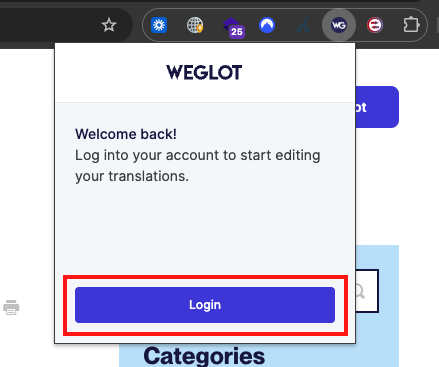
Weglot’s setup is one of its strongest selling points. Install the Weglot WordPress plugin, create or connect a Weglot account, paste the API key, choose your original language, and add one or more translated languages. Once saved, Weglot adds a language switcher and starts generating translated versions.
For a simple marketing site, the first working multilingual version can appear in minutes. That does not mean the site is fully localized in minutes, but it does mean the technical starting point is unusually fast. Menus, page sections, buttons, and page builder content are usually detected without building duplicate page structures.
The main early decision is scope. Weglot pricing is based on translated words and language count, so you should know whether you are translating the full site, only high value landing pages, or an entire WooCommerce catalog. Weglot provides a word count tool and pricing guidance, but the buyer still needs to plan carefully before adding many languages.
Automatic translation quality
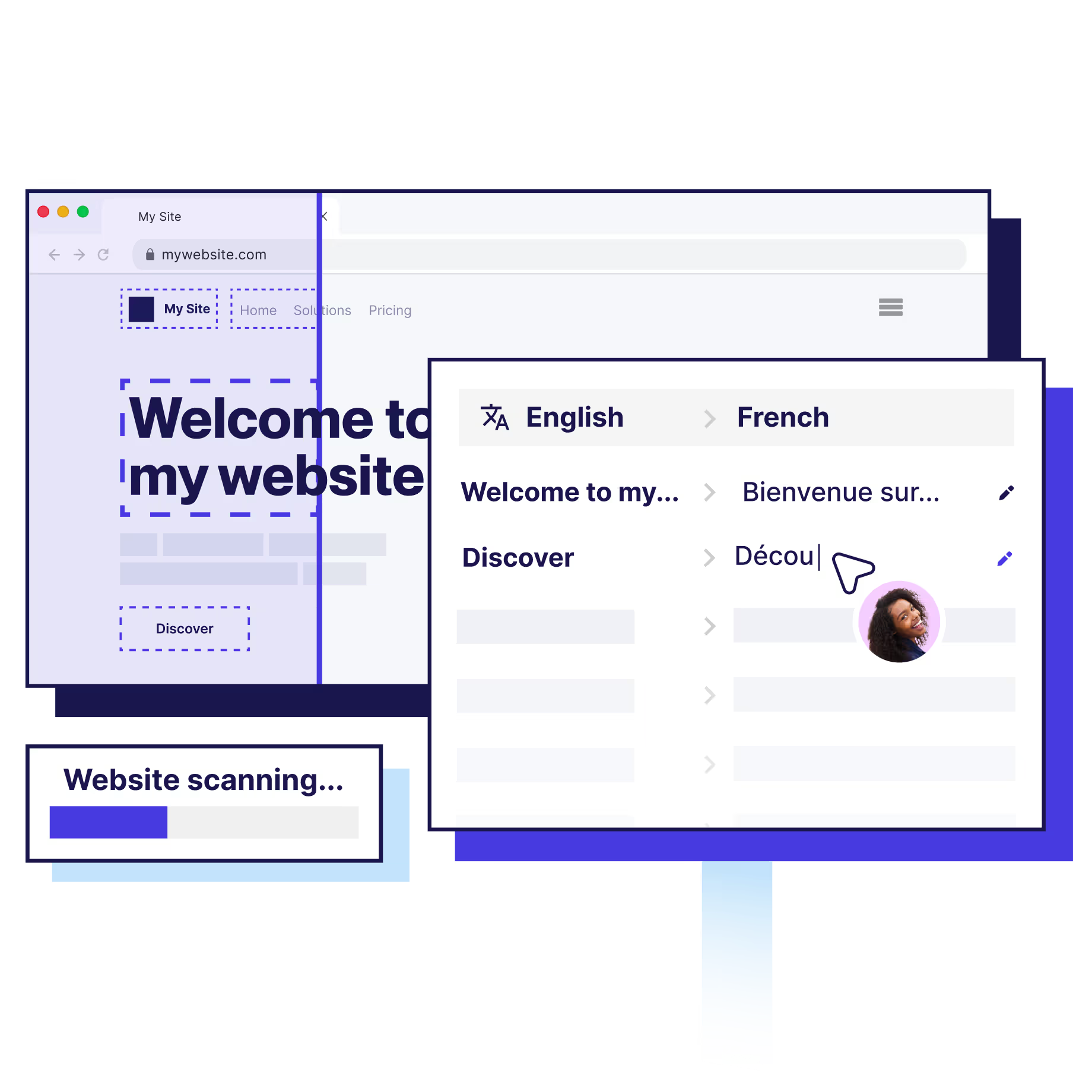
Weglot is best understood as an automatic translation workflow with human control layered on top. It uses machine translation providers and an AI language model approach, then lets you refine output through a translation list, visual editor, glossary rules, and professional translation ordering on supported plans.
For general marketing copy, help center content, product descriptions, and blog text, the first draft is usually good enough to understand. It is not always good enough to publish without review. Brand voice, legal claims, humor, technical terms, checkout microcopy, medical or financial text, and conversion critical pages should still receive human review.
The glossary is important because automatic translation systems can mishandle product names, brand terms, acronyms, industry phrases, and words that should never be translated. Weglot lets you create translation rules so recurring terms stay consistent across the site. This is where Weglot becomes more useful than a basic one click translator.
Visual editor and translation management
The Weglot dashboard gives you two complementary editing workflows. The translations list is better when you already know the string or URL you need to review. The visual editor is better when you want to click around the page and edit text in context.
The visual editor opens a preview copy of the site, lets you navigate pages, and shows editable translation controls next to page text. It can also filter content by translation quality, such as automatic, manual, or professional translation. That makes review practical because editors can focus on the segments that still need human attention.
Weglot documentation also notes that some cookie dependent or highly dynamic behavior may not work inside the visual editor preview. That is normal for this type of editing environment, but it means checkout flows, logged in experiences, personalized elements, and complex dynamic widgets should be QA tested on the live translated site, not only inside the editor.
Multilingual SEO support
Weglot is much stronger than a client side translation widget because it can create indexable language versions. With the WordPress integration, Weglot supports language specific URLs, automatically adds hreflang tags, translates metadata, and works with popular SEO plugins including Rank Math and Yoast SEO.
For SEO, the most important detail is that translated pages need crawlable URLs and translated content visible in the source HTML. Weglot’s documentation states that subdirectory or subdomain setups create dedicated language URLs and that server side translated content can be visible to search engines. That is the correct direction for multilingual search.
There are still SEO details to review manually. Translated meta titles and descriptions should be checked for search intent, not only literal accuracy. Slugs may need localization. Internal links should point to the correct language versions. Your sitemap, canonical tags, and hreflang output should be spot checked after launch.

WooCommerce and page builder compatibility
Weglot is a good fit for WordPress sites that use modern page builders because it is not limited to the post editor. Weglot’s WordPress page says it is compatible with page builders such as Elementor and Divi, WooCommerce, Yoast SEO, and other common WordPress tools.
For WooCommerce, the appeal is speed. Product titles, product descriptions, taxonomies, checkout text, and store interface strings can be translated without building a separate store for each language. That can be valuable if you want to test demand in a new country before hiring a full localization team.
The caution is that stores need more QA than brochure sites. Product attributes, measurements, checkout labels, tax text, transactional emails, shipping policies, returns language, legal pages, and currency expectations all need human review. Weglot can translate the content, but it cannot decide your international selling policy.
Weglot pricing review for 2026
Weglot is subscription software, and pricing is the biggest tradeoff. Plans are based mainly on translated word count, translated languages, translation requests, projects, and advanced features. Standard plans are priced in euros, with USD displayed as an estimate on the pricing page.
| Plan | Monthly price | Annual price | Words | Languages | Best fit |
|---|---|---|---|---|---|
| Free | €0 | €0 | 2,000 | 1 | Tiny sites, tests, landing pages |
| Starter | €15 | €150 | 10,000 | 1 | Small brochure sites with one target language |
| Business | €29 | €290 | 50,000 | 3 | Small business sites with several languages |
| Pro | €79 | €790 | 200,000 | 5 | Growing content sites, small stores, multiple projects |
| Advanced | €299 | €2,990 | 1,000,000 | 10 | Larger publishers, catalogs, and international sites |
| Extended | €699 | €6,990 | 5,000,000 | 20 | High volume multilingual businesses |
| Enterprise | Quote | Quote | Custom | Custom | Security, SLA, SSO, custom reverse proxy needs |
For many small WordPress sites, the Business plan is the practical entry point because it supports 50,000 translated words and 3 translated languages. The Starter plan can work for a focused one language site, but 10,000 words disappears quickly once you translate multiple pages, menus, forms, and theme text.
Pro adds more room at 200,000 words and 5 translated languages, plus multisite style project use and more advanced workflows. Advanced and Extended are serious recurring commitments, so larger sites should calculate the translated word count before launching all languages at once.
The pricing verdict is simple: Weglot can be very cost effective if it saves developer time and helps you validate new markets quickly. It can feel expensive if you compare it with annual WordPress plugins that store translations locally and do not meter words in the same way.
Pros and cons
Pros
- Very fast setup for WordPress sites
- Automatic translation gives you a usable first draft quickly
- Visual editor helps reviewers edit in context
- Glossary rules improve consistency for brand and technical terms
- Strong multilingual SEO foundation with language URLs, hreflang, and metadata translation
- Works well with page builders, WooCommerce, and SEO plugins
- Central dashboard is easier for non technical teams than many older multilingual workflows
- Professional translation ordering is available when human quality is required
Cons
- Recurring pricing scales with translated word count and language count
- Translations are managed in Weglot’s cloud platform rather than fully native WordPress posts
- Machine translation still needs human review for important pages
- Large content sites and WooCommerce catalogs may need higher plans quickly
- Advanced needs such as top level domains, export and import, custom languages, SSO, or custom reverse proxy require higher tiers
- Sites that want total local ownership may prefer WPML, Polylang, or TranslatePress
Weglot vs WPML
The Weglot vs WPML decision is mostly about workflow. Weglot is faster to launch and easier for automatic translation first. WPML is a deeper native WordPress translation system with more control over translated content relationships, translator workflows, and ownership inside the WordPress environment.
Choose Weglot if your priority is speed, low configuration, and automatic translation across an existing site. Choose WPML if you want a mature WordPress native system, more manual translation control, and a licensing model that is not based on Weglot’s translated word tiers. You can read our separate WPML review for a closer look.
Weglot alternatives
TranslatePress is the closest alternative if you want visual editing inside WordPress rather than a fully external translation platform. It is a strong option for users who care about frontend translation control, local storage, and annual license pricing. See our TranslatePress review.
Polylang is a strong fit when you want a lighter manual multilingual plugin and more control over individual translated content. It is less automatic out of the box than Weglot, but it can be attractive for sites that prefer free or annual plugin economics. See our Polylang review.
WPML remains the heavyweight option for WordPress translation management. It is more complex than Weglot, but it gives serious teams a native WordPress workflow for translating posts, custom types, taxonomy terms, strings, WooCommerce content, and more.
GTranslate is worth considering when the budget is tight and quick automatic translation matters most. It can be simpler for basic machine translation use cases, but Weglot usually offers a more polished management layer and clearer editorial workflow for teams.
Who should use Weglot?
- Small businesses that need a multilingual site quickly
- Marketing teams testing international demand before a full localization program
- WooCommerce stores that want to translate catalogs and checkout text without rebuilding the store
- Agencies that want a simple multilingual workflow clients can understand
- SaaS and B2B sites with a manageable number of high value pages
- Content publishers that can budget for recurring translation infrastructure
Weglot is less ideal for sites with millions of words, extremely tight software budgets, or strict requirements that every translation live only inside the WordPress database. Those sites should compare WPML, Polylang, TranslatePress, and custom localization workflows carefully.
Final verdict
Weglot is one of the best WordPress automatic translation plugins for site owners who want to go multilingual quickly without managing duplicate posts, complicated string tables, or custom language routing. It combines automatic translation, visual editing, glossary control, language URLs, metadata translation, and hreflang automation in a workflow that non technical teams can understand.
The tradeoff is cost and dependency. Weglot is a cloud subscription, and the bill grows as translated words, languages, and traffic grow. If that model fits your business, Weglot can save a large amount of implementation time. If you want a more traditional WordPress owned translation system, compare WPML, Polylang, and TranslatePress before committing.
For most site owners searching for a Weglot review because they want automatic multilingual WordPress support, the answer is yes: Weglot is worth testing, especially if a fast first launch matters. You can also browse more independent coverage in our WordPress plugin reviews.