

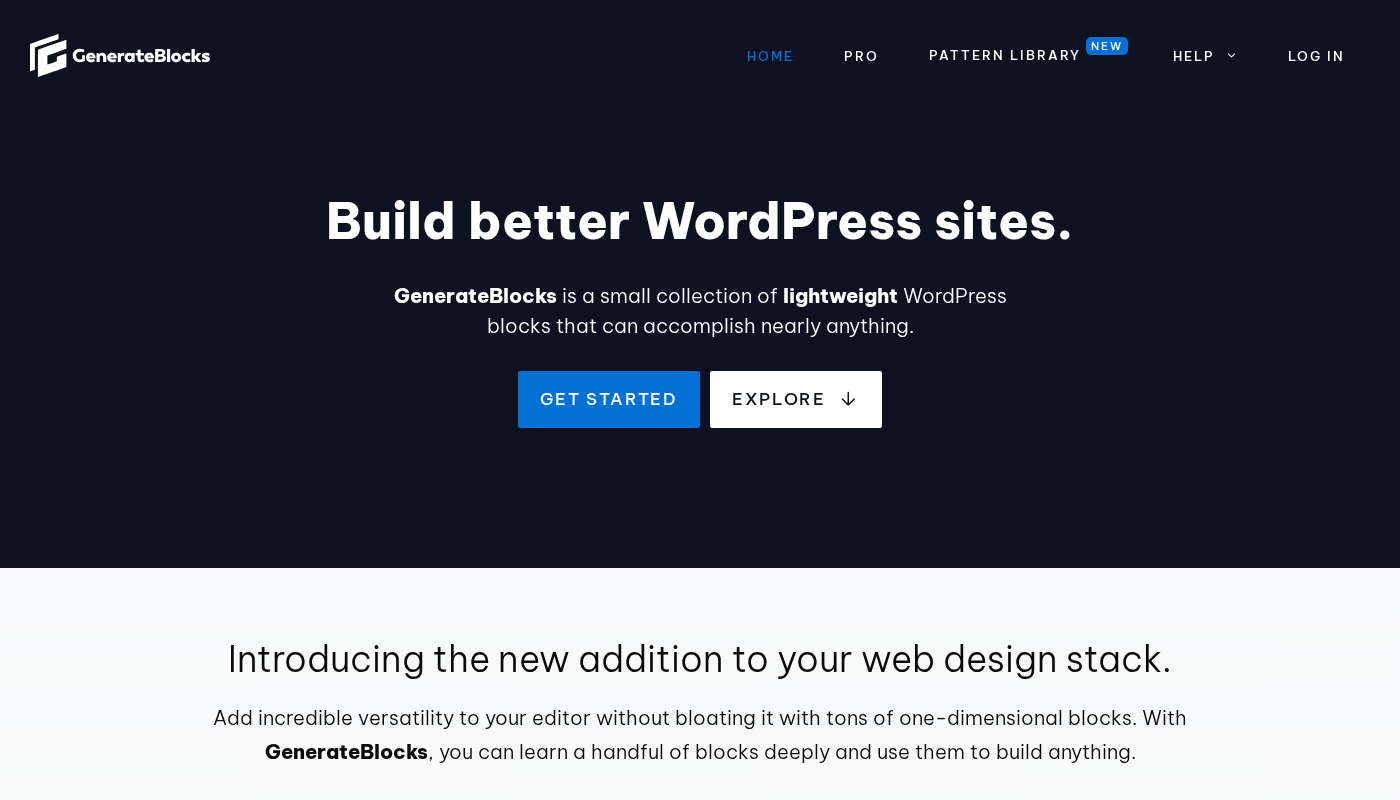
Most Gutenberg block plugins give you dozens of purpose-built blocks: a testimonial block, a pricing table block, an icon box block, a team member block. GenerateBlocks takes the opposite approach. It gives you a small set of foundational blocks and challenges you to build almost anything from them.
That design decision is the whole story. If you want a plugin you can install and immediately find a ready-made “features section” block that looks presentable with zero configuration, GenerateBlocks will frustrate you. If you want a plugin where you control every spacing value, every breakpoint, and every CSS property without touching a stylesheet, GenerateBlocks is worth a serious look.
I reviewed the free plugin on WordPress.org (version 2.4.0, last updated July 28, 2026), the official documentation at learn.generatepress.com, and the GenerateBlocks Pro feature set now sold at generatepress.com. I also walked through the official block descriptions, changelog, and pricing pages to make sure this review reflects the plugin as it stands in August 2026 rather than an older version.
Note on basis: this review is built on a feature, pricing, and WordPress.org listing audit of GenerateBlocks as of August 2026. The free plugin was inspected via the WordPress.org screenshots panel and the official documentation. A live Pro install in a production environment was not tested in this window. Where a feature is documented but not directly exercised, the relevant section says so.
At a Glance
Plugin: GenerateBlocks
Version reviewed: 2.4.0
Active installations: 200,000+ (WordPress.org, August 2026)
Rating: 4.9 out of 5 (122 reviews on WordPress.org)
Free version: genuine building blocks for designers and developers who think in CSS
Pro: $99/year (standalone) or bundled in GeneratePress One at $149/year
Bottom line: the tightest, most performance-oriented block plugin in the category, but it has a higher learning curve than block plugins with more pre-built components
Quick verdict
GenerateBlocks is not a plugin for people who want to click a block and have it look polished immediately. It is a plugin for people who want to build their own design system from scratch inside the WordPress editor and have it render as clean, minimal code.
If you are a developer or a detail-oriented freelancer who finds page builders like Elementor frustrating because of the code they output, GenerateBlocks is exactly the tool built for you. The free version is fully functional for building complete layouts, and the Pro upgrade adds a pattern library, global styles, and dynamic content tools that make it competitive with any paid page builder at a fraction of the weight.
If you are a beginner who needs a website up quickly and you are not comfortable thinking in CSS properties, start with Kadence Blocks or Spectra instead. They trade some performance headroom for more pre-built blocks that look reasonable straight out of the box.
Quick Verdict Card
Best for: developers, freelancers, and performance-focused site builders who want full CSS control inside the block editor without using a heavy page builder
Best plan for most builders: the free version covers complete layout building; Pro ($99/year) earns its price for pattern access, global styles, and advanced dynamic content
Best value bundle: GeneratePress One ($149/year) if you also use or plan to use the GeneratePress theme
Standout: the cleanest code output of any comparable block plugin; generates only the CSS each page actually needs
Watch out for: steeper learning curve than block plugins with more pre-built block templates; limited active install count (200,000+) compared to heavier alternatives, so community tutorials are thinner
What GenerateBlocks is
GenerateBlocks is a Gutenberg block plugin built by Tom Usborne, the developer behind GeneratePress, under his company Edge22 Studios. The plugin gives you a small set of foundational blocks, a style builder that exposes hundreds of CSS properties, and a dynamic tag system for building content templates and post loops, all without touching a code editor.
The philosophy is borrowed from component-based web development. Rather than building fifty single-purpose blocks, GenerateBlocks builds you four foundational primitives: a Container (a wrapper you can style), a Text element (for headings, paragraphs, or any text tag), a Button, and an Image. Every layout is built by nesting and styling these blocks. The Grid and Query Loop blocks extend the system for multi-column layouts and post lists.
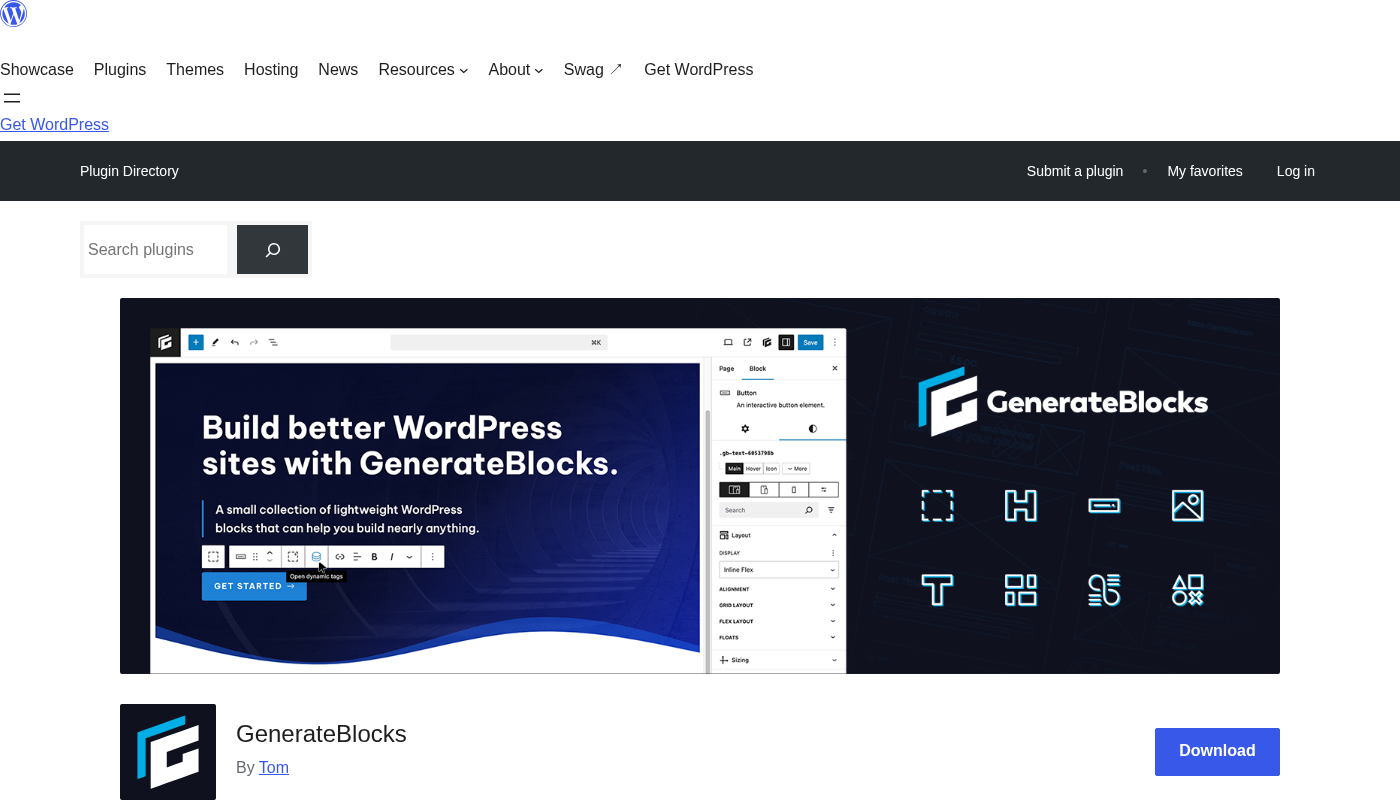
The plugin is free on WordPress.org, where it has crossed 3.67 million total downloads and holds 200,000+ active installations. Its 4.9-star rating comes from 122 reviews, with 115 of those at 5 stars.
GenerateBlocks works with any WordPress theme. It is designed to pair with GeneratePress but has no hard dependency on it. Sites built on Astra, Neve, Blocksy, or Twenty Twenty-Four run the plugin without issues.
Who GenerateBlocks is best for
Strong fit:
- Developers and technical freelancers who want full CSS-level control inside the visual editor and want the output to be clean, semantic HTML
- Performance-focused site builders who run Lighthouse audits and care about Core Web Vitals; the plugin generates only the CSS blocks on the page actually use
- GeneratePress theme users who want a plugin from the same developer with the same performance-first philosophy
- Builders who construct their own design systems and want block templates to be building blocks, not finished products
- Agencies or solo freelancers who need to build consistent designs across multiple sites and want global styles to maintain that consistency (Pro)
- Developers building custom WordPress themes or template parts who need dynamic content blocks with query loop support
Weak fit:
- Beginners who need a website live quickly and are not comfortable with CSS properties like padding, margin, flexbox, or grid
- Users who want a large pre-built block library where a “pricing table” or “team member” block is ready to drop in and style with a few color changes
- Teams that need a drag-and-drop, no-code visual experience similar to Elementor or Divi where every block has its own dedicated interface
- Site owners looking for a builder that is especially strong on e-commerce-specific block types (product grids, cart widgets, checkout customization) out of the box
Setting up GenerateBlocks
GenerateBlocks installs from Plugins > Add New in the WordPress admin. Search “GenerateBlocks” and it is one of the first results. Activate it and the blocks are immediately available inside the Gutenberg editor. There is no onboarding wizard, setup step, or API key entry. The plugin just works.
I found the initial experience refreshingly minimal. Unlike heavier block plugins that load a settings panel full of license keys, import demos, and notification prompts on activation, GenerateBlocks adds one dashboard page and the blocks. That is it.
The blocks appear inside the Gutenberg inserter under a GenerateBlocks section. Adding a Container drops a wrapper onto the page. In the block sidebar you get access to the style builder: spacing controls, typography controls, color selectors, background options, border settings, and CSS grid or flexbox layout controls, all grouped into clearly labeled sections.
One honest observation: the style builder requires that you already know what you want. A first-time user who is not comfortable with terms like “padding block start,” “column gap,” or “align items” will find the interface opaque. The learning curve is genuine and worth being clear about.
Core blocks, explained
GenerateBlocks provides nine blocks in its free tier on WordPress.org. Here is what each one actually does:
Container
The Container is the foundation of everything. It is an HTML element (div, section, article, or any block-level tag you choose) that you can add other blocks inside. You style the Container using the sidebar’s spacing, color, background, and layout controls.
The Container block supports flexbox and grid layouts. You can align child blocks horizontally or vertically, set gap values, control padding and margin for each side independently, and apply background images or colors. Almost every layout section on a GenerateBlocks site starts with a Container.
Grid
The Grid block is a Container variation that uses CSS Grid for multi-column layouts. You specify the number of columns and their sizes using CSS grid-template-columns syntax. The style builder exposes grid-auto-rows, grid-auto-columns, grid-template-areas, and grid-area fields (added in version 2.2.0), which gives you genuine CSS grid power without writing a stylesheet.
Text
The Text block is a text element where you choose the HTML tag: h1 through h6, p, span, div, li, or others. A single Text block covers everything from a page title to a paragraph to a list item. The Headline and Button blocks visible in the homepage UI are both Text block variations with preset defaults, not separate blocks.
Image
The Image block adds static or dynamic images. In the free version you can link it to any uploaded media file. With dynamic tags enabled (free), you can pull in the featured image of any post. The Image block supports alt text, link wrapping, and the same spacing and border controls available to the Container.
Shape
The Shape block lets you add custom inline SVG shapes to your pages. You paste SVG markup directly or load from an asset library (Pro). It is the standard way to add section dividers, decorative backgrounds, or custom icons in a GenerateBlocks layout.
Query and Query Loop blocks
The Query block builds a list of posts from any post type using custom query parameters. You set the post type, number of posts, order, taxonomy terms, and meta field conditions. The Looper, Loop Item, No Results, and Page Numbers blocks work alongside it to build template-style post listings, archive pages, and custom feeds inside the editor.
In the free version you can query by post meta fields for filtering, but pulling meta field values as dynamic tag display content requires Pro. This is the most important free-vs-Pro line to understand before building a content template.
Dynamic tags
Dynamic tags let you display post-specific data inside any block without custom code. The free version includes fifteen tags: post title, post excerpt, post permalink, post date, featured image, post meta (read value), author meta, comment count, comments URL, author archives URL, author avatar URL, term list, previous posts URL, next posts URL, and media.
These are enough to build a basic post loop showing title, featured image, excerpt, date, and a read-more link. For more advanced templates (archive titles, user meta, site-wide options, or per-loop index numbering), you need Pro.
Responsive controls
Every style property in the sidebar can be set independently for five breakpoints:
- Desktop (1025px and up)
- Desktop and Tablet (768px and up)
- Tablet (768px to 1024px)
- Tablet and Mobile (up to 1024px)
- Mobile (up to 767px)
This covers the standard three-breakpoint design workflow (desktop, tablet, mobile) while giving you mid-range overrides when you need them. GenerateBlocks Pro adds unlimited custom media queries for builds that need precise breakpoint control beyond these five.
GenerateBlocks Pro: what it adds
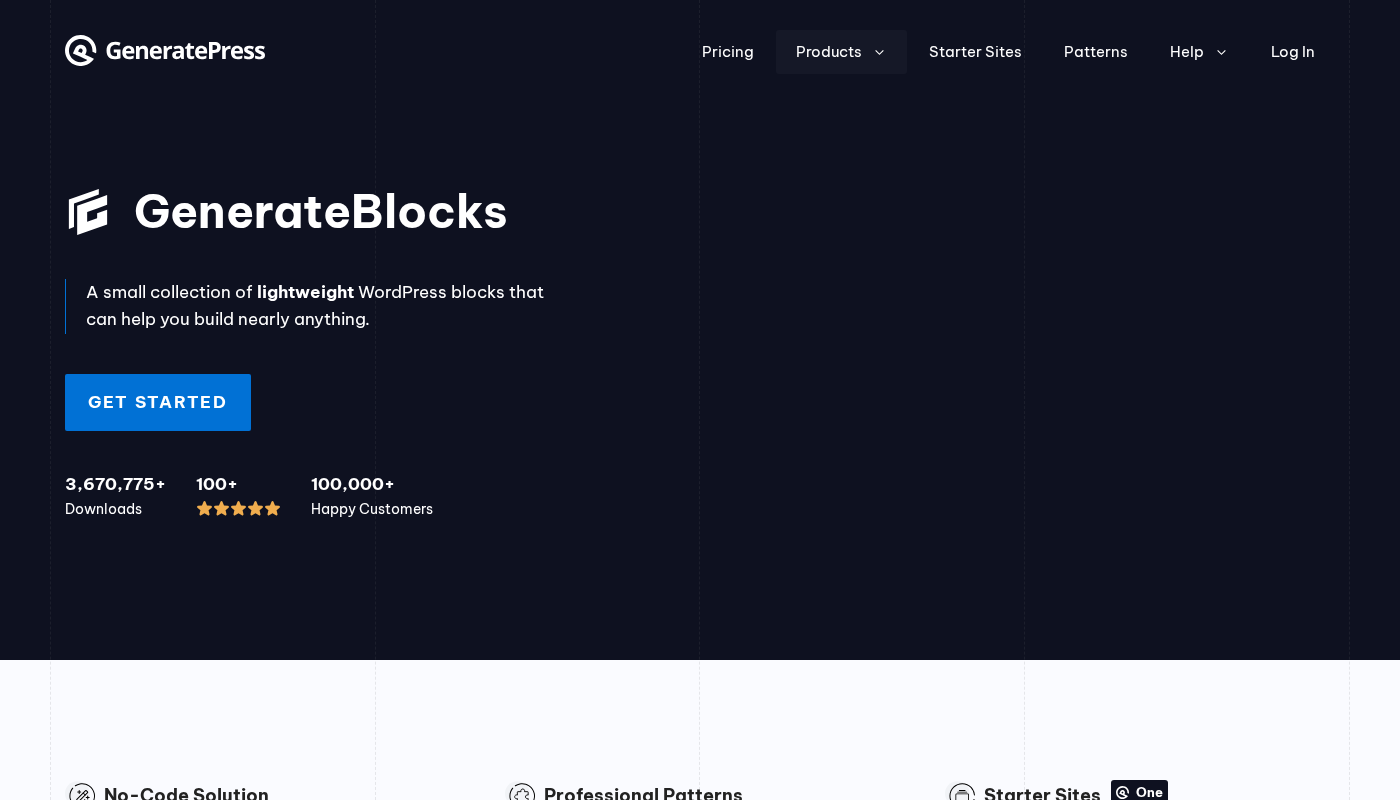
GenerateBlocks Pro is now sold at generatepress.com, not generateblocks.com. The /pro link on the GenerateBlocks website redirects to the GeneratePress blocks page, which reflects the product’s full integration into the Edge22 Studios ecosystem. The Pro plugin is $99/year as a standalone purchase, or included in the GeneratePress One bundle at $149/year.
Pattern Library
GenerateBlocks Pro includes access to 300+ pre-built design patterns directly inside the editor. A pattern is a group of pre-styled blocks you can insert and then customize. The pattern library covers hero sections, feature rows, testimonials, calls to action, footers, and full-page layouts.
This is the feature that addresses the beginner-friendliness gap in the free plugin. Instead of building every section from scratch, you can start with a pattern and modify it.
Global Styles
Global Styles let you define a style once and apply it to multiple blocks across the site. If you create a “card container” style, you can assign that global style to any Container block. Change the global style and every block using it updates automatically.
This is a significant time-saver on large builds and a legitimate performance enhancement: instead of repeating the same CSS properties across dozens of blocks, the same class is reused. The result is a smaller CSS output.
Overlay Panels and Conditional Display
Overlay Panels let you build popups, slide-ins, off-canvas sidebars, and other dynamic panels using the standard Container block. The trigger and animation behavior are set in the Pro sidebar controls.
Conditional Display controls which Overlay Panels (and other blocks) appear based on rules: logged-in vs. logged-out users, specific user roles, device type, specific pages or post types, and more. This covers the most common personalization patterns without needing a separate popup plugin.
Mega Menus, Navigation Block, and Site Header Block
These three Pro additions handle site-level design elements that go beyond page content:
- The Site Header Block lets you design a custom header inside the block editor, replacing the theme’s default header.
- The Navigation Block builds responsive navigation menus with full block-level customization.
- The Mega Menu feature extends the Navigation Block to support content-rich dropdown menus with columns, images, and custom blocks inside them.
For users who want to design the entire site from top to bottom inside the editor, these three features close the gap between GenerateBlocks and a full-theme builder.
Effects, Accordions, and Tabs
Effects brings CSS transitions, transforms, hover effects, box shadows, and other visual behaviors into the sidebar UI. You set entry animations, hover states, and scroll-triggered effects without writing CSS.
Accordions and Tabs are block variations that use the standard Container and Text blocks. They are not new separate blocks; they are structured arrangements with Pro-managed interaction behavior. The result is lightweight, accessible accordion and tab components without a dedicated jQuery-heavy plugin.
Additional Pro dynamic tags
Pro adds nine dynamic tags on top of the fifteen in the free version: Archive title, Archive description, Site option, Term meta, User meta, Current year, Site title, Site tagline, Loop index number, and Loop item.
The Loop Index Number tag is particularly useful for numbered lists in a Query Loop (display 1, 2, 3 next to each result). Site title and current year are standard footer-building tools that save you from hardcoding text that needs to be updated.
Dev Tools and Direct CSS
Added in version 2.3.0, Dev Tools gives developers direct CSS access to blocks inside the editor. Instead of using only the sidebar controls, you can write CSS directly that targets the block. GenerateBlocks Pro compiles this alongside the style builder output into the page’s generated stylesheet.
Editor Access
Version 2.4.0 (July 2026) added Editor Access, which lets site administrators set blocks to content-only or read-only modes. A content-only block lets editors change the text inside it but not the styling or structure. A read-only block cannot be changed by editors at all.
This is a meaningful addition for agencies managing client sites. You can lock the design of a site and let a client editor update text and images without accidentally breaking the layout.
Pricing and license value
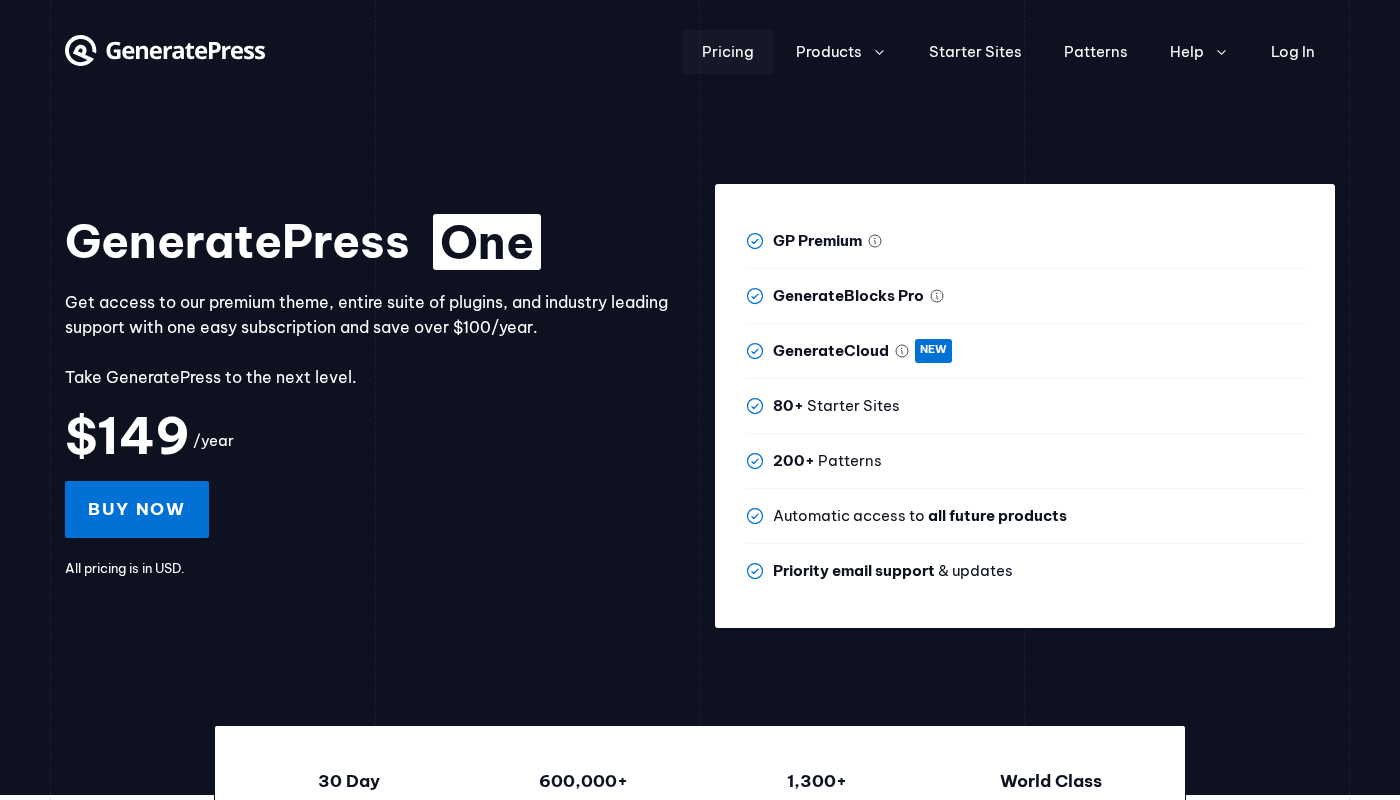
GenerateBlocks free is on WordPress.org at no cost. The paid options:
- GenerateBlocks Pro: $99/year. Includes all Pro features, 1 year of updates and support, and use on up to 500 sites (including client sites where you build and manage).
- GeneratePress One: $149/year. Includes GenerateBlocks Pro plus GP Premium theme plus GenerateCloud plus automatic access to all future products plus priority support. This saves over $100 per year compared to buying each product separately.
- GP Premium (theme only): $59/year.
- GenerateCloud (pattern cloud sharing): $99/year. Requires GenerateBlocks Pro. For agencies that want to share custom pattern libraries across multiple client sites.
All prices are in USD. A 30-day money-back guarantee applies to all paid plans.
The 500-site limit per license is extremely generous. Most competing block plugin licenses cap at 1, 3, or 10 sites. Agencies with large client portfolios can use one GenerateBlocks Pro or GeneratePress One license across the entire portfolio.
For a solo freelancer or developer who already uses or is open to using GeneratePress, the GeneratePress One bundle at $149/year is the clearest recommendation: you get the theme, the blocks plugin, and the cloud pattern sharing tool for less than the combined individual prices.
For a developer who uses a different theme, $99/year for GenerateBlocks Pro alone is competitive with alternatives. Kadence Pro is $129/year, and Spectra Pro starts at $49/year for fewer features. Verify current pricing at generatepress.com/pricing/ before purchasing.
Pros and cons
Pros
- Cleanest code output of any comparable block plugin. CSS is generated dynamically, scoped to the blocks used on each page, and output as a single inline or enqueued stylesheet without importing unused styles.
- The free version is genuinely complete for layout building. You can build a full website with the free blocks without hitting a hard paywall on basic functionality.
- Performance-first design from the same developer as GeneratePress. The plugin has zero JavaScript dependencies for styling and outputs minimal HTML.
- 4.9-star rating from 122 reviews on WordPress.org reflects a highly satisfied user base with a low complaint rate.
- Version 2.4.0 (July 2026) added practical agency and enterprise features: content-only editing, read-only blocks, and dynamic data permission controls.
- Very generous license: up to 500 sites per license, including client sites where you build and manage.
- GeneratePress One bundle at $149/year provides exceptional value if you also use the GeneratePress theme.
- Actively maintained with consistent security patches (four security improvements across 2.1.x to 2.4.0).
- Works with any theme, not just GeneratePress.
- 30-day money-back guarantee.
Cons
- High learning curve for beginners. The style builder expects familiarity with CSS properties. Someone who does not know what “padding block start” or “align items” means will struggle to get started.
- 200,000+ active installations is modest compared to Kadence Blocks (1 million+) or Spectra (900,000+). Fewer active users means fewer community tutorials, YouTube walkthroughs, and third-party pattern packs.
- GenerateBlocks Pro is now sold at generatepress.com, not generateblocks.com. The branding split can cause confusion: the generateblocks.com Pro link redirects to the GeneratePress website. Buyers unfamiliar with the relationship may not immediately find where to purchase.
- No dedicated e-commerce blocks. WooCommerce layouts require building product grids manually using the Query Loop and Container system, which is powerful but requires more effort than a plugin with dedicated WooCommerce block templates.
- The free version’s five fixed breakpoints are enough for most sites but may feel limiting on builds that need precise custom media queries. Those require Pro.
- Query meta field display (not just filtering) requires Pro. If you want to show a custom field value inside a post loop, you cannot do it on the free plan.
Alternatives to GenerateBlocks
- Kadence Blocks: Free and Pro ($129/year). The most direct comparison in terms of positioning: also a Gutenberg-focused block plugin with a performance emphasis. Kadence gives you more pre-built block types (icon list, info box, countdown timer, accordion) and a larger community with more third-party resources. GenerateBlocks outputs cleaner code and gives more CSS-level control. Choose Kadence if you want more blocks ready to use; choose GenerateBlocks if you want less bloat and more precise control.
- Spectra (formerly Ultimate Addons for Gutenberg): Free and Pro (from $49/year). Spectra takes the opposite approach from GenerateBlocks: it offers a large library of purpose-built blocks. Very beginner-friendly, with pre-styled blocks for testimonials, star ratings, team members, FAQ, and more. GenerateBlocks wins on performance; Spectra wins on out-of-the-box convenience for common patterns.
- Stackable: Free and Pro ($99/year). Beautiful pre-built layouts and a strong design system. Stackable occupies a middle ground: more pre-built than GenerateBlocks, lighter than Elementor. A good option if you want nice-looking starter blocks without the complexity of a full page builder.
- Elementor: Free and Pro (from $59/year for one site). The dominant page builder in the WordPress market. Elementor is incomparably more beginner-friendly with a full visual canvas editor, hundreds of widgets, and a massive ecosystem of third-party addons. It also generates significantly more CSS and JavaScript than GenerateBlocks. Choose Elementor if ease of use and ecosystem size matter more than code quality; choose GenerateBlocks if clean code and performance matter more than ease of use.
- Greenshift: Free and Pro. A performance-focused Gutenberg block plugin with animation capabilities and CSS grid support. Less mature than GenerateBlocks but a credible alternative for developers who want advanced animation and interaction features built into the blocks.
Final verdict
GenerateBlocks is a rare thing in WordPress: a block plugin where the developer clearly made a design choice and stuck to it. The choice is performance over convenience. The free version gives you a small set of foundational blocks, exposes hundreds of CSS properties in a visual panel, and compiles minimal, scoped CSS for only the blocks you actually use. That is exactly what it promises.
I find it to be the strongest option in the category for developers and performance-focused freelancers who know CSS and want the block editor to work the way CSS works: you define the styles, the output is clean, and there is no generated noise to fight against.
The limitations are real too. The 200,000+ active install count is modest, community resources are thinner than Kadence or Spectra, and the learning curve is high enough that recommending it to a non-technical user would be irresponsible. This is a plugin for people who are already comfortable with how a stylesheet works.
The Pro tier at $99/year is priced fairly for what it adds: 300+ patterns, global styles, overlay panels, conditional display, custom headers, navigation, effects, and the full dynamic tag set. For users who want to build complete sites from within GenerateBlocks, Pro is the version you will eventually buy. The GeneratePress One bundle at $149/year is the better deal if you are open to using the GeneratePress theme as well.
GenerateBlocks earned its reputation in the WordPress developer community. If you are in that community, or trying to become part of it, this plugin is worth the time investment to learn properly.