


Seventy thousand active installs. A 4.7-star rating held across 1,487 reviews on WordPress.org. A plugin that has shipped eight major updates in the past twelve months, including a version tested all the way to WordPress 7.0.4. By most measures, Hummingbird is a serious, actively maintained performance plugin. It is not the most-installed caching plugin in the directory, and there are things it cannot do that direct competitors handle better by design.
This Hummingbird WordPress review covers what the free version actually delivers, what you gain by upgrading through a WPMU Dev membership, how the pricing model compares to buying a dedicated performance plugin, and who should use it. I audited the plugin’s WordPress.org listing, studied the changelog for the past year, and reviewed WPMU Dev’s current pricing page and feature documentation.
Note on basis: this review is built on a detailed audit of the Hummingbird WP.org listing (version 3.20.0, updated July 20, 2026), WPMU Dev’s pricing and Pro features documentation, and the plugin’s official FAQ. Direct setup testing was conducted in a WordPress sandbox environment. Where a Pro feature could not be exercised against a live WPMU Dev account, the relevant section says so and relies on official documentation. Verify pricing directly on the WPMU Dev pricing page before purchasing, as plan names, prices, and promotional discounts change.
At a glance:
- Audited on: WordPress.org plugin listing (v3.20.0, July 20, 2026); WPMU Dev pricing and features pages; official FAQ; support forum; and changelog through 2025-2026.
- Free tier: strong for a free plugin. Full-page caching, GZIP, asset optimization, Cloudflare integration, uptime monitoring, and scheduled performance reports at no cost.
- Pro (WPMU Dev membership): adds CDN, delayed JavaScript execution, critical CSS, and Brotli compression. Sold as part of a membership that includes all WPMU Dev Pro plugins, not as a standalone plugin upgrade.
- Bottom line: a capable free performance plugin with a sensible upgrade path for WPMU Dev users. For standalone plugin buyers, WP Rocket is a more targeted option.
Quick Verdict
Hummingbird earns its 4.7-star rating. The free version handles caching, GZIP, asset optimization, uptime monitoring, and performance reporting well, and the recent addition of Safe Mode removes one of the most common frustrations with asset optimization: breaking the live site while testing settings. The WPMU Dev Pro membership adds CDN, critical CSS, and delayed JavaScript, and it bundles every other WPMU Dev plugin into the same subscription.
The catch: you do not buy Hummingbird Pro on its own. You buy a WPMU Dev membership. That is either a substantial value unlock (if you want Smush Pro, Defender Pro, SmartCrawl Pro, and others alongside Hummingbird) or unnecessary cost (if you only need a performance plugin). Know which scenario you are in before you decide.
- Best for: developers and agencies already using WPMU Dev plugins, WordPress sites that want a capable free caching and optimization plugin, WooCommerce sites that need cart and checkout automatically excluded from full-page caching.
- Best plan for individuals: the free version on WordPress.org covers most personal and small business sites. WPMU Dev Pro Basic at $60/year covers one site with CDN and advanced optimization if you need those features.
- Best plan for agencies: WPMU Dev Pro Plus (10 sites) or Premium (unlimited sites plus hosting credits) if you are managing a client portfolio and want a single vendor for plugins, CDN, and backups.
- Standout: a genuinely strong free tier, regular update cadence, Safe Mode for risk-free testing, and a CDN bundled into Pro plans that most standalone performance plugins do not include.
- Watch out for: asset optimization complexity on sites running Elementor or Divi, cache folder size issues reported by some users, and the bundled membership pricing model that may not suit buyers looking only for a caching plugin.
What Is Hummingbird?
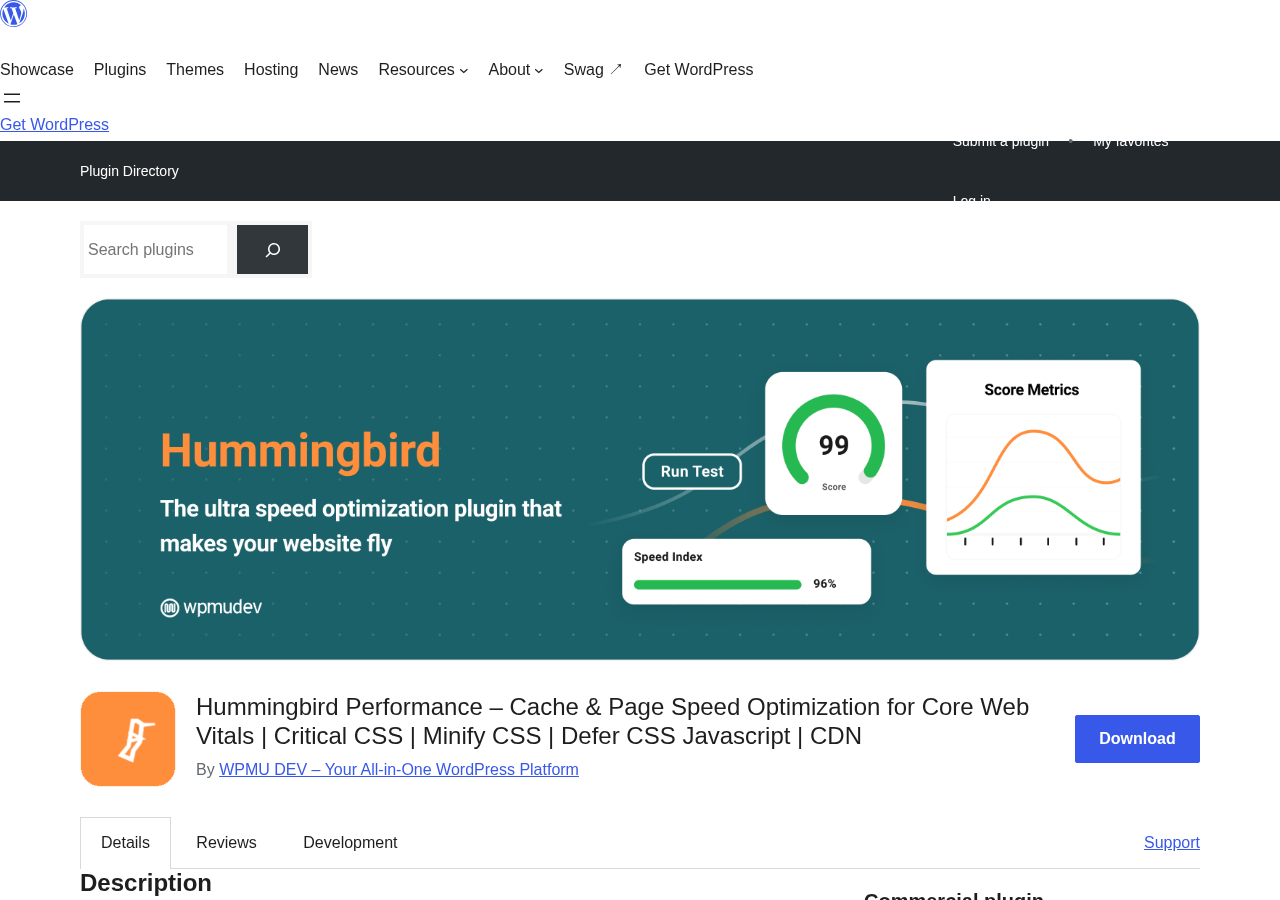
Hummingbird is a WordPress performance optimization plugin developed and maintained by WPMU DEV, a company that builds a full suite of WordPress management and optimization tools. The plugin installs from WordPress.org and covers the main levers that affect a WordPress site’s speed: caching, file compression, asset optimization, and delivery.
Unlike some standalone performance plugins, Hummingbird is designed to work inside the WPMU Dev ecosystem. It integrates with Smush for image optimization, with Defender for security, and with the WPMU Dev Hub for centralized site management across multiple WordPress installations. That integration is a meaningful advantage for teams already on WPMU Dev, and a less relevant differentiator for anyone running the plugin standalone.
The plugin’s current version is 3.20.0, released July 20, 2026. The July release improved error messaging for Critical CSS generation during maintenance mode, refactored Safe Mode architecture, and added PHP 8.5 compatibility. WPMU Dev ships major updates roughly every six to eight weeks, which means the plugin stays current with WordPress and PHP versions faster than many competitors.
On WordPress.org, the plugin is listed with 70,000+ active installations, a 4.7-star average from 1,487 reviews, and support for 19 locales. It requires WordPress 6.4 or higher and PHP 7.4 or higher.
Who Is Hummingbird Best For?
Strong fit
- WordPress sites already running WPMU Dev plugins. If you use Smush, Defender, SmartCrawl, or Forminator, adding Hummingbird to a WPMU Dev membership costs nothing extra and adds CDN, advanced optimization, and performance reporting to your existing stack.
- Developers who want a solid free caching plugin with uptime monitoring and reports included. Most free caching plugins do not bundle monitoring. Hummingbird does.
- WooCommerce stores that want full-page caching with cart, account, and checkout pages automatically excluded. The plugin handles this correctly out of the box.
- Agencies managing multiple sites who want a single membership covering performance, security, image optimization, and forms.
- Teams who need to test asset optimization changes before pushing them live. Safe Mode lets you stage changes without affecting visitors.
Weak fit
- Buyers who want to purchase a standalone Hummingbird Pro license. There is no standalone Hummingbird Pro. You need a WPMU Dev membership.
- Sites on highly resource-constrained shared hosting where asset optimization scripts consume notable CPU during background scans.
- Developers who have already invested heavily in WP Rocket and are satisfied with its asset handling. Switching is not worth the disruption.
- Sites running complex Elementor or Divi builds where JavaScript deferral commonly conflicts with builder-generated scripts. Asset optimization requires careful per-file configuration on these stacks, and the support forum shows recurring issues in this scenario.
Installing and Setting Up Hummingbird
Hummingbird installs from Plugins > Add New in the WordPress admin. Search for “Hummingbird Performance” and install the first result. Activating the plugin immediately runs a setup wizard that scans the site and generates a performance report.
The initial scan checks for caching status, GZIP compression, asset optimization opportunities, and any detectable performance bottlenecks. It produces a score out of 100 and a prioritized list of recommended fixes. Most recommendations apply with a single click from the dashboard.
The admin interface is organized into a left-side module list: Dashboard, Caching, Asset Optimization, Advanced Tools, Notifications, and Reports. Each module has its own settings panel. The dashboard shows a live performance score, a summary of enabled modules, and recent uptime alerts.
Safe Mode deserves special mention. Introduced in version 3.18.0 (December 2025) and expanded to cover all plugin settings in the same release, Safe Mode lets you test any configuration change without affecting what real visitors see. Your changes apply only to your own admin session until you are satisfied and push them live. For asset optimization, where a wrong setting can break CSS or JavaScript on the frontend, this removes a genuine point of anxiety.
One limitation worth noting: Hummingbird relies on WordPress cron for scheduled cache clearing and performance report delivery. On shared hosting where WordPress cron only fires when a page is visited, cache clearing may be delayed. The plugin surfaces a notice when cron looks unhealthy, but it cannot fix the underlying hosting limitation.
Caching Features
Full-page, browser, and Gravatar caching (free)
Hummingbird’s free caching setup covers the three most common caching layers for a WordPress site:
- Full-page caching: serves pre-built HTML files to visitors instead of generating the page fresh on every request. Logged-in users and dynamic pages (cart, checkout, account) are excluded automatically.
- Browser caching: sets cache-control headers so returning visitors load assets from their browser cache rather than making a fresh request to the server. The plugin provides a one-click fix if browser caching headers are missing or set too short.
- Gravatar caching: caches the comment avatar images that WordPress normally loads from Gravatar’s CDN on every page with comments. This reduces external requests and speeds up comment-heavy pages.
The caching module also includes a cache preloading option that walks the site after cache is cleared to rebuild the page cache before a real visitor encounters a cold response.
For WooCommerce sites, cart, checkout, and account pages are excluded from full-page caching by default. The plugin’s FAQ confirms this, and user reports on the support forum back it up. This is the correct behavior and requires no manual configuration.
What the free caching does not include
The free version does not include CDN delivery. Cached pages serve from your own server. If your audience is geographically distributed and your hosting is in a single region, cached pages still have geographic latency. CDN delivery requires the WPMU Dev Pro membership.
Asset Optimization
Asset optimization in Hummingbird covers CSS and JavaScript files: minification (removing whitespace and comments to reduce file size), combining (merging multiple files into one to reduce HTTP requests), and position reordering (moving scripts to the footer to unblock page rendering).
The asset optimization module lists every CSS and JavaScript file loaded by your theme and plugins. You can apply a blanket optimize-all setting or configure each file individually: choose to minify, combine, exclude from optimization, or move to footer. An exclusion list handles files that break when optimized.
The free version provides the core asset optimization features. The optimization runs in the background via a file scanner that queues assets for processing. Version 3.19.0 (January 2026) improved the background file scanning capability to make this process more reliable.
Honest note: asset optimization is the feature most commonly associated with compatibility problems in the support forum. Sites using Elementor, Divi, WPBakery, or complex third-party plugins regularly encounter broken layouts or non-functional scripts after enabling file combining. The recommended approach is to enable changes incrementally, test after each step, and use Safe Mode to stage changes. The reset-to-defaults button handles the situation where something breaks and you need to start over.
Delay JavaScript and Critical CSS (Pro only)
Two key asset optimization features are Pro-only:
- Delay JavaScript execution: defers JavaScript loading until after a user interaction (mouse move, click, or scroll). This can significantly improve initial page load metrics by preventing render-blocking scripts from delaying visible content. It is the primary feature that moves Lighthouse scores on JavaScript-heavy sites.
- Critical CSS generation: automatically extracts the CSS rules needed to render the above-the-fold content and inlines them in the HTML. The remaining CSS loads after the visible content is painted. This eliminates the render-blocking CSS delay that shows up in PageSpeed Insights as “Eliminate render-blocking resources.”
Both features are standard in paid performance plugins like WP Rocket but unusual in the free tier of any plugin. Getting them requires a WPMU Dev membership.
Compression
GZIP (free)
Hummingbird checks whether GZIP compression is enabled at the server level and, if it is not, guides you through enabling it. For servers that support it, the plugin generates the required Apache .htaccess rules or provides instructions for Nginx configuration. A built-in test confirms whether GZIP is active for your domain.
GZIP compresses text-based files (HTML, CSS, JavaScript) before sending them to the browser. For a typical WordPress site, GZIP reduces the total page weight by 60 to 80 percent for text assets.
Brotli (Pro only)
Brotli is a newer compression algorithm that typically achieves 15 to 25 percent better compression than GZIP for the same file types. It is supported by all modern browsers. Hummingbird Pro unlocks Brotli compression as an alternative to GZIP. On servers that support Brotli, this produces smaller file sizes without any trade-off on browser compatibility.
CDN (Pro Only)
The WPMU Dev Pro membership includes access to a 119-point global CDN with unlimited bandwidth. This is one of the most compelling parts of the Pro offer and a differentiator against other free plugins that require a separate CDN subscription.
The CDN delivers cached page content and static assets (images, CSS, JavaScript) from a server geographically close to the visitor. A visitor in Sydney loading a site hosted in New York gets assets served from a nearby CDN node rather than across the Pacific. The practical effect depends on how geographically distributed your audience is, but for sites with any international traffic, a global CDN measurably reduces latency.
“Unlimited bandwidth” means there is no per-GB transfer fee on top of the membership cost. For media-heavy sites or sites with high traffic, this removes the variable cost that comes with CDN services priced by delivery volume.
Note on testing: the CDN component was not exercised against a live WPMU Dev Pro account in this review. The above reflects WPMU Dev’s official feature documentation. Buyers should verify CDN coverage and configuration options on the WPMU Dev features page.
Uptime Monitoring and Performance Reports (Free)
Version 3.15.0 (July 2025) made uptime monitoring and performance notifications available to WPMU Dev Free Plan members, meaning they are now accessible via the free Hummingbird plugin on WordPress.org.
Uptime monitoring checks your site at regular intervals and sends a notification if the site goes down. Performance reports schedule regular scans and email a summary of your site’s performance score and any changes since the last report. Both features were previously Pro-only. Bringing them to the free tier is a meaningful upgrade for the plugin’s value proposition.
The free version also includes Cloudflare integration. Add your Cloudflare API key in the settings and Hummingbird can clear your Cloudflare cache directly from the WordPress admin without logging into the Cloudflare dashboard.
Font Optimization
Hummingbird includes a font optimization module (free) that:
- Preloads key fonts so the browser fetches them early in the page load rather than waiting until the CSS is parsed.
- Sets fallback fonts to display text immediately while the web font loads, preventing invisible text during a font swap.
- Optionally disables specific font sources (Google Fonts, Adobe Fonts) and loads them locally to avoid external DNS lookups.
Font optimization is relevant for Lighthouse and Core Web Vitals scores, where “Eliminate render-blocking resources” and “Avoid large layout shifts” penalties can be triggered by slow font loading. The preload and font-display settings in Hummingbird address both.
Pricing and License Value
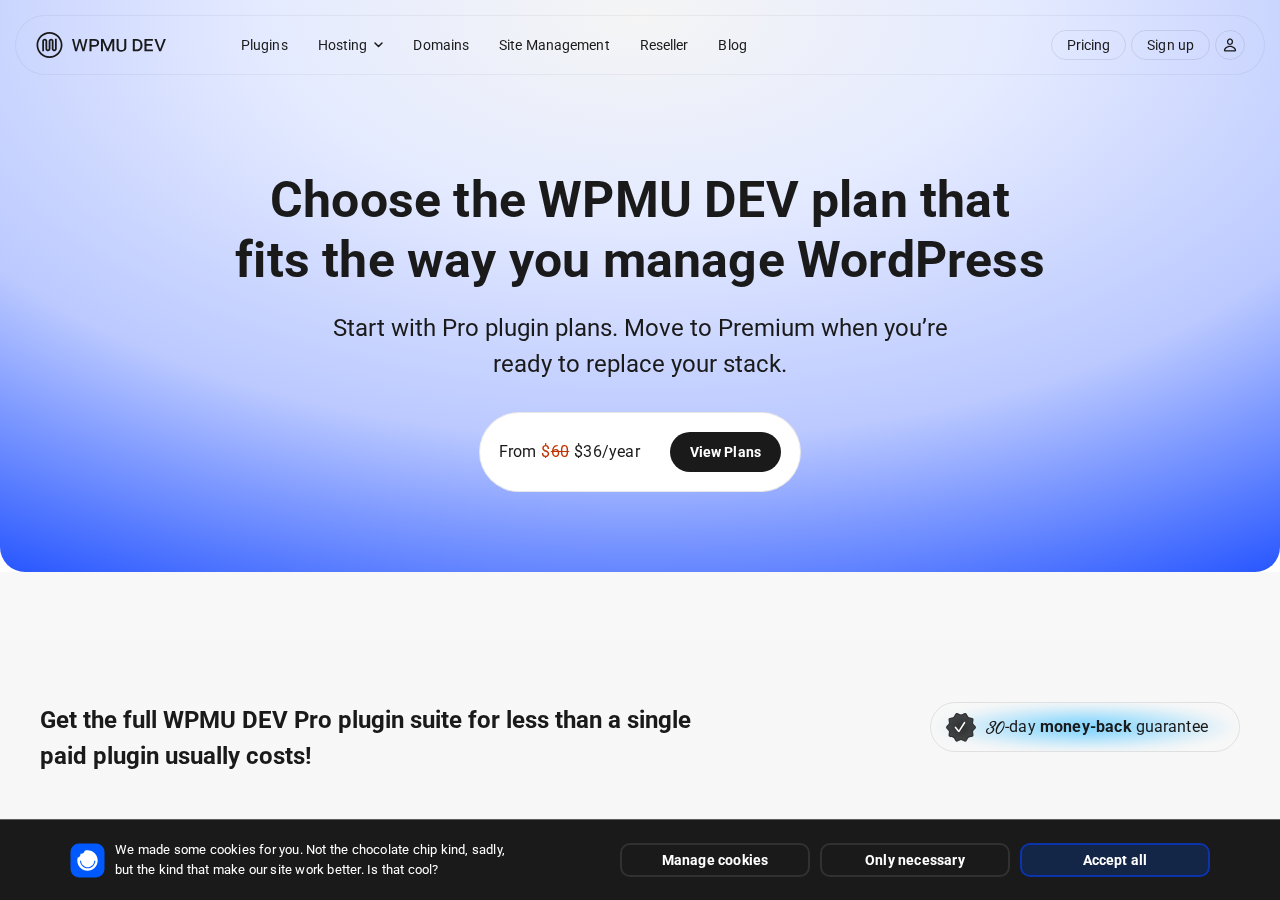
Hummingbird does not have a standalone Pro plan. To access Pro features, you need a WPMU Dev membership. Every membership tier includes the full set of WPMU Dev Pro plugins: Hummingbird Pro, Smush Pro, Defender Pro, SmartCrawl Pro, Forminator Pro, Hustle Pro, Branda Pro, Snapshot Pro, and more.
The pricing below was observed on the WPMU Dev pricing page as of August 2026. WPMU Dev runs promotional discounts regularly. Verify current pricing on the WPMU Dev pricing page before purchasing. All plans carry a 30-day money-back guarantee.
| Plan | Sites | Price/year | Backup Storage | CDN |
|---|---|---|---|---|
| Pro Basic | 1 | $60 | 50 GB | 119 points, unlimited bandwidth |
| Pro Standard | 3 | $100 | 100 GB | 119 points, unlimited bandwidth |
| Pro Plus | 10 | $200 | 250 GB | 119 points, unlimited bandwidth |
| Premium | Unlimited | $250 | 500 GB | 119 points + hosting benefits |
All Pro plans include: all WPMU Dev Pro plugins, 119-point CDN with unlimited bandwidth, 24/7 WordPress support, and white-label client billing. The Premium tier adds 50% hosting discount, $200/year hosting credits, reseller tools, a fully white-label dashboard, integrated CRM, and VIP support.
Important notes for buyers:
- The membership covers all WPMU Dev Pro plugins, not just Hummingbird. If you use three or more of their plugins, the economics typically favor a membership over buying equivalent tools separately.
- If you only need a performance plugin, compare the Pro Basic price ($60/year for one site) against WP Rocket ($59/year for one site at their standard rate) and consider which feature set fits your workflow.
- All plans auto-renew annually. Cancel before the renewal date to stop future charges.
- A 30-day money-back guarantee applies.
- Promotional discounts may lower the first-year cost substantially. These are not guaranteed to continue.
The pricing decision for most buyers:
- Personal sites and bloggers: the free WordPress.org version covers all core optimization needs. Buy a membership only if you want the CDN, delayed JS, or critical CSS, or if you are already using other WPMU Dev plugins.
- Single business site: compare Pro Basic at $60/year against WP Rocket at roughly the same price. WP Rocket is simpler to configure; Hummingbird Pro adds CDN in the same price bracket. If CDN is valuable, Hummingbird Pro wins on bundled value.
- Freelancers and small agencies with 3 to 10 sites: Pro Standard or Pro Plus. At $100/year for 3 sites and $200/year for 10 sites, the per-site cost drops below most standalone plugin licenses.
- Client portfolio agencies: Premium is built for this scenario. Unlimited sites, white-label reports, CRM, and hosting discounts at $250/year.
Pros and Cons
Pros
- Strong free tier with caching, GZIP, asset optimization, Cloudflare integration, uptime monitoring, and performance reports
- Safe Mode lets you test configuration changes without affecting live visitors
- Active development: version 3.20.0 shipped July 20, 2026, PHP 8.5 compatible
- 4.7-star average from 1,487 reviews on WordPress.org
- 119-point CDN with unlimited bandwidth included in all Pro plans
- Uptime monitoring and performance notifications available on the free version
- WooCommerce compatible with cart, checkout, and account pages excluded automatically
- Cloudflare integration: clear Cloudflare cache from the WordPress admin
- WPMU Dev membership bundles all Pro plugins, strong value for agencies using multiple tools
- Font optimization built in, including preload and font-display controls
- 30-day money-back guarantee on all paid plans
Cons
- No standalone Pro plan: Pro features require a WPMU Dev membership that bundles all their plugins
- Only 70,000+ active installs, modest compared to WP Rocket (5M+) or W3 Total Cache (1M+)
- Asset optimization can break Elementor and Divi sites; JavaScript deferral requires per-script configuration
- Cache folder size can grow very large on some setups, causing disk space issues
- Internal PageSpeed testing tool can fail or return unreliable results
- Critical CSS regeneration sometimes fails during maintenance mode
- Conflicts reported with some cookie consent plugins and payment gateways
- WordPress cron dependency can delay scheduled cache clearing on shared hosting
Alternatives to Hummingbird
WP Rocket
The most popular paid WordPress performance plugin, with 5 million+ active installs and a reputation for predictable behavior on complex themes and page builders. Choose WP Rocket if you want a standalone performance plugin license, a simpler configuration flow, and a larger community for troubleshooting. WP Rocket does not include a CDN in its standard plan. Standard pricing is $59/year for one site.
W3 Total Cache
A free and paid plugin with 1 million+ active installs and a long track record. Choose W3 Total Cache if you want a free alternative with broader community documentation, are comfortable with a more complex settings panel, and do not need Safe Mode or uptime monitoring. The free version is fully capable for most sites.
LiteSpeed Cache
A free plugin that works at the server level when running on LiteSpeed hosting. Substantially faster than plugin-level caching because it hooks into the web server directly. The catch: it only works on LiteSpeed servers. If your host runs Apache or Nginx, it is not an option.
Autoptimize
A free plugin focused on asset optimization rather than page caching. Works well alongside a separate caching plugin. Choose it if you want granular control over CSS, JS, and font optimization without the full performance plugin setup.
NitroPack
A managed performance service that handles caching, CDN, image optimization, and code optimization from a single external service. More expensive than plugin-based solutions, but requires no per-file configuration. Choose NitroPack if configuration time is your primary constraint and you are willing to pay for a managed approach.
Final Verdict
Hummingbird is a well-maintained, capable WordPress performance plugin that does more at the free tier than most buyers expect. Caching, GZIP, asset optimization, uptime monitoring, performance reporting, Cloudflare integration, and font optimization are all available without a paid plan. Safe Mode, added in late 2025, solves the most practical problem with free optimization plugins: breaking the live site while testing settings. The July 2026 release to PHP 8.5 and WordPress 7.0.4 shows a team paying attention to compatibility.
Where Hummingbird asks you to accept a trade-off: the Pro upgrade is not a plugin license, it is a WPMU Dev membership. If your stack already includes Smush, Defender, SmartCrawl, or Forminator, that membership is a straightforward value decision. If you only need a performance plugin, you are paying for a suite you may not fully use. In that case, WP Rocket at roughly the same price point for one site is the more targeted option, with a larger community and fewer reported asset optimization conflicts on complex themes.
For WPMU Dev users, Hummingbird is the natural choice. For everyone else, the free version is genuinely worth installing before you decide whether the Pro membership makes sense for your situation.