

Stackable is a Gutenberg block plugin that ships a genuinely generous free tier: 40+ blocks, 375+ design patterns, full-page templates, motion effects, and dynamic content, all without paying anything. That makes it one of the stronger arguments for choosing the native WordPress block editor over a page builder like Elementor or Divi, at least for users who are comfortable working inside Gutenberg.
This review covers Stackable version 3.19.10 (updated July 16, 2026), based on the official website at wpstackable.com, the WordPress.org listing, the official documentation, the pricing page, changelog, and user reviews. The plugin’s design, features, and pricing were verified as of August 2026.
Quick verdict
Stackable is one of the most complete free Gutenberg block plugins you can install today. The free version ships with 40+ blocks, 375+ ready-made designs, full-page templates, dynamic content, and motion effects at no cost. Premium unlocks deeper integrations with ACF, Meta Box, and WooCommerce, adds team access controls, and opens a much larger design library. At $49 per year for one site, the upgrade price is competitive.
The one hard limit: Stackable works only with Gutenberg. If you use the Classic Editor or prefer a traditional drag-and-drop builder like Elementor, this plugin is not the right tool.
Quick Verdict: Stackable
Rating: 4.4/5: Recommended
Best for: freelancers, designers, small business owners, agencies, and bloggers building on the WordPress block editor
Best plan for most users: free version covers the full block library and core design tools; Premium ($49/year/site) earns its price for dynamic content from ACF/WooCommerce, team access controls, and a larger design library
Standout: 375+ free design patterns, global design system that updates brand colours and fonts site-wide, and dynamic content from WordPress core fields, all at no cost
Watch out for: no Classic Editor support; advanced ACF/Meta Box dynamic content and the Block CSS Customizer are premium-only; the All Access Pass tier lacks clear differentiation from Standard Premium on the pricing page
What is Stackable?
Stackable is a Gutenberg block plugin for WordPress. It adds 40+ custom blocks to the native block editor, a design library with 375+ pre-built patterns, and a global design system that ties your colours and typography together across the whole site.
The plugin started as “Ultimate Gutenberg Blocks” and has gone through several major releases. Version 3 introduced the global design system. Version 3.17 overhauled the design library with 375 new designs. Version 3.18 added global block styles so you can save a styled block and reuse it anywhere. Version 3.19 brought full-page templates and an interactive onboarding system.
More than 100,000 WordPress sites run Stackable, according to the WordPress.org listing. The plugin holds a 4.9 out of 5 rating from 520 reviews, with 490 of those being five-star. It also won the Monster Awards for Best Gutenberg Plugin, first place.
Who is Stackable best for?
Stackable works well across several types of users.
Freelancers and designers who want professional-looking pages without writing code will get a lot from the design library, global styles, and responsive editing tools.
Small business owners managing their own sites can use full-page templates to build quickly, then adjust colours and fonts using the global design system.
Agencies building multiple client sites benefit from global block styles (design once, update everywhere), the role manager for locking down client editing areas, and the dynamic content integrations with ACF and Meta Box.
Bloggers who want to make post content visually interesting (callout boxes, count-up stats, testimonials), you can do all of that with the free version.
Developers who want a lightweight Gutenberg extension with clean output and per-block CSS customisation will find the performance footprint acceptable and the Block CSS Customizer useful.
Stackable is not a good fit for Classic Editor users or anyone who wants a full visual drag-and-drop experience outside the block editor.
Setup and user experience
Installing Stackable follows the standard WordPress process. Search for “Stackable” in the plugin directory, install, and activate. There is no mandatory account creation or email gate for the free version.
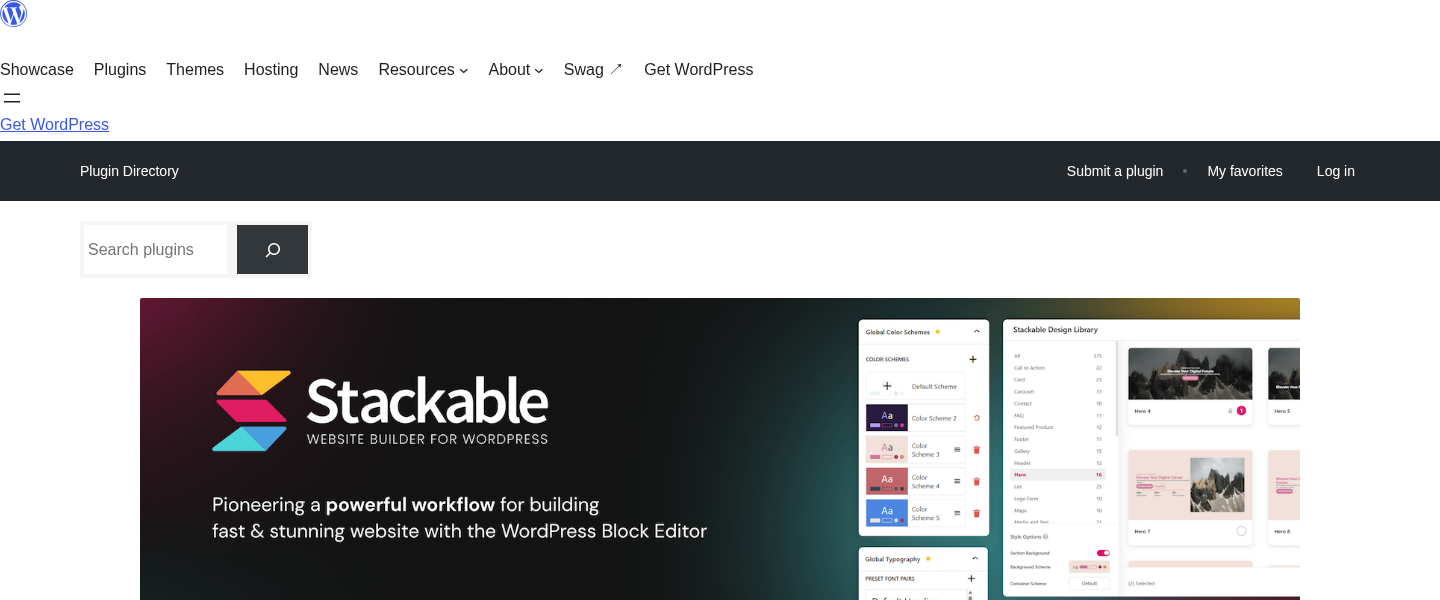
After activation, the plugin runs an optional onboarding walkthrough. Version 3.19.7 added 11 guided tours covering the key features. Based on documentation and user feedback, the tours are well-targeted at new Gutenberg users and easy to skip if you already know your way around the editor.
Blocks appear in the editor under a “Stackable” category. The experience is familiar: click to add a block, customise in the right sidebar. Stackable’s sidebar goes well beyond what core WordPress offers. You get hover state controls, animation options, responsive previews, gradient fills, and flexbox layout tools, all accessible without writing code.
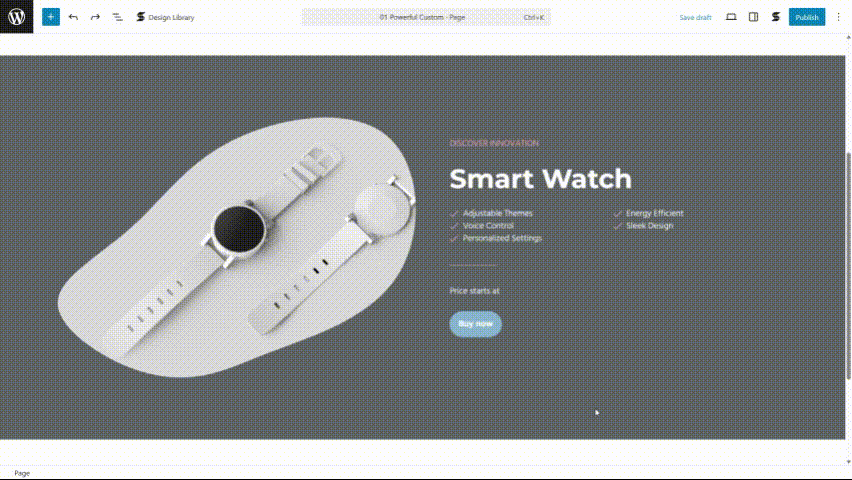
The global design system lives under Appearance, then Stackable Settings. You define your colour palette, heading hierarchy, and button defaults once. Every Stackable block you add from that point respects those settings. If you change your brand colour later, every block on every page updates automatically. This alone saves significant time on multi-page sites.
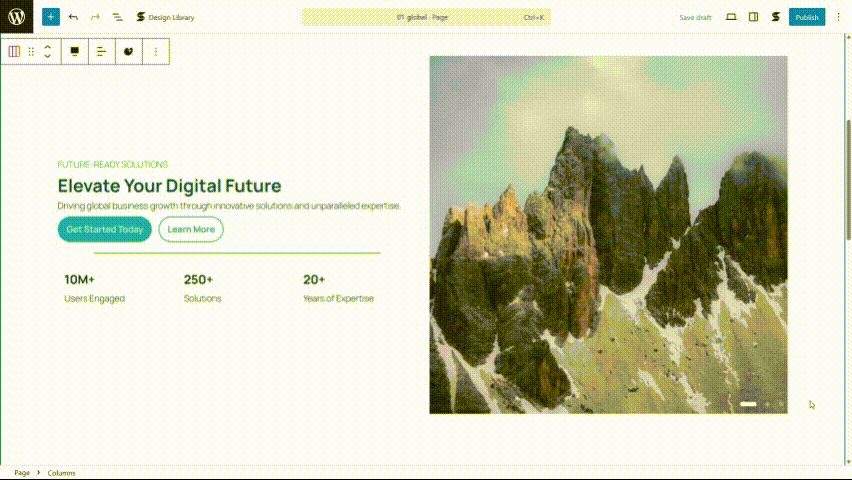
Block library
Stackable provides 40+ blocks covering the full range of standard page-building needs. Here is a summary by type.
- Layout and structure: Columns, Container, Horizontal Scroller, Carousel, Tabs
- Content and text: Advanced Heading, Text, Advanced Image, Accordion, Table of Contents, Expand/Show More, Blockquote
- Interactive elements: Button, Icon Button, Video Popup, Count Up, Countdown, Progress Bar, Progress Circle
- Social and community: Social Buttons, Testimonial, Icon List, Notification, Team Member
- Marketing and display: Pricing Box, Blog Posts, Card, Feature Grid, Hero, Call to Action, Icon Box
You can disable individual blocks from the plugin settings to keep your editor clean. Stackable only loads the CSS for blocks actually used on each page, so disabling unused blocks has a small but real performance benefit.
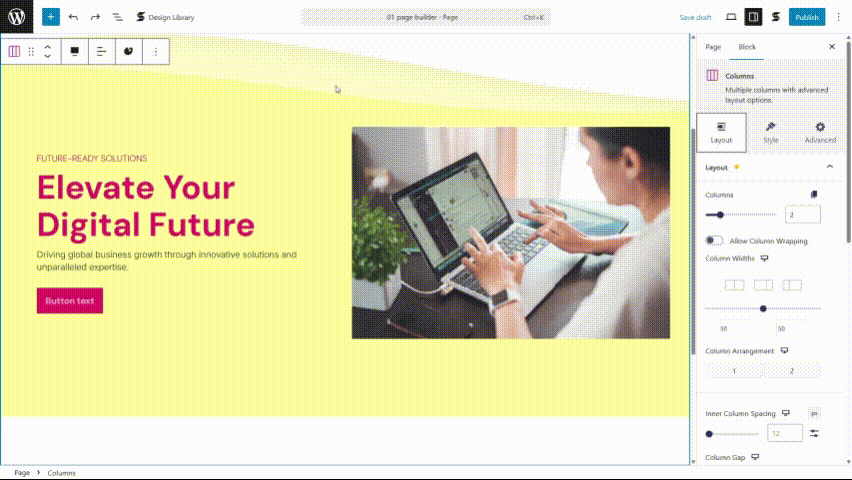
Design library
The design library is one of Stackable’s clearest advantages over bare Gutenberg. It gives you:
- 375+ block-level designs and section patterns
- 40+ full-page templates
- 8 free UI kits (36 additional premium kits, 44 total)
- 100 free block designs (437 additional premium designs, 537 total)
- Wireframes for layout planning
The library covers industry-specific themes including fitness, real estate, restaurants, travel, and more. The wireframe collection is useful when you are planning page structure before adding real content; you can see the layout skeleton without being pulled into design decisions early.
The quality of free templates is noticeably higher than most free Gutenberg block plugins. Even with only the free tier, you get a strong enough starting point for most small-business or personal sites.
Global design system
Stackable’s global design system is the feature that shifts it from “useful block plugin” to “real design tool.”
In the free version you get:
- 2 colour schemes with 10 colour presets
- 11 font pairs for typography
Premium raises this to:
- Unlimited colour schemes with 50 colour presets
- 97 font pairs
Version 3.18 extended the global system with global block styles. You style a block the way you want it, save it as a named style, and apply that style to the same block type anywhere on your site. If you change the saved style later, all instances update. For agencies maintaining consistent designs across client pages, this is a significant time saver.
Dynamic content
Stackable supports dynamic content, which means you can connect block text fields to live data rather than hard-coding values. In the free version, you can pull from standard WordPress data sources: post title, author name, post date, post URL, site name, custom fields on the current post, and similar.
Premium adds integrations with:
- Advanced Custom Fields (ACF)
- Meta Box
- JetEngine
- Toolset
- WooCommerce fields
- Custom post types in blog post loops
This makes Stackable viable for building template-based archive and single-post layouts without needing a separate tool. If your site does not use ACF or similar field plugins, the free tier dynamic content handles most common use cases.
Motion effects and animation
Motion effects are included in the free version. You can add entrance animations (fade in, slide up, zoom in) and scroll-triggered effects to any block. The controls sit in the sidebar: choose animation type, set duration and delay, preview in the editor.
User reviews consistently describe the animation defaults as tasteful and subtle. You can dial them down further or up, depending on the effect you want. Scroll-based animation triggers (where blocks animate as the user scrolls past them) are available at the advanced level through the premium plan.
Responsive editing
Every Stackable block has independent styling controls for desktop, tablet, and mobile. You can set different font sizes, spacing, column counts, and visibility rules per breakpoint. Custom breakpoints are also supported, which is useful for projects with specific design specifications.
Responsiveness testing happens inside the editor via a preview toggle, so you can check layouts on different screen sizes before publishing.
Performance
Stackable is consistently cited as one of the lighter Gutenberg block plugins in terms of frontend footprint. Key performance characteristics:
- Total CSS loaded per page: approximately 7-10kb depending on blocks used (no jQuery, no external dependencies)
- Per-block CSS loading: only the CSS for blocks actually present on a page is loaded
- No jQuery required
- Optimised image loading
- Core Web Vitals focus built into the plugin’s development approach
- Compatible with Autoptimize and similar caching/optimisation plugins
Pages using more complex blocks such as the carousel, horizontal scroller, or motion effects will load more JavaScript than a simple text-and-image page. That is expected. The plugin is careful not to load scripts globally when they are not needed.
For comparison, heavier page builders like Elementor and Divi typically load 200-400kb of CSS and JavaScript regardless of what is on the page. Stackable’s per-block loading approach keeps the real-world performance impact much smaller.
Pricing and plans
| Plan | Price | Sites |
|---|---|---|
| Free | $0 forever | Unlimited |
| Premium | $49/year | 1 site |
| All Access Pass | $89/year (annual only) | 1 site |
All paid plans come with a 30-day money-back guarantee. Payment runs through Freemius and accepts major credit cards and PayPal.
An important licensing note: if you let your subscription expire, you keep all the premium features you have unlocked. You lose updates and support until you renew. This is a user-friendly policy: you will not find your site broken if you forget to renew.
Is the free version enough? For most personal sites and simple business sites, yes. The free tier covers the full block library, the design library (100 block designs, 8 UI kits), full-page templates, motion effects, and dynamic content from WordPress core fields.
When does Premium make sense?
- You use ACF, Meta Box, JetEngine, or WooCommerce for dynamic content
- You want custom post types in blog post loop blocks
- You need the Role Manager to lock down client editing areas
- You want a larger design template library
- You need per-block custom CSS (Block CSS Customizer)
- You want one-on-one support
At $49/year, Stackable Premium sits below Elementor Pro ($59/year) and Divi ($89/year) while delivering a focused, Gutenberg-native toolset. Verify current pricing at wpstackable.com/pricing/ before purchasing.
Pros and cons
Pros
- Generous free tier: 40+ blocks, 375+ designs, motion effects, and dynamic content at no cost
- Tiny frontend footprint: no jQuery, per-block CSS loading
- Global design system saves significant time on brand consistency
- Full-page templates speed up new site builds
- Dynamic content works for WordPress core fields without paying
- Active development with consistent updates
- Comprehensive documentation and interactive onboarding tours
- 4.9/5 rating from 520 reviews on WordPress.org
- Premium features persist after subscription lapses
Cons
- Gutenberg only: no Classic Editor support
- Advanced dynamic content (ACF, Meta Box, WooCommerce) locked to premium
- The All Access Pass tier is not clearly differentiated from Standard Premium on the pricing page
- Some advanced features (shape dividers, Block CSS Customizer) have a learning curve
- The larger design template library requires a premium subscription
- No visual drag-and-drop outside the Gutenberg interface
Alternatives to Stackable
- Kadence Blocks is the most direct competitor. It follows the same free-and-premium model, has a comparable free block count, and pairs well with the Kadence Theme. If you are already using Kadence Theme or plan to, Kadence Blocks is worth comparing directly. Otherwise, Stackable’s design library is noticeably larger at the free tier.
- GenerateBlocks takes the opposite approach: a small set of core blocks (container, headline, image, button, loop), exceptional CSS output, and essentially no design library. It is the right choice if raw performance and starting from scratch is your priority. It is the wrong choice if you want templates or a visual design system.
- Otter Blocks by ThemeIsle is a free-first Gutenberg plugin with a solid block set and good integration with the Neve theme. It is well-maintained and has fewer restrictions than Stackable at the free tier, though its overall feature depth is lower. Good option if you are using Neve or want a completely free solution.
- Ultimate Blocks focuses on blogger-specific functional blocks: table of contents, click-to-tweet, content toggle, social sharing. It is not a page builder competitor. Useful if you want a small, focused set of content tools on top of a separate design plugin.
Stackable sits in the middle ground: more design-focused than GenerateBlocks, more full-featured than Otter Blocks, and more Gutenberg-native than Elementor or Divi.
Final verdict
Stackable is a mature, well-maintained Gutenberg block plugin that earns its strong reputation. The free version is genuinely competitive, not a limited teaser that forces an upgrade after the first real project. The global design system, design library, and dynamic content support put it ahead of most free alternatives in its category.
The premium upgrade at $49/year is fairly priced for what it adds: deeper dynamic content integrations, team access controls, a larger design library, and per-block CSS control. For agencies and developers building client sites, those features pay for themselves quickly.
The main limitation is scope: Stackable is a Gutenberg block plugin, not a general-purpose page builder. It does not replace Elementor or Divi for users who want a full visual-first editor experience. But for WordPress users committed to the block editor, Stackable is one of the strongest choices available.
Start with the free version. Most users will find it more than enough for typical projects. Upgrade when you hit a specific limit the premium tier addresses.
Overall rating: 4.4/5