


Restrict Content Pro has a long history in the WordPress membership plugin space. It was one of the first serious developer-built membership tools for WordPress, known for clean code, a generous add-on library, and a shortcode-driven approach to content gating that attracted many site builders.
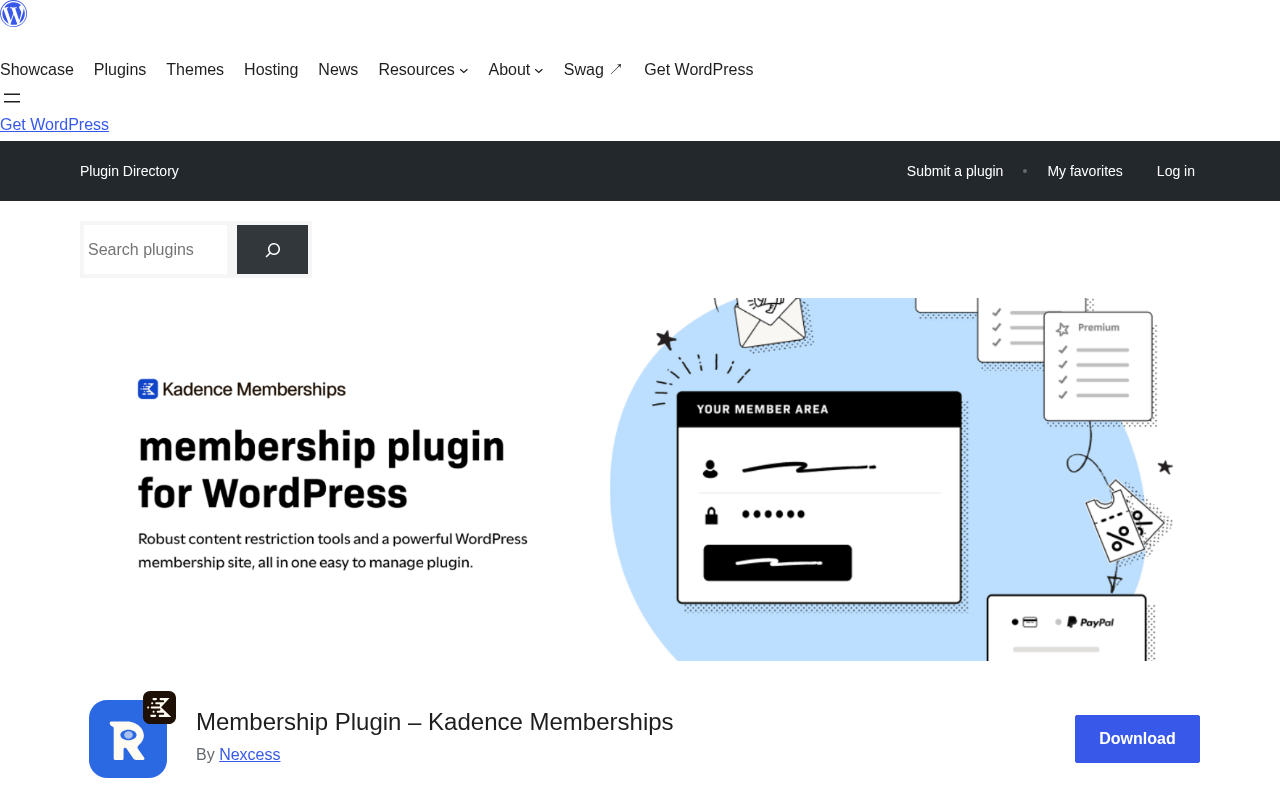
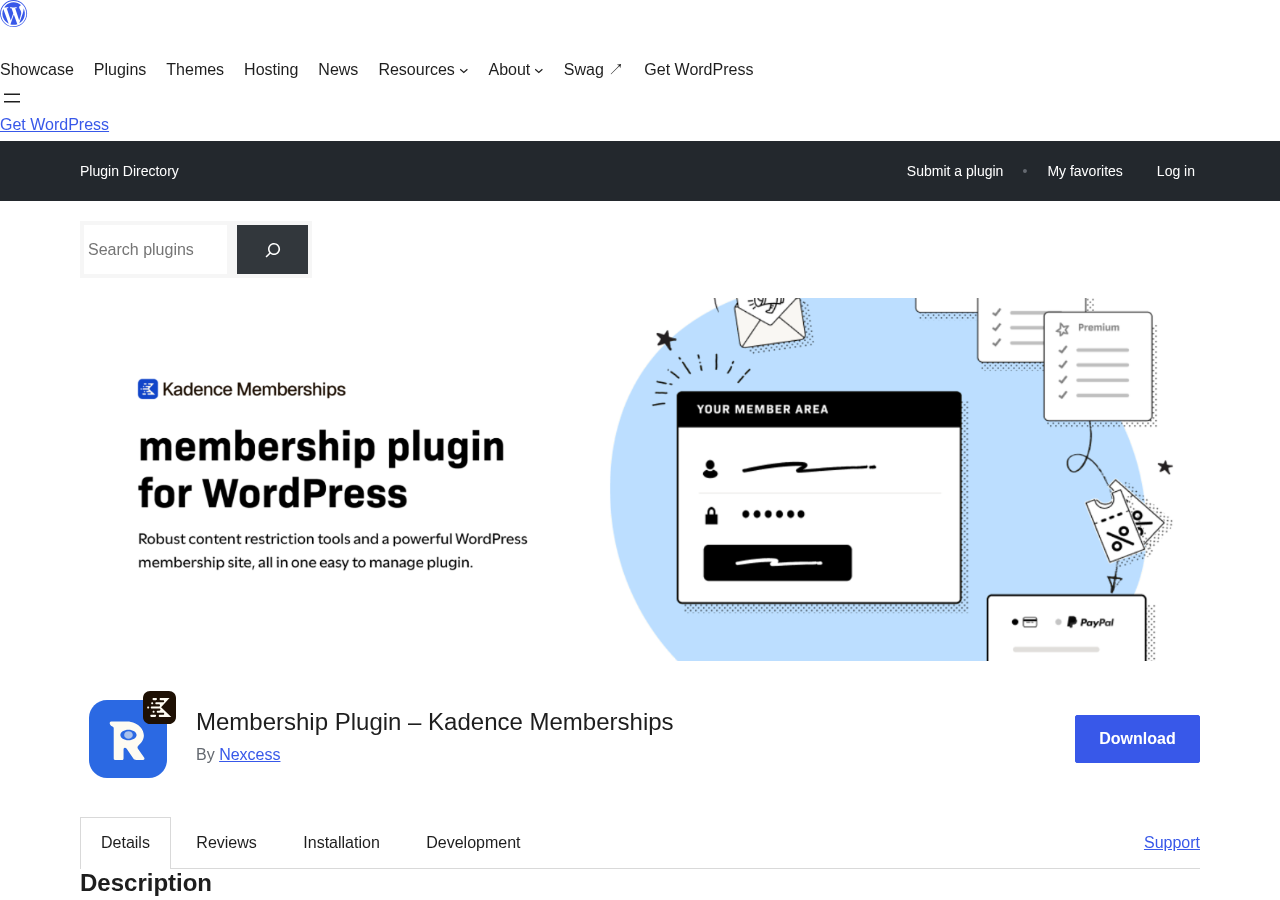
In 2026, the picture has changed significantly. The plugin has gone through multiple ownership changes, been rebranded to Kadence Memberships, and the standalone pricing model has been folded into a larger software bundle. The original website, restrictcontentpro.com, is no longer accessible. The WordPress.org listing now reads “Kadence Memberships” instead of “Restrict Content Pro.”
If you are researching Restrict Content Pro because you remember it as a standalone membership plugin, or because you are comparing it to MemberPress or Paid Memberships Pro, this review explains what the product is in its current form, what it does well, where it falls short, and who should (and should not) consider it in 2026.
At a glance
Tested on: WordPress.org listing, plugin description, FAQ, changelog, and public user reviews (version 4.0.2, August 2026).
Free version: Yes. The free plugin (now called Kadence Memberships) is available on WordPress.org with Stripe payment processing included.
Active installs: 9,000+ with a 3.1-star rating across 99 reviews on WordPress.org.
Bottom line: A developer-friendly, lightweight membership and content restriction tool that is going through a period of ownership transition. Worth considering if you already have a license or if the Kadence suite fits your stack. Harder to recommend as a standalone purchase for new projects.
Quick verdict on Restrict Content Pro
In one sentence: Restrict Content Pro (now Kadence Memberships) is a capable, developer-oriented WordPress membership and content restriction plugin that has been through too much ownership change to earn a confident recommendation for new builds in 2026.
The plugin does what it promises at a technical level. It gates content by membership level, collects payments via Stripe for free and additional gateways in Pro, and gives developers clean hooks and filters to extend it. The shortcode approach to block-level restriction is genuinely flexible.
The honest problem is context. The plugin has been passed through four different owners, rebranded in 2026, and folded into a bundle product that did not previously exist. The original website is down. The WordPress.org rating sits at 3.1 out of 5 across 99 reviews, with an exact split: 42 five-star and 42 one-star. That polarization is itself a data point. And several users as recently as 2025 and 2026 reported unresponsive support and outdated documentation.
This is not the same product that many WordPress developers used and trusted in 2018 or 2020.
Quick verdict card
Best for: Developers building custom-content or subscription sites who prefer a lightweight, hook-heavy plugin without a bloated UI; existing license holders who already have a working RCP setup; teams that are buying into the Kadence suite anyway.
Best plan for most new users: The free version on WordPress.org for testing; Pro only if you need PayPal, Authorize.net, discount codes, or the 34 add-ons and are willing to buy the full Kadence bundle.
Standout: Shortcode-based block-level content restriction, Stripe in the free tier, and an extensive developer hook system.
Watch out for: Support quality concerns in recent reviews, the bundled-only pricing model, the 3.1-star rating, and outdated documentation.
What Restrict Content Pro is
Restrict Content Pro started as a project by Pippin Williamson, a well-known WordPress developer, and was built from the ground up for developers who wanted a clean, extensible membership tool rather than an all-in-one marketing platform. It passed through iThemes, then became part of StellarWP (the brand umbrella Liquid Web used for its WordPress product portfolio), and in 2026 was rebranded to Kadence Memberships as part of the Nexcess/Kadence consolidation.
The core purpose has not changed through those transitions. The plugin lets you:
- Create unlimited membership levels with individual pricing, duration, and access rules.
- Restrict posts, pages, custom post types, archives, and media to members at specified levels.
- Restrict individual sections of a post using the
[restrict]shortcode rather than locking the entire post. - Collect payments via Stripe (free version) or via PayPal, Authorize.net, Braintree, and custom gateways (Pro).
- Send automated member emails for activation, renewal, expiration, and payment events.
- Let members manage their own accounts, view payment history, download PDF invoices, and update their profiles via frontend shortcodes.
What it is not: Restrict Content Pro is not a page builder, not a course platform, and not a community tool. It is a focused membership and content restriction plugin. If you need a built-in LMS, a member directory, or community forums alongside your membership, you will need a separate plugin or a platform like MemberPress that includes those features natively.
Who Restrict Content Pro is best for
Honest fit analysis matters more for this plugin than for most, because its current state creates a narrower ideal buyer.
Strong fit
- Developers building custom WordPress membership sites who want a code-first, hook-heavy plugin rather than a marketing-oriented interface.
- Existing Restrict Content Pro license holders who have a working setup and want to stay on a familiar codebase.
- Teams purchasing the Kadence Pro or Elite bundle for other Kadence features (page builder, WooCommerce Shop Kit, security tools) who get membership functionality included.
- Site owners with straightforward content restriction needs: a few membership levels, Stripe payments, and email notifications without heavy complexity.
- Developers who need WP-CLI integration for batch member management (Pro feature).
Weak fit
- New projects where ongoing vendor support reliability matters. The 3.1-star rating and documented support gaps make this a higher-risk choice compared to Paid Memberships Pro or Ultimate Member.
- Site owners who want a visual setup wizard or guided onboarding. This plugin is not designed that way.
- Teams needing a built-in LMS, course builder, or community features. RCP/Kadence Memberships does not include these.
- Buyers who want a standalone product purchase: the plugin’s premium features are now bundled inside the Kadence suite ($299/year and up), not sold separately.
- Large-scale membership sites with hundreds of thousands of members where sustained enterprise support is critical.
- Teams who rely heavily on documentation quality. Multiple users have noted the documentation is outdated with broken links.
The rebranding: what changed in version 4.0.0
This deserves its own section because it affects every buying decision for new users.
In version 4.0.0, published in 2026, Restrict Content Pro was officially renamed Kadence Memberships on WordPress.org. The branding on the plugin description, changelog, and admin dashboard changed from StellarWP to Nexcess. The original website, restrictcontentpro.com, is no longer accessible (returns HTTP 403). The plugin’s support and commercial future are now tied to the Kadence product line under Nexcess/Liquid Web.
What this means practically:
- Searching “Restrict Content Pro” on WordPress.org will find the same plugin, now displayed as Kadence Memberships.
- The plugin codebase is the same. Existing installations that update to v4.0.x will see the name change in the admin area.
- The standalone RCP Pro pricing (Personal, Plus, Professional tiers) appears to no longer be available for new purchases. Premium features are accessed via the Kadence bundle.
- Existing license holders: if you purchased an RCP Pro license before the transition, your access terms depend on what was agreed at purchase. The rebranding does not automatically extend existing licenses to Kadence suite features.
A June 2025 user review (before v4.0.0) noted that StellarWP had already stopped prominently listing RCP and suggested users “look elsewhere if starting a new project.” The v4.0.0 rebrand addresses the identity question but does not yet appear to have resolved the support and documentation concerns visible in the review history.
Content restriction: how it works
The core content restriction system in Restrict Content Pro / Kadence Memberships is clean and flexible.
Post and page level restriction
Every post, page, and custom post type gets a meta box in the WordPress editor where you select which membership levels can access it. Non-members see a customizable restriction message with a registration or login prompt. The restriction applies equally to the REST API, so headless or block-based frontends respect access rules without additional configuration.
Block-level restriction with shortcodes
This is where the plugin distinguishes itself from simpler membership tools. Instead of locking an entire post, you can wrap any section of content in shortcode tags:
[restrict level="gold"]This content is for Gold members only.[/restrict]Visitors who are logged out, or logged in at a lower membership level, do not see the content inside the shortcode block. The rest of the post renders normally. This lets you build paywalled excerpts, tiered content reveals, and partially restricted posts without creating multiple separate pages.
The [not_logged_in] shortcode is the companion: it shows content only to users who are not logged in, which is useful for login prompts, signup calls to action, and upgrade messages.
RSS feed restriction
Every post has a checkbox to exclude content from RSS feeds. This prevents content from being indexed in feed aggregators outside your access control.
REST API restriction
All membership restrictions carry through to REST API responses. A post restricted to Gold members will return a restricted response to any REST API request from a non-Gold user, not just to browser page views. This is an important detail for headless WordPress builds and API-connected front ends.
What restriction does not cover
The plugin gates content within posts and pages. It does not protect the original file URL if you upload an image or document to the media library. If a member saves the direct S3 or wp-content URL to a protected file, that URL remains accessible. This is a common limitation across WordPress membership plugins and is worth knowing if you are selling downloadable files or media where URL-level access control matters.
Membership levels and member management
You can create unlimited membership levels with no cap. Each level is configured with:
- Name and description: displayed on the registration form and account page.
- Price and billing: one-time, recurring (daily, weekly, monthly, yearly), or free.
- Duration: set an expiration period or make the level lifetime.
- Trial period: available in Pro, allows a free or discounted period before the first full billing cycle.
- Auto-renewal: configurable per level. Members can choose whether to auto-renew or the site owner can enforce it.
- User role assignment: each membership level maps to a WordPress user role, so you can use role-based logic in other plugins alongside RCP’s own access rules.
- Prorated upgrades/downgrades: when a member moves between levels, the plugin can calculate and apply a prorated credit toward the new level’s price.
The admin member management screen shows active, expired, cancelled, and pending memberships in a sortable list. Admins can manually add, edit, cancel, or renew memberships. Bulk operations are supported for common tasks like batch expiry or level changes. Export to CSV is included in the free version.
The frontend account panel, embedded via the [rcp_login_form] and [login_form] shortcodes, gives members self-service access to their account status, payment history, PDF invoices, profile editing, and password changes. No custom coding is required to get a functional member account page.
One useful detail: auto-generated member pages. On activation, the plugin creates a registration page, a login page, and an account page automatically using shortcodes. This is a meaningful time-saver for initial setup.
Payment processing
Stripe is built into the free version. That is an important point because several competing free membership plugins require either a third-party gateway plugin or a paid upgrade before they can accept card payments. Restrict Content Pro / Kadence Memberships lets you go from install to accepting Stripe payments without buying anything.
The Stripe integration handles:
- One-time payments for fixed-price memberships.
- Recurring subscriptions for monthly, annual, or custom billing cycles.
- Stripe’s SCA (Strong Customer Authentication) compliance for EU markets.
- Subscription renewals, payment failures, and expiration notifications via webhook.
Manual payments are also in the free version, useful for invoice-based or bank transfer workflows.
Pro-only gateways (as part of the Kadence bundle):
- PayPal (standard and recurring)
- Authorize.net
- Braintree
- Custom gateway API for developers who need to connect a proprietary payment processor
Discount codes are a Pro feature. You can create percentage-based or flat-rate discount codes with usage limits and expiry dates, useful for launch promotions or partner pricing.
Invoices generate automatically for each payment and are accessible to members in their account panel. Invoice branding (logo, company name) is configurable in the plugin settings.
A note on payment gateway breadth: RCP Pro’s gateway selection is narrower than some competitors. Authorize.net and Braintree cover most enterprise needs, but there is no Mollie, no RazorPay, and no WooCommerce gateway integration built in. Teams that need specific regional gateways not on that list will need to evaluate whether the custom gateway add-on is practical for their case.
Email notifications
The plugin sends automated transactional emails for the main membership lifecycle events:
- Registration confirmation
- Membership activation
- Payment received
- Renewal reminder
- Membership expiration notice
- Cancellation confirmation
The free version sends these emails using the default templates. Template content is configurable in the plugin settings. The system uses the site’s standard wp_mail() function, so delivery depends on whatever email configuration you have set up (SMTP plugin, SendGrid, Postmark, etc.).
Pro email features include customizable templates with HTML formatting, member data placeholders (member name, membership level, expiry date, payment amount), and conditional email logic. This brings it closer to what a standalone email marketing tool provides for transactional membership events.
Email marketing integrations are available as Pro add-ons: Mailchimp, AWeber, ConvertKit, and ActiveCampaign. Members are added to the corresponding list on registration and tagged or sequenced based on membership level.
What is not included: no SMS notifications, no WhatsApp integration, and no direct Telegram support. If multi-channel notifications matter for your membership site, you would need to route those through a third-party automation tool connected via the plugin’s webhook or REST API hooks.
The free add-on and Pro add-on ecosystem
One of Restrict Content Pro’s historical strengths was its add-on library. The Pro version includes 34 add-ons. Here are the ones most likely to matter for buying decisions:
Content delivery add-ons
- Drip Content: Release content on a schedule after a member joins. A member who signs up on January 1 gets access to Chapter 1 immediately, Chapter 2 after one week, Chapter 3 after two weeks. Useful for courses, newsletters, and serialized content.
- Restriction Timelock: Set a date on which restricted content automatically becomes publicly available. Useful for embargo releases, launch events, or time-limited exclusives.
- Restriction Timeouts: Automatically unrestrict content after a specified period. Similar to Timelock but per-membership-level rather than per-date.
- Restrict Past Content: Apply membership-level access rules to content published before the member joined. Useful for archives where you want new members to access everything above their tier from day one.
- Hard-set Expiration Dates: Force all memberships at a specific level to expire on the same calendar date, regardless of when they registered. Useful for cohort-based programs or annual renewal cycles.
Group and multisite add-ons
- Group Accounts: One purchasing member buys seats for a team. An admin account manages sub-accounts within the group. Useful for corporate access or family plans.
- Site Creation: For WordPress Multisite setups, members can create a new subsite on registration. Useful for hosted platform businesses where members get their own sites.
Access control add-ons
- Custom Redirects: Redirect members to different pages after login or registration based on their membership level.
- IP Restriction: Limit member access to specific IP addresses or ranges. Useful for intranet or office-based membership restrictions.
- Math Verification: Adds a simple math problem to the registration form to reduce bot signups without requiring Google reCAPTCHA.
- Enforce Strong Passwords: Requires members to set passwords above a minimum strength at registration.
Support integration
- Help Scout: Connects the member’s Help Scout customer record to their RCP account so support agents can see membership status and history directly inside Help Scout.
The add-on library is one of the stronger arguments for the Pro tier. Drip content, group accounts, and custom redirects in particular are features that many membership sites need and that require a third-party plugin on competing platforms. Having them in the same bundle reduces integration complexity.
Developer experience
Developer-friendliness was central to Restrict Content Pro’s original identity, and it remains a genuine differentiator.
Hooks and filters: The plugin exposes an extensive action and filter system covering member registration, level changes, payment events, expiration, cancellation, email sending, restriction checks, and more. A developer can intercept almost any event in the membership lifecycle without modifying core files.
REST API: All membership restrictions enforce through the REST API automatically. Additional REST API endpoints let external applications read and write membership data programmatically.
WP-CLI (Pro): Batch operations through WP-CLI cover common admin tasks: adding members to levels, bulk expiry, level changes at scale, and member data export. For sites with thousands of members, this is meaningful for data migrations and bulk management.
Template files: The plugin’s frontend output (registration forms, account pages, restriction messages) uses template files that can be overridden in a theme or child theme. This gives designers precise control over markup without needing to filter every output string.
Debug mode (Pro): A logging mode that writes plugin events to a debug file, which is useful for diagnosing Stripe webhook issues or payment failures without digging through raw server logs.
Custom gateway API: The Pro version exposes a gateway API that lets developers build integrations with payment processors not included in the default list. This is a niche feature but meaningful for enterprise installations with a proprietary billing system.
Setup and admin experience
The plugin installs like any WordPress plugin: upload the ZIP or install from the WordPress.org repository, activate, and the setup begins with a simple settings configuration screen.
Initial configuration steps:
- Set the currency, Stripe API keys (from your Stripe dashboard), and basic email settings.
- Create at least one membership level with price and duration.
- Check which pages were auto-created (registration, account, login) and confirm they render correctly on the frontend.
- Apply membership level restrictions to posts or pages.
The initial configuration is straightforward for anyone familiar with WordPress admin. You do not need a guided wizard because the settings menu is logically organized: Payments, Emails, Membership Levels, Members, Add-ons.
Where setup gets less smooth: There is no visual membership builder. Creating membership levels involves a standard WordPress form with fields for price, duration, and role. That is fine for simple setups but becomes less convenient when you need to manage many levels with similar configurations.
The documentation has been criticized by multiple users as outdated with broken links. Some help articles referenced in the admin still link to iThemes domains that no longer serve the correct content. If you hit a configuration question that is not immediately obvious, finding reliable documentation requires patience.
Support via the WordPress.org forum is reviewed approximately once per week according to the plugin description. For plugin-level issues, that cadence is slow. Premium email support (available with a Pro license through the Kadence suite) is faster, but the track record in recent reviews is mixed.
Pricing in 2026: what you actually pay
This is the most confusing aspect of Restrict Content Pro in its current form, so I want to be precise.
Free version: Available on WordPress.org. Includes the full content restriction system, Stripe payments, basic member emails, member account management, unlimited membership levels, and CSV export. This is a real usable product, not a demo.
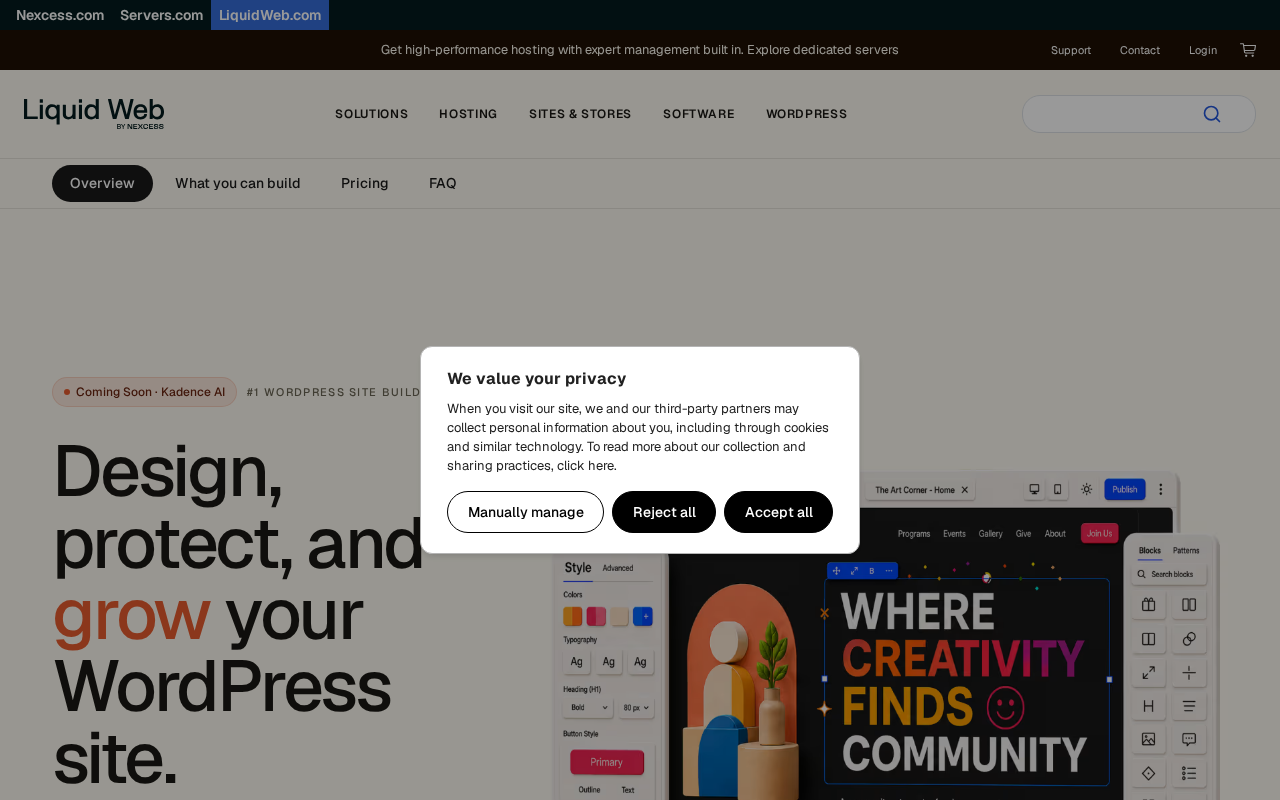
Pro features: Previously sold as standalone Restrict Content Pro Pro licenses (Personal, Plus, Professional tiers). As of 2026, those standalone tiers appear to no longer be offered for new purchases. Pro features are now included in the Kadence suite:
| Kadence Plan | Annual Price | Includes Memberships Pro? |
|---|---|---|
| Essentials | $99/year | No |
| Pro | $299/year | Yes |
| Elite | $499/year | Yes |
What this means practically: To get PayPal, Authorize.net, discount codes, the 34 add-ons (Drip Content, Group Accounts, etc.), and email template customization, you need the Kadence Pro bundle at $299 per year. That bundle also includes Kadence Blocks Pro, a premium WordPress theme, WooCommerce Shop Kit, security features (firewall, 2FA), and daily backups.
If you want only the membership features, $299 per year for the bundle is expensive relative to Paid Memberships Pro (free plugin, free tier, $499/year for all premium add-ons on one site) or MemberPress (entry-level plans starting significantly lower for core membership features). The price makes more sense if you were already going to buy Kadence’s page builder and security tools separately.
Existing license holders who purchased Restrict Content Pro Pro directly should check their license terms. The underlying plugin codebase has not changed dramatically, but the vendor relationship has. If you are on an active license, continue using your install. For renewals, you will likely need to evaluate whether migrating to the Kadence bundle or switching plugins makes more sense for your situation.
Pros and cons
Pros
- Stripe payment processing included in the free version: you can collect membership payments on a fresh install with no purchase required.
- Block-level content restriction via shortcodes: gate specific sections of content, not just entire posts.
- Unlimited membership levels, prorated upgrades/downgrades, and auto-renewal configurable per level.
- Developer-friendly: extensive hook and filter system, REST API support, WP-CLI integration (Pro), template file overrides.
- Frontend member management: registration forms, login forms, account page, PDF invoices, profile editing, all via shortcodes.
- 34+ add-ons in the Pro tier including Drip Content, Group Accounts, Custom Redirects, and email marketing integrations.
- WooCommerce product restriction built in.
- RSS feed restriction supported.
- PHP 8.2+ compatible (recent 3.2.x security updates).
Cons
- 3.1 out of 5 stars across 99 reviews on WordPress.org: polarized, with equal five-star and one-star counts.
- Support quality issues documented in multiple recent reviews (2025-2026): slow response times and unresponsive support threads.
- Documentation is outdated with broken links (confirmed by multiple users and referenced by the plugin team).
- Plugin has been through four ownership changes: Pippin’s Plugins, iThemes, StellarWP, Nexcess/Kadence. Each transition creates uncertainty.
- Original website (restrictcontentpro.com) is now inaccessible.
- Pro features now bundled inside Kadence suite ($299/year): expensive if you only want membership functionality.
- No SMS or WhatsApp notifications.
- No native course or LMS functionality.
- Does not protect original media file URLs at the server level.
- No visual membership builder or setup wizard.
Alternatives to Restrict Content Pro
Paid Memberships Pro: The most direct competitor with the most comparable install base. Free core plugin on WordPress.org with 90,000+ active installs and a 4.3 to 5 star rating. 60+ add-ons (free and paid). Annual plan at $499 for all premium add-ons on one site. 100-day money-back guarantee. Open-source and GPL-licensed. For a new project today, PMPro is the stronger choice because of the install base, documentation quality, and support track record.
Ultimate Member: 200,000+ active installs and a high rating. The free version is a legitimate product with user profiles, member directories, content restriction by role, registration/login forms, and user account management. Premium extensions add social login, private messaging, groups, followers, and real-time notifications. If community features matter as much as payment collection, Ultimate Member is worth a look.
MemberPress: A fully-featured WordPress membership and LMS platform with a built-in course builder, coaching tools, and community features (ClubCircles forums, member directories). Higher price point but includes more out of the box. A strong choice for creators who want membership plus courses in one plugin. Transaction fees apply on the entry-level plan.
WooCommerce Memberships and Subscriptions: If your site already runs WooCommerce, the WooCommerce Memberships and WooCommerce Subscriptions pairing gives you tight e-commerce and membership integration. More complex to configure than a standalone membership plugin, but very powerful if you are already in the WooCommerce ecosystem.
Simple Membership: A genuine free alternative for basic use cases with no Pro tier required. Limited compared to RCP’s add-on depth, but if you need straightforward free-tier content restriction without payment complexity, it covers the basics.
For most new WordPress membership site projects in 2026, the recommendation order is: PMPro for flexibility and track record, MemberPress if you need courses and coaching, Ultimate Member if community and profiles matter more than subscription billing. Consider Restrict Content Pro / Kadence Memberships if you are buying the Kadence suite for other reasons, or if you are maintaining an existing RCP installation.
Final verdict
Restrict Content Pro built its reputation as a developer’s membership plugin: clean, extensible, shortcode-flexible, and respected in the WordPress community. That reputation was earned over nearly fifteen years. The technical foundation is still there in version 4.0.2.
The problem is not the code. It is the ownership history, the support record, the inaccessible original website, and a pricing model that requires buying into a larger bundle to access what used to be a standalone product. The 3.1-star rating and the equal split between five-star and one-star reviews tell a story about inconsistent user experience across support interactions, not about inconsistent plugin functionality.
My practical recommendation depends on who you are:
Existing RCP license holders: Stay on your current install if it works. Evaluate whether the v4.0.0 rebrand and the move to Kadence changes your renewal calculus when the time comes.
New projects with simple restriction needs: Use the free version (Kadence Memberships on WordPress.org). Stripe, unlimited membership levels, and the core shortcode system are free. If you outgrow it or hit a support issue you cannot resolve, migrating to Paid Memberships Pro or MemberPress is well-documented and feasible.
New projects with complex needs (drip content, group accounts, integrations): Evaluate the Kadence Pro bundle at $299/year against PMPro’s $499/year plan. If the other Kadence features (page builder, security, WooCommerce tools, daily backups) are things you would buy separately anyway, the bundle math works. If you only want the membership functionality, PMPro is the stronger standalone choice with better support documentation and a larger community.
Developers building custom membership solutions: The hook system and REST API are still worth considering. If developer extensibility is your top priority and you are comfortable reading source code instead of relying on documentation, the technical quality is there.
The plugin is not dead. It is in transition. Whether that transition improves the product’s support quality and documentation remains to be seen. For now, the WordPress plugin reviews category continues to grow with tested alternatives in this space.